참조 이미지 1~2장을 업로드하고 원하는 내용을 설명하세요. 복잡한 작업 없이 몇 초 만에 일관된 결과를 만들 수 있습니다.
원본 이미지
생성 결과
프롬프트
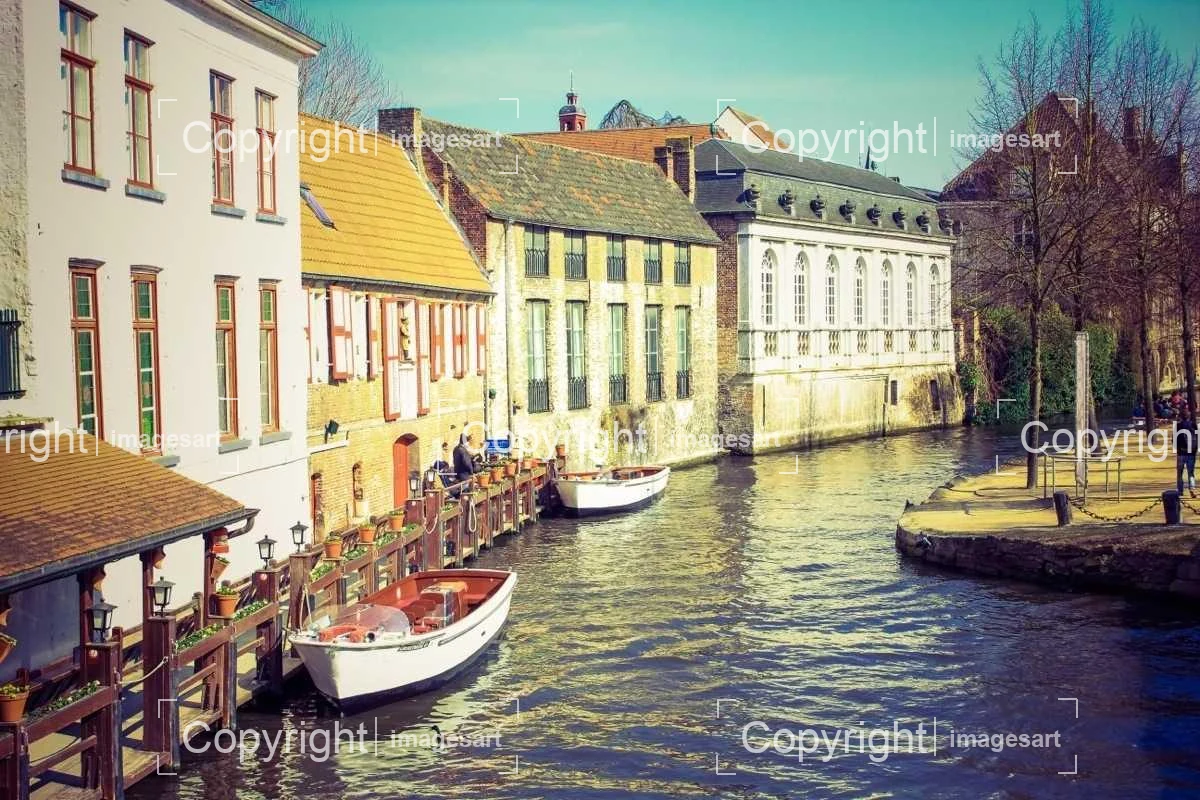
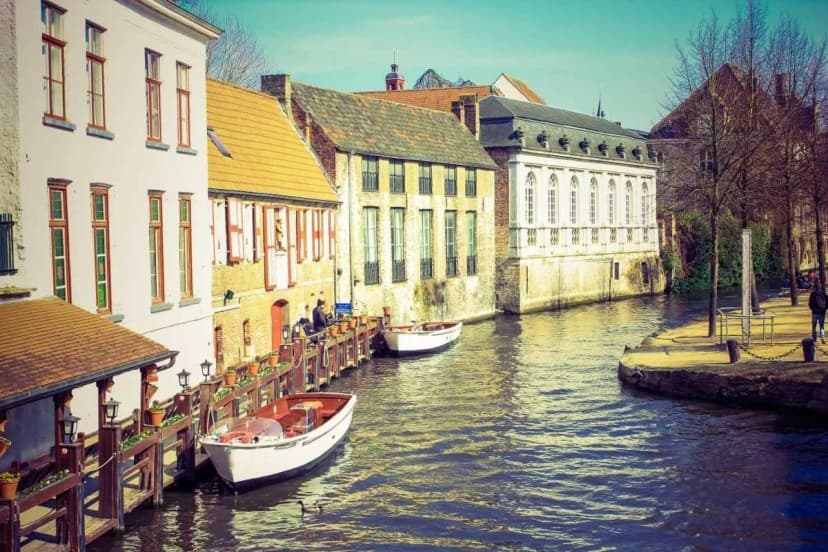
Strip the bracketed copyright stamps, keep architecture and water detail intact
원본 이미지
생성 결과
프롬프트
Remove the single diagonal wordmark and its ID number, rebuild the track and stadium behind it
원본 이미지
생성 결과
프롬프트
Clear the repeating tiled watermark across the whole frame, keep skin and hair detail sharp
원본 이미지
생성 결과
프롬프트
Remove the dashed grid overlay and its labels, restore the sky and water underneath
When It Makes Sense to Remove Getty Images Watermark
This tool is built for people working with stock images they already have the rights to. It is not a way around buying a licence.
원본 이미지
생성 결과
라이선스 보유 이미지 시안 정리
You bought the licence but only kept the watermarked comp you were reviewing. Clean it up for a usable stand-in — where quality matters, the licensed download from Getty is still the file to use.
원본 이미지
생성 결과
내부 레이아웃 초안
Editorial and design teams mock up pages before the final licence is signed off. Clean comps make internal drafts readable without the diagonal line cutting through the subject.
원본 이미지
생성 결과
보유 자료 복원
Old projects sometimes survive only as watermarked previews. If the licence is still valid, rebuild the image instead of hunting down the original download.
Upload a licensed Getty comp and clean it up now.
How to Remove Getty Images Watermark
Three steps — upload, let the AI work, compare before you save.
이미지 (최대 1장)
01
Getty 미리보기 업로드
Upload one watermarked JPG, PNG, or WebP image. Keep Auto selected to preserve its proportions.
02
워터마크 제거
Click Create to remove the watermark automatically. You do not need to brush or select it.
자동1KCreate3
자동 · 1K다운로드
03
확인하고 다운로드
Check the result before downloading. For print quality, use the original licensed file from Getty.
Questions About Getty Images Watermarks
How do I remove watermark from Getty Images previews?
Upload the watermarked preview and the AI clears the diagonal 'gettyimages' wordmark automatically — there is no brush or selection step. Note that the model regenerates the entire image rather than erasing just the marked pixels, so what you get back is a rebuilt version of the shot rather than your original file with a mark removed. Each run costs credits from your account balance. Getty prints its name as one word on the mark itself, so a gettyimages watermark remover and a Getty Images watermark remover are the same tool — this one.
Can I remove Getty Images watermark online free?
A free account gets 15 image credits on sign-up, and one removal spends 3 — so the free allowance covers five watermarks, with no card needed. It does not refill, so a bigger batch of comps needs a paid plan. Free or paid, a cleaned preview is still not a licence.
Can I clean a whole group of photos at once?
Not in one run — the tool takes one image at a time, so a group of photos means repeating the upload for each shot. That also caps how much the free allowance covers: 15 credits on sign-up is five removals. If you are cleaning a whole set of licensed comps, a paid plan is the practical route, and it is worth checking whether you can simply re-download the licensed files from Getty instead.
How to remove gettyimages watermark when it is spelled as one word?
Same tool, same steps — the spelling only differs because Getty prints its brand without a space on the mark itself. Whether you searched for getty images remove watermark or how to remove gettyimages watermark, this page does the same thing: upload the preview and the AI clears the diagonal line and the ID number beside it.
Does it blur the watermark instead of removing it?
No — blurring is what makes most results obvious. The model rebuilds the pixels the diagonal wordmark covered, so the area comes back as image content rather than a smudged patch. The trade-off is that it rebuilds the whole frame, not just that strip, so fine texture elsewhere can shift too. Compare against your source before you use the result.
Is it legal to remove a Getty Images watermark?
Only for images you have actually licensed. Getty is well known for actively enforcing its rights, and in the United States stripping copyright management information from an image is a separate offence under 17 U.S.C. § 1202, on top of any infringement claim. Removing a watermark does not grant you any rights you did not already buy. License the image first, then clean only what you own.
Can I remove the watermark from a Getty embed?
No — that falls outside the embed terms. Getty's free Embed tool exists specifically for editorial use with the watermark and the Getty frame left in place; that framing is what makes the use free. Screenshotting an embed and cleaning the mark steps outside the deal. If you need a clean file, license the image through Getty.
Does this change anything about rights-managed vs royalty-free?
No. Getty sells both: royalty-free lets you reuse a licensed image broadly under a single fee, while rights-managed licenses one specific use — size, placement, duration and region — and is priced per use. Neither is affected by removing a watermark. What you are permitted to do comes from the licence you bought, not from whether the mark is visible.
Will removing the watermark reduce image quality?
It changes more than the watermark. The model regenerates the whole frame, so fine detail can shift — textures, small lettering, logos and intricate edges may come back noticeably different from the source. Output resolution is set by the model and will not always match your upload. Always compare the result side by side with your original, and for anything going to print, use the licensed download from Getty.
Will the diagonal leave a visible seam?
Seams are rarely the problem — redrawing is. Over uniform backgrounds like sky, walls or studio backdrops the result usually looks clean. Where the diagonal crosses a face, dense texture, lettering or a logo, that part of the image is reconstructed and can differ visibly from the original. Compare against your source every time, and touch up in an editor if the rebuild missed something.
How is Getty's watermark different from Shutterstock's?
Getty typically uses one bold diagonal 'gettyimages' wordmark through the centre of the frame, sometimes with an image ID beside it. Shutterstock instead layers a faint repeating logo grid across the whole image plus a central mark. The single diagonal line is the easier of the two to rebuild cleanly, which is why this page is tuned specifically for Getty's format.
How do I delete my photos and videos?
Everything you create on ImagesArt — images, videos and the photos you upload — is saved in My Assets. To delete something, open My Assets from the sidebar, click the "…" button on its card, choose Delete and confirm. On the AI Image, AI Video and Image to Video pages you can also delete a result right from the history panel on the right: click "…" in the toolbar above it and choose Delete. Deleted items are removed from your account and can't be restored.
수많은 창작자와 함께하고 있습니다
"이 AI 이미지 생성기 덕분에 작업 방식이 완전히 달라졌어요. 텍스트 프롬프트만으로 몇 분 만에 멋진 이미지를 만들 수 있고, 품질도 정말 좋아요!"
Sarah Chen
디지털 아티스트
"AI 사진 편집기 덕분에 정말 편해졌어요! 사진을 알아서 편집해 주니 몇 시간씩 절약돼요. 몇 번만 클릭하면 배경을 지우고 디테일을 살릴 수 있어요."
Marcus Rodriguez
온라인 쇼핑몰 매니저
"써 본 AI 이미지 생성기 중 가장 좋아요. 빠르고 안정적이며 결과 품질도 뛰어나요. 마케팅 소재를 만들 때 특히 유용해요."
Emma Thompson
마케팅 디렉터
Still Holding a Watermarked Comp?
Upload your preview and let the AI remove the watermark from your Getty Images comp, rebuilding the area behind the diagonal wordmark. For images you hold a valid licence to.
 원본 이미지
 생성 결과
 원본 이미지
 생성 결과
 원본 이미지
 생성 결과
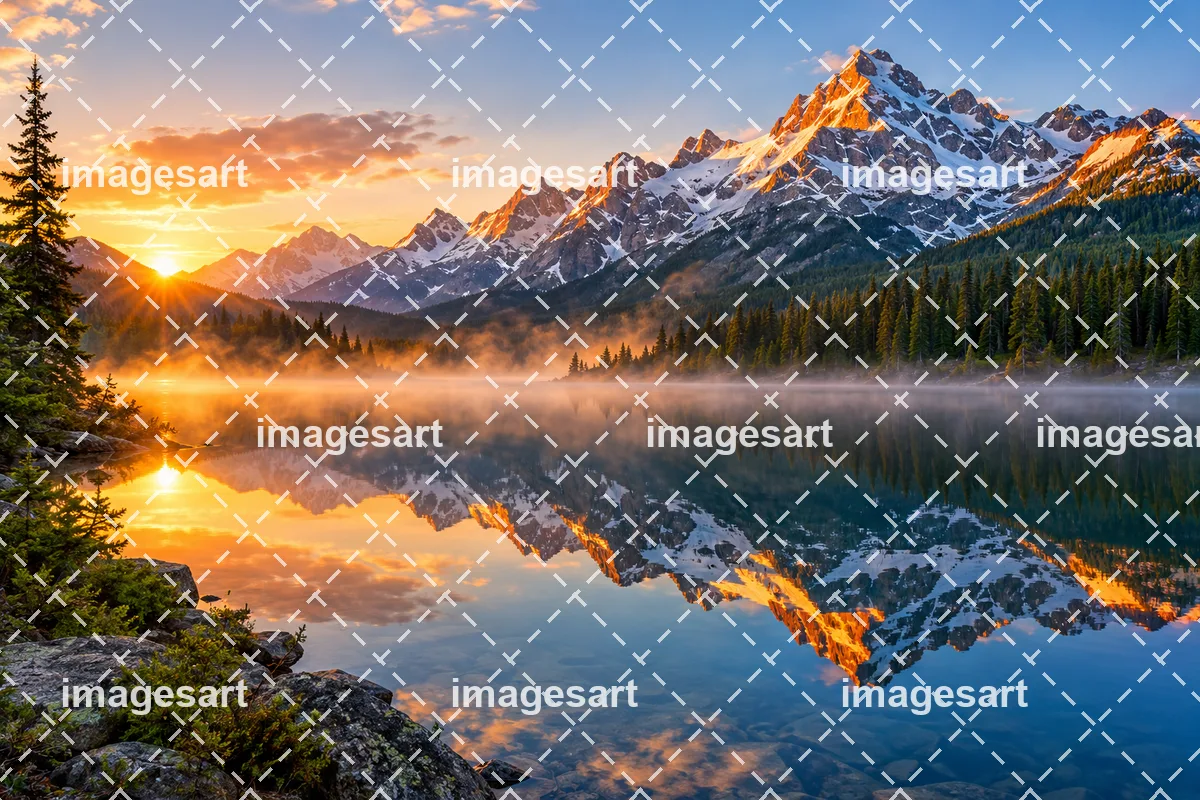 원본 이미지
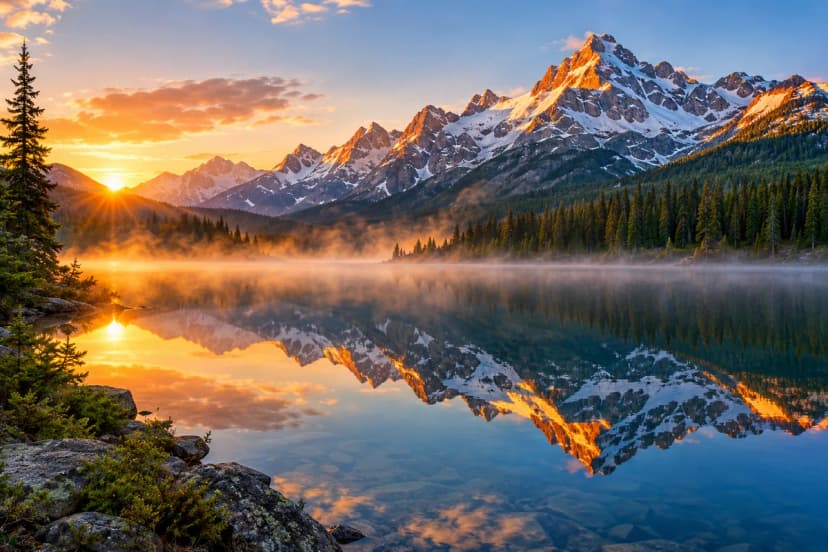 생성 결과
 원본 이미지
 생성 결과
 원본 이미지
 생성 결과
 원본 이미지
 생성 결과