Zombie Trend AI Video Generator
Make the AI zombie trend from two photos: a survivor lowers a prop gun, hugs their undead loved one, and the clip cuts to a happy memory.
- Free to Try
- Just 2 Photos
- 9:16 or 16:9
- No Card Required
Eligible new accounts may get 15 free credits, enough for one 4-second Lite clip.
Zombie Trend Video Examples
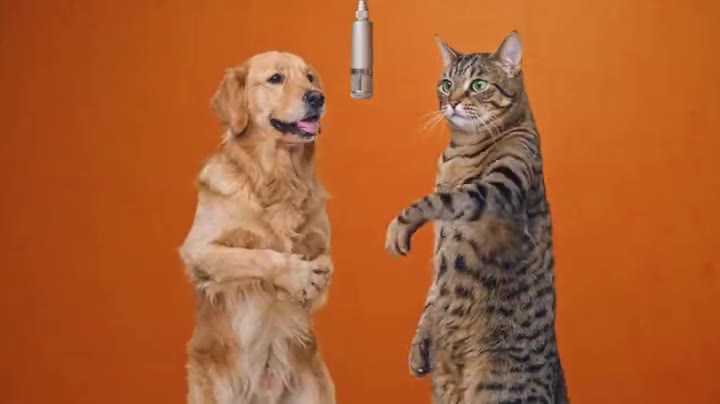
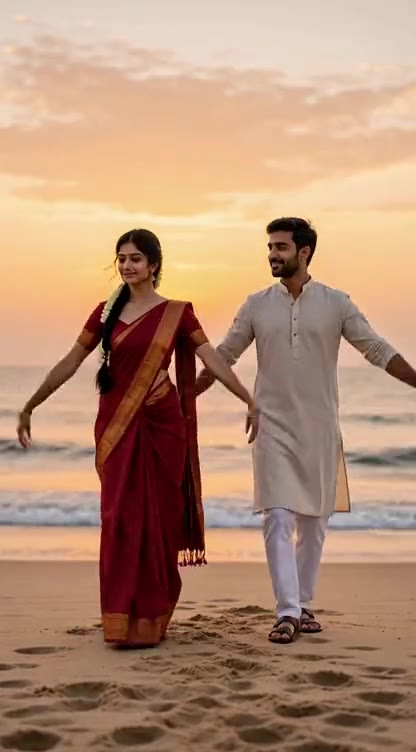
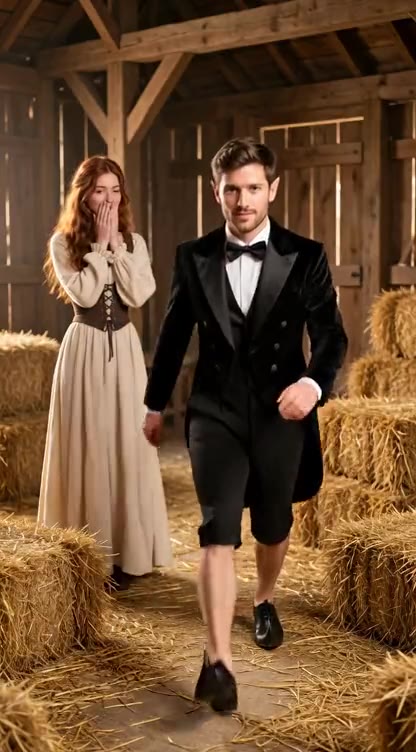
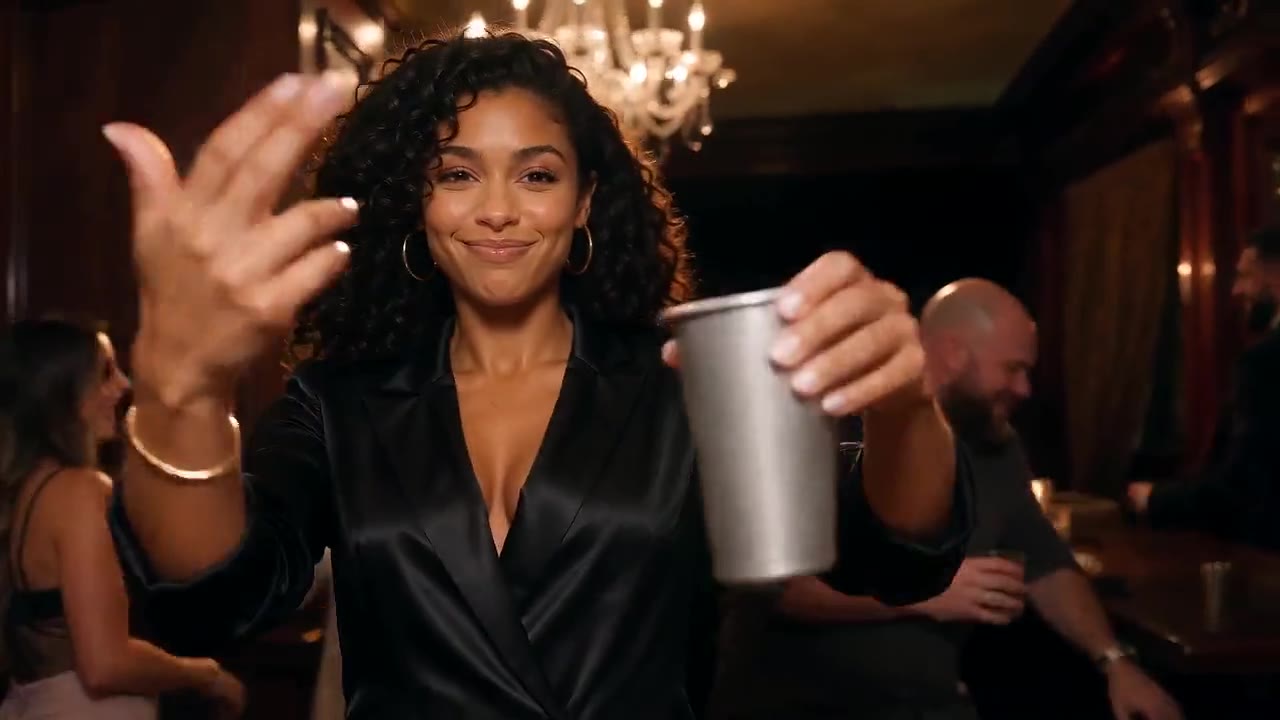
Six zombie trend videos made with other AI tools, each ending in a flashback. They are references for the trend, not videos made here; your clip is a new one from your two photos and may vary.
How to Make an AI Zombie Trend Video
- 01
Upload Two Photos
Choose a clear photo of the survivor for the first slot and the loved one for the second. Front-facing photos from the chest up help the AI keep each person recognizable. For a dog or cat, pick My pet and put your pet's photo second.
- 02
Choose Quality and Ratio
Use the AI zombie video generator to pick Lite for 4 seconds or Standard and HD for 15 seconds, then 9:16 or 16:9. Add an optional scene detail.
- 03
Review and Download
Create your zombie trend video, check the faces and motion, then download the MP4. Add any music you have rights to in your social app.
What Your Zombie Trend Video Can Show
Two Photos, Two Roles
Upload one clear photo of the survivor and one of the person who appears undead. The AI uses both as references for a new scene.
An Undead Look Without Gore
The second person gets cracked grey skin and milky white eyes but keeps their own face and clothes. The scene stays tender, without attacks or graphic horror.
The Hug and the Flashback
The survivor lowers a prop gun, the loved one runs into their arms, and at that moment the clip cuts to a happy memory of the two of them. Timing and details vary by generation.
Use Photos With Permission
Use your own photos or photos of adults who agreed to be in the clip. Do not upload actors, celebrities or anyone without consent.
Vertical or Wide
Choose 9:16 for TikTok, Reels and Shorts, or 16:9 for a wider scene. Lite makes a 4-second clip; Standard and HD tell the story in 15 seconds.
Three Quality Levels
Lite uses Seedance 2.0 Mini at 480p; Standard and HD use Wan 3.0 at 480p and 720p. Generated audio is included, without a preexisting song.
100K+ 創作者信賴
Pricing
A 4-second Lite clip costs 15 credits. Eligible new accounts may receive 15 free credits. A 15-second Standard clip costs 120 credits; HD costs 240 credits and needs Starter or a one-time credit pack.
免費版
點數
- 註冊送 15 點數
- 最多可生成 2 支影片或 5 張圖
功能
- 480p 影片
- 無浮水印影片
入門版
點數
- 每月 450 點數
- 最多可生成 75 支影片或 150 張圖
功能
- 720p 影片
- 4K 高畫質圖
專業版
點數
- 每月 1350 點數
- 最多可生成 225 支影片或 450 張圖
功能
- 1080p 與 4K 影片
- 4K 高畫質圖
旗艦版
點數
- 每月 3600 點數
- 最多可生成 600 支影片或 1200 張圖
功能
- 1080p 與 4K 影片
- 4K 高畫質圖
Zombie Trend AI Video Generator FAQ
Make Your Zombie Trend Video
Two photos, one last-hug template and a new clip ready to share.
Compare Plans