ImagesArt AI Video Generator
Create AI Videos from Images and Text Prompts in Seconds
- Free AI Video Generator
- 3 Generation Modes
- Up to 4K Output
- No Card Required
Start with 15 free credits. No credit card needed to try the AI video generator.
See What Our AI Video Generator Can Create
Every clip below was generated with Seedance from a text prompt or a single image. No editing, no post-production.
Text to VideoKarakoram Highway Ride Text to VideoDragon Rider POV Image to VideoCinematic Chase
Image to VideoKung Fu Cooking Master Image to VideoMecha Otter Battle Text to VideoDesk Skateboarder
Image to VideoTiger Tail Chase Text to VideoRetro Anime Salon Image to VideoArmor Transformation
Text to VideoDog and Cat Road Trip Image to VideoRetro Shark Adventure Image to VideoCloud to Ice Cream
Three Ways to Generate AI Videos
Pick the input that matches your idea. Every mode runs on the same credits and output settings.
 Photo
 Video
Text/Image to Video
Write a prompt to create a video from scratch, or add one photo and describe the motion. The AI video generator handles camera movement and native sound. Best for ad concepts, portraits, products and quick social clips.
 Start
 End
 Video
Start-End Frame
Upload a start frame and an end frame, and the AI generates the transition between them. Use it for reveals, before-and-after shots and smooth morphs.
 Ref 1
 Ref 2
 Video
Reference
Upload up to 7 images of people, products or places, and the AI combines them into one scene. Use it to keep a character or product consistent across shots.
Why Choose ImagesArt AI as Your AI Video Generator
Free to Start
Every new account gets 15 free credits, enough for a 5-second 480p test clip. No credit card, no commitment.
Multiple Generation Modes
Text to Video, Image to Video, Start-End Frame and Reference. Choose the mode that fits what you are making.
Up to 4K Output
Render from 360p for quick drafts up to 4K for final delivery. Higher resolutions unlock on paid plans.
Top Video Models in One Place
Seedance 2.5, Seedance 2.0 (Mini, Fast and full), Kling 3.0, Veo 3.1 (Lite, Fast and Quality), Gemini Omni Flash, Grok Imagine 1.5, MiniMax H3 and Wan 3.0 in one dropdown. Switch models without switching tools.
Native Audio
Every model generates sound in the same pass as the picture, so ambience, effects and dialogue come out in sync.
Simple Credit Pricing
The exact cost is shown on the Create button before you generate. Buy a plan or a one-off credit pack, no hidden fees.
How the AI Video Generator Works
- 01
Choose Your Mode
Pick Text/Image to Video, Start-End Frame or Reference based on what you want to create.
- 02
Write a Prompt or Upload
Describe your video idea, or upload an image and describe the motion, camera move and sound you want. No editing skills needed.
- 03
Generate and Download
Hit Create, preview the result and download your AI video for social media, ads or presentations.
100K+ 創作者信賴
Pricing
Start free, then pick a plan or a one-off credit pack when you need more videos.
免費版
點數
- 註冊送 15 點數
- 最多可生成 2 支影片或 5 張圖
功能
- 480p 影片
- 無浮水印影片
入門版
點數
- 每月 450 點數
- 最多可生成 75 支影片或 150 張圖
功能
- 720p 影片
- 4K 高畫質圖
專業版
點數
- 每月 1350 點數
- 最多可生成 225 支影片或 450 張圖
功能
- 1080p 與 4K 影片
- 4K 高畫質圖
旗艦版
點數
- 每月 3600 點數
- 最多可生成 600 支影片或 1200 張圖
功能
- 1080p 與 4K 影片
- 4K 高畫質圖
AI Video Generator for Every Creator
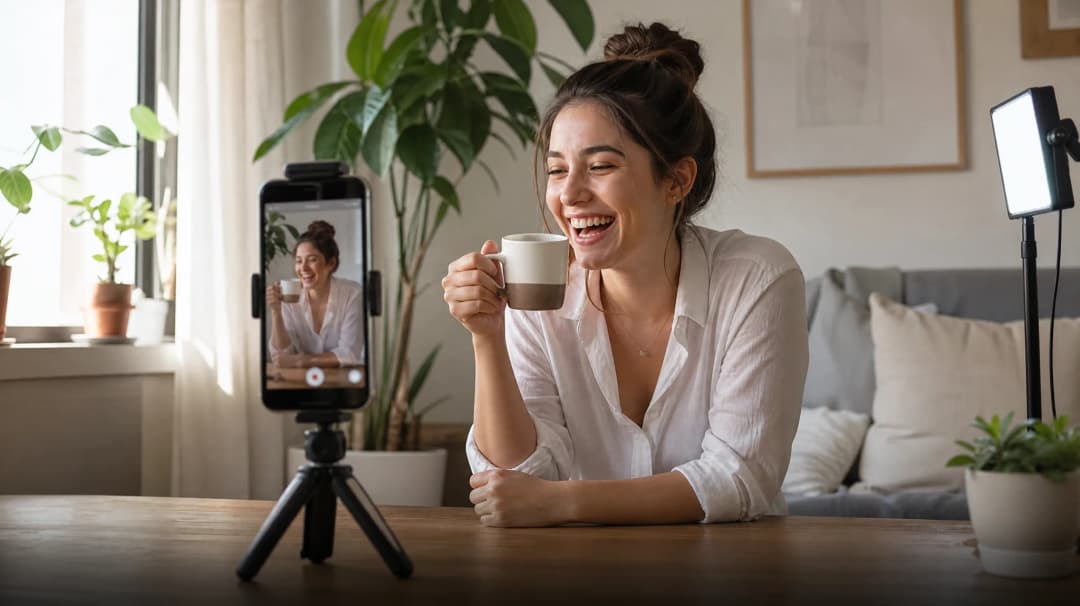
Social Media Creators
Turn your best photos into scroll-stopping Reels, TikToks and Shorts in seconds, without a videographer or editing skills.
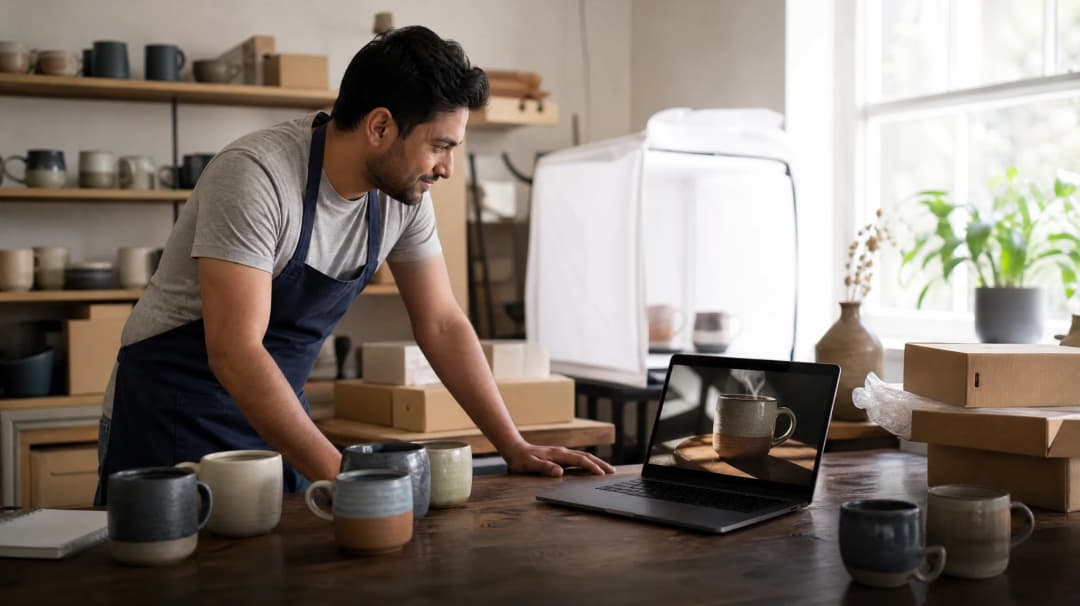
E-commerce and Brand Marketing
Turn static product photos into video ads with cinematic motion. Create variations for A/B tests at a fraction of shoot costs.
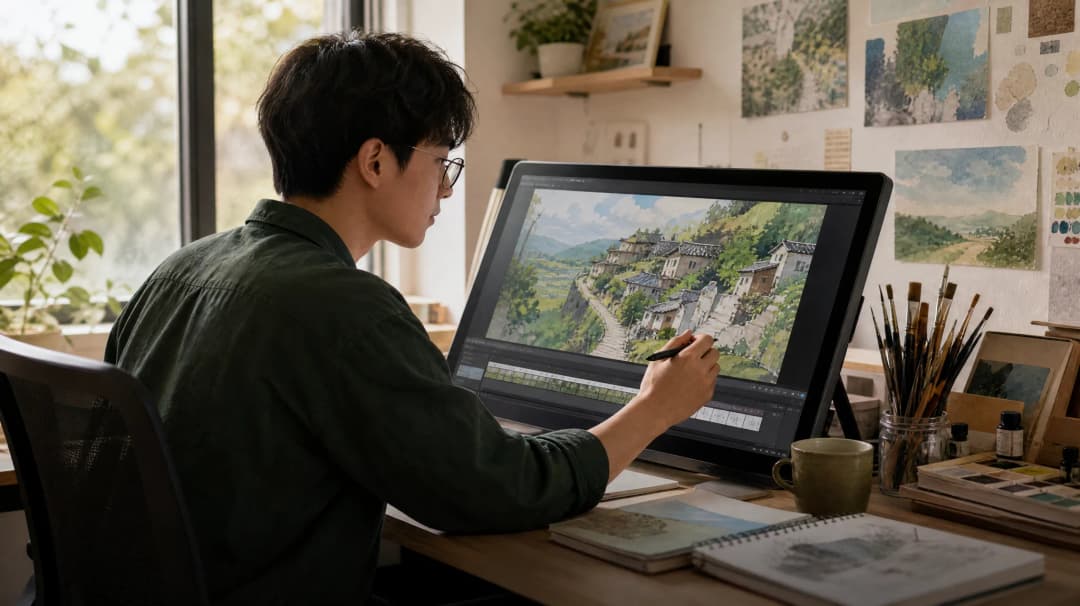
Designers and Digital Artists
Bring artwork and illustrations to life. Turn static designs into motion concepts for portfolios and client pitches.
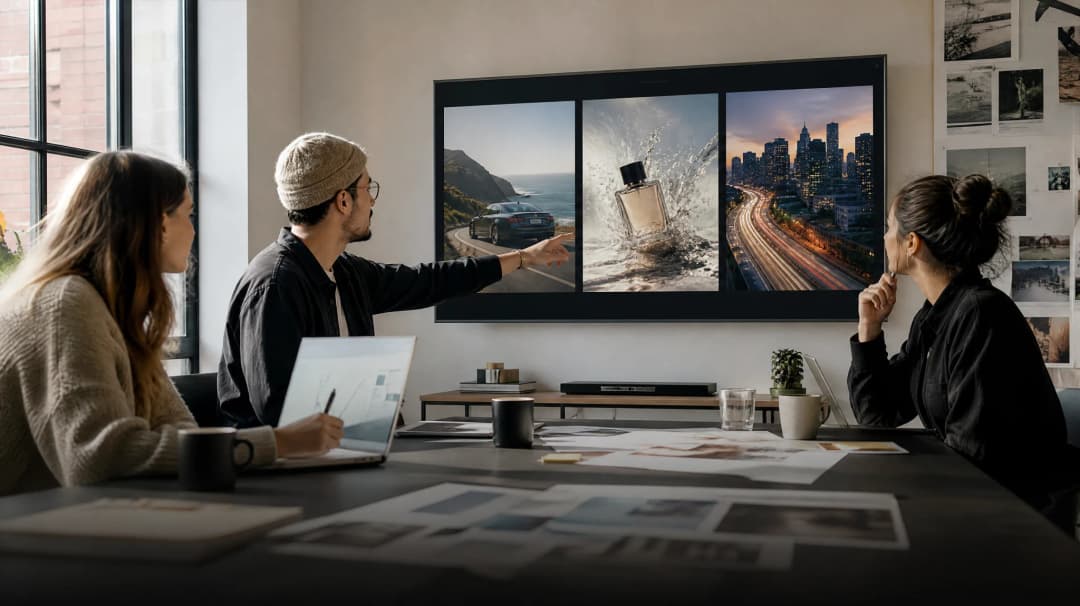
Agencies and Freelancers
Deliver video concepts to clients faster. Use Start-End Frame for precise reveals and generate several directions in minutes.
From Our Blog
Tutorials, AI trend explainers and model comparisons.
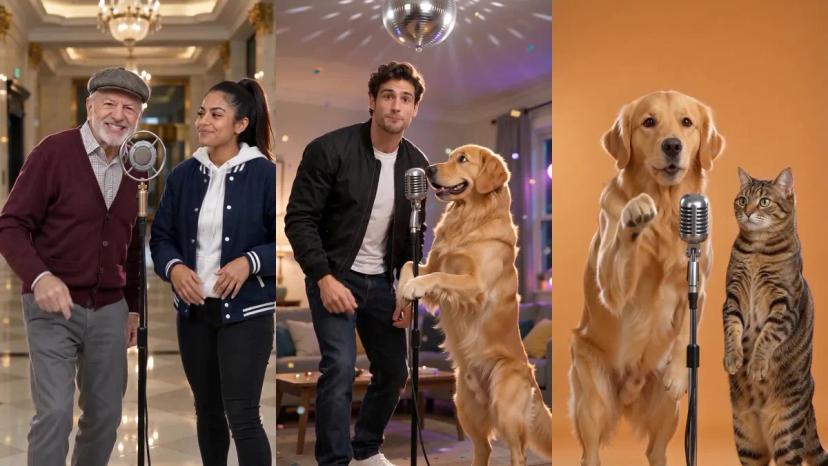
How to Make AI Rap Videos From a Photo (Free, No Lyrics Needed)
Turn one or two photos into an AI rap video with its own beat, bars and lip sync, step by step.
Read more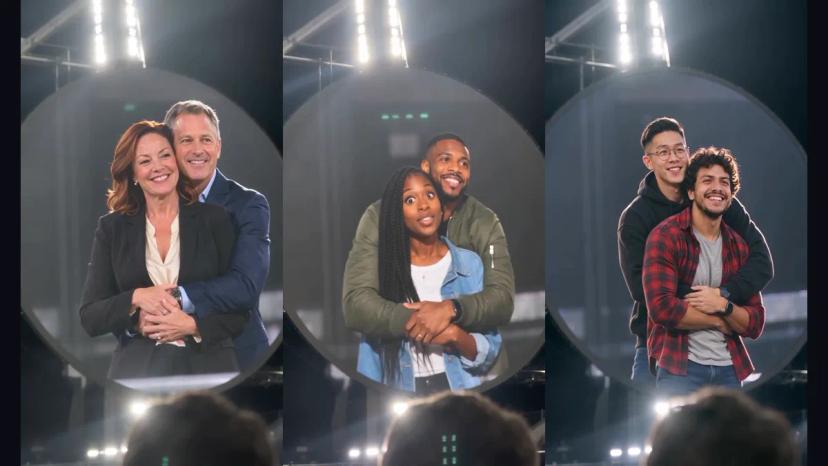
Coldplay Kiss Cam Meme Explained: What Happened and Why It's Back
What the Coldplay kiss cam meme is, where it came from, and why it came back as an AI meme in November 2026.
Read more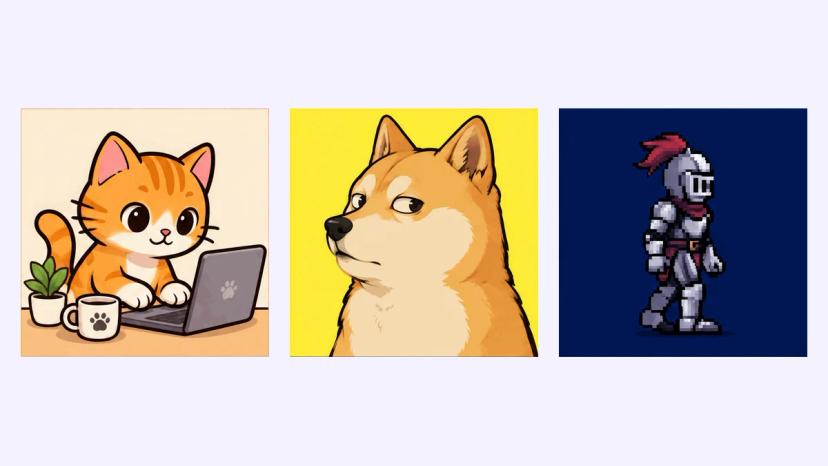
Can ChatGPT Make GIFs? Yes, Here's How (GPT Image 2.6)
ChatGPT can make animated GIFs since GPT Image 2.6 launched on November 4, 2026. How to make one in ChatGPT, how to make one from a photo, and prompt tips that keep the loop clean.
Read moreFrequently Asked Questions
Start Creating AI Videos Today
Try the ImagesArt AI video generator for free. 15 credits, no credit card required.
Compare Plans








 TikTok Audio Downloader
 Comment Viewer
 TikViewer