Start & End Frame to Video Generator
Upload a first frame and a last frame. AI animates everything in between.
- Free to Start
- First & Last Frame Control
- 10 AI Video Models
- No Card Required
15 free credits: one 4-second 480p transition.
Two Frames In, One Smooth Clip Out
A butterfly landing on lips, a bedroom turning into a nightclub, a mage calling up a phoenix. Each transition starts on one image and lands on the other, with both frames shown in the corners.
Scene morphSeven first & last frame transitions
What Is Start & End Frame to Video?
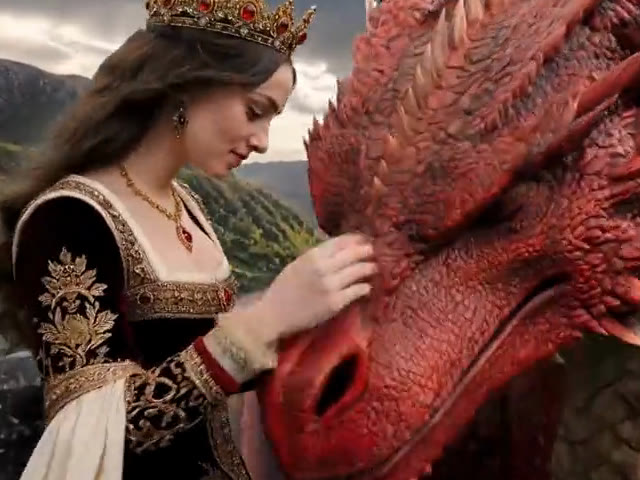
Start & end frame to video, also called first & last frame to video or keyframe video, turns two still images into one moving clip.
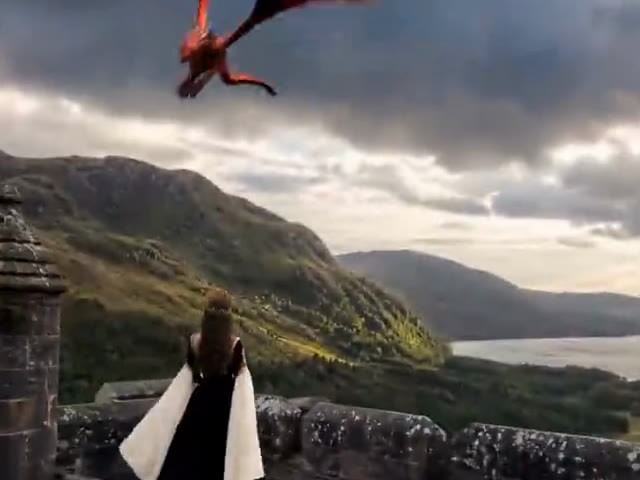 Start frame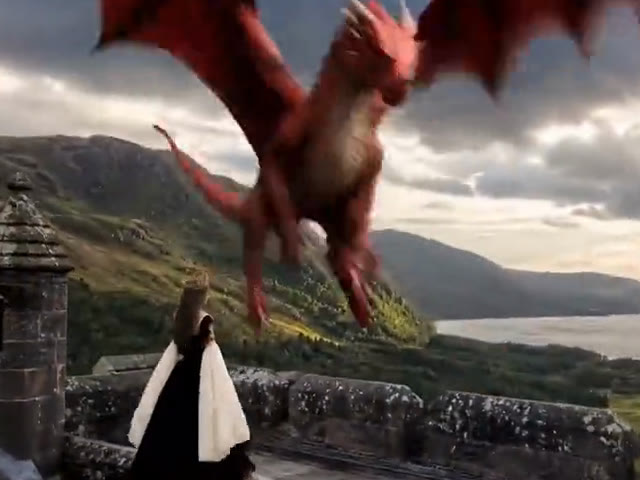
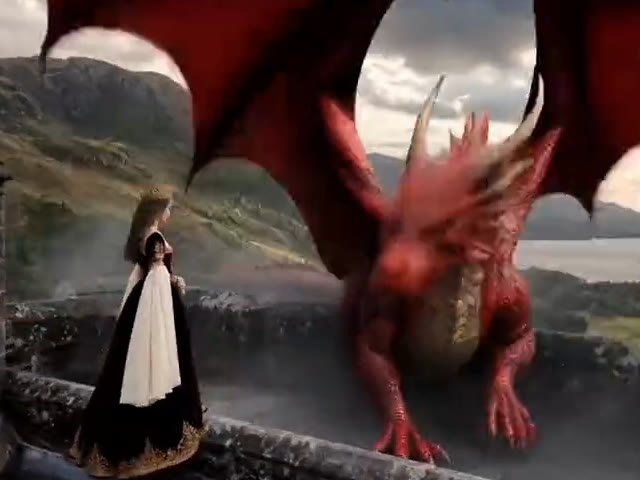
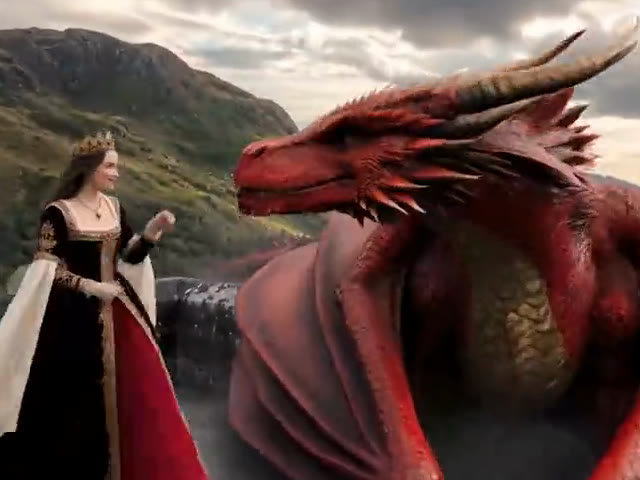
 End frame
You upload a start frame, the image the video opens on, and an end frame, the image it lands on. The AI model then generates every in-between frame, so the move from the first frame to the last frame plays as one smooth, continuous transition instead of a hard cut.
Because both keyframes are fixed, you decide exactly how the clip begins and ends. Regular image to video only locks the first frame and lets the model guess the ending. A start and end frame video generator is the better pick for before and after reveals, product reveals, scene morphs and transitions between two shots.
Which frames are fixed?
- ?
Image to videoOnly the first frame is fixed. The model guesses the ending.
Start & end frameBoth ends are fixed. You decide how the clip lands.
Why Use a Start and End Frame Video Generator
Prompt-Guided Transitions
Describe what happens in between: a slow camera push, a spin, a fold, a morph. The AI follows your prompt while keeping lighting and subjects consistent between the two frames.
Native Audio on Every Clip
Every start and end frame model generates sound together with the video, so a transition comes with matching ambience and effects instead of silence.
Start Free, Pay Per Clip
Every new account gets 15 free credits, no card needed. After that, the exact cost is shown on the Create button, and credits are only charged when a video is delivered.
How to Make a First and Last Frame Video in 3 Steps
- 01
Upload Start & End Frames
Put your first frame in the Start slot and your last frame in the End slot. Matching framing gives the smoothest blend.
- 02
Describe the Transition
Write what happens between the two frames: the motion, the camera move and the mood. Then pick a model and length.
- 03
Generate and Download
Click Create and the AI fills in every frame between your start frame and end frame. Download the MP4 when it's ready.
Which First & Last Frame Model Fits Your Transition
Every model below supports first & last frame to video. Start with the cheapest draft, then rerun the same pair on a stronger model.
| Model | Best for | Resolution | Length | From (credits) |
|---|---|---|---|---|
| Seedance 2.0 Mini | Cheap drafts | 480p–720p | 4–15 s | 15480p · 4s |
| Veo 3.1 Lite | Cinematic camera moves | 720p–4K | 4 / 6 / 8 s | 15720p · 8s |
| Gemini Omni Flash | Clean in-betweens | 360p–4K | 4 / 6 / 8 / 10 s | 451080p · 4s |
| Seedance 2.0 Fast | Faster Seedance renders | 480p–720p | 4–15 s | 47480p · 4s |
| Kling 3.0 | Character motion | 720p–4K | 3–15 s | 54720p · 3s |
| Seedance 2.0 | Realistic morphs | 480p–4K | 4–15 s | 76480p · 4s |
| Seedance 2.5 | Finest detail | 480p–1080p | 4–30 s | 112480p · 4s |
"From" is each model's lowest price. Most models charge more for higher resolutions or longer clips.
- Seedance 2.0 Mini
Test a frame pair
The cheapest way to check that two frames blend well, with sound. Fix the pair or the prompt here before paying for a bigger model.
- Kling 3.0
People in motion
Kling keeps people and their movement steady between the two frames, and the framing follows your images.
- Seedance 2.0
Final render
Rerun your best pair on Seedance 2.0 for smooth, realistic morphs, the most aspect ratios and up to 4K.
What You Can Create With Start & End Frame Video


Before and After Reveals
Room makeovers, hair and makeup, fitness progress or photo restoration. Put the before as the start frame and the after as the end frame.


Product Reveals
Go from a closed box to the product in hand, or from a plain packshot to a styled scene, for ads and product pages.

Scene and Style Morphs
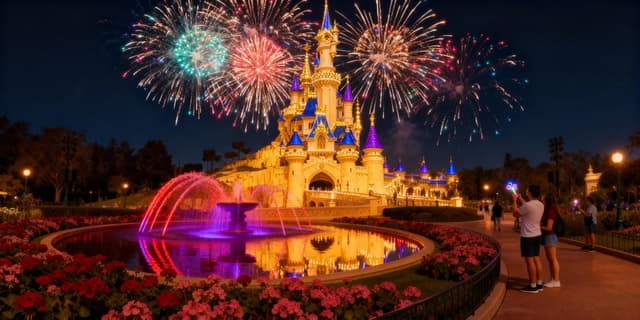
Turn a sketch into a finished render, day into night, or summer into winter in one continuous shot.


Transitions Between Shots
Generate a bridge clip that starts on the last frame of one shot and ends on the first frame of the next.
Social Transition Clips
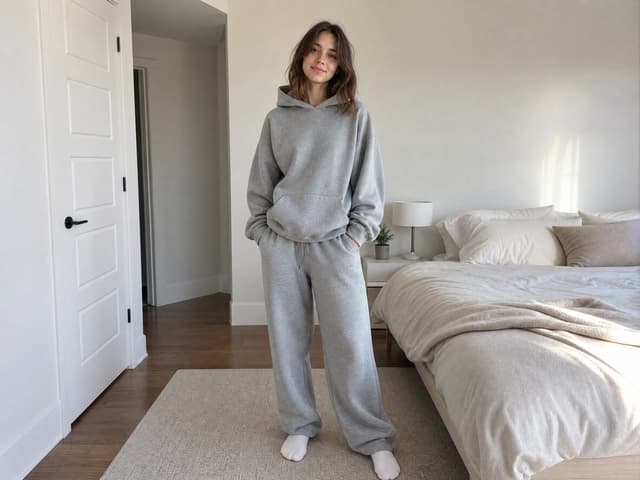
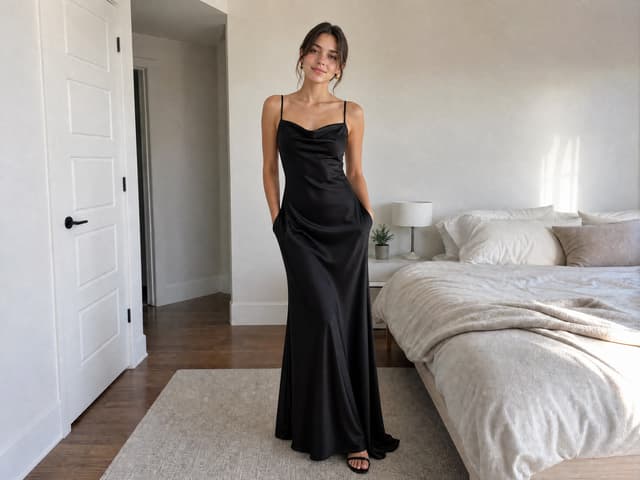
Outfit swaps, glow-ups and "wait for it" reveals in 9:16 for TikTok, Reels and Shorts.

Intros, Outros and Logo Stings
Start on an abstract frame and land on your logo or title card for a short branded opener.
10万人以上のクリエイターに選ばれています
Start and End Frame Video Pricing
Uploading frames and writing prompts is free. The cheapest start and end frame transition is Seedance 2.0 Mini at 480p: 15 credits for 4 seconds or 19 for 5. Veo 3.1 Lite is 15 credits per clip at 720p. 720p needs a Starter plan, and 1080p and 4K need Pro.
無料
クレジット
- 登録時に15クレジット
- 最大 2 本の動画または 5 枚の画像
機能
- 480p動画
- 透かしなし動画
スターター
クレジット
- 月間 450 クレジット
- 最大 75 本の動画または 150 枚の画像
機能
- 720p動画
- 4K画像
プロ
クレジット
- 月間 1350 クレジット
- 最大 225 本の動画または 450 枚の画像
機能
- 1080pと4K動画
- 4K画像
アルティメット
クレジット
- 月間 3600 クレジット
- 最大 600 本の動画または 1200 枚の画像
機能
- 1080pと4K動画
- 4K画像
Start & End Frame Video FAQ
Turn Your First & Last Frame Into a Video
Upload your start and end frame, describe the motion, and let AI fill in everything between them.
Compare Plans