AI Kiss Video Generator
Turn a couple photo, or two separate selfies, into a short kissing video. Pick a sweet, French or forehead kiss; faces stay exactly as they are in your photos.
- Free to Try
- 1 Couple Photo or 2 Selfies
- 3 Kiss Styles
- No Card Required
Eligible new accounts may get 15 free credits, enough for one 6-second Lite clip.
What Is an AI Kiss Video Generator?
An AI kiss video generator turns a still photo of two people into a short clip of them kissing, the easiest way to make two people kiss with AI. Upload one photo of you and your partner, or one selfie each, and the AI kissing video generator reads both faces, brings them together and animates a natural kiss while keeping everyone looking like themselves. No filming, no editing: pick a kiss style, wait a minute or two, and download a clip you can keep, send to your partner or post.
How to Make an AI Kiss Video
- 01
Upload a Couple Photo or Two Selfies
One clear photo of the two of you works best. No photo together? Add one selfie each and the AI brings you into one scene. Both faces should be well lit and facing the camera.
- 02
Pick a Kiss Style and Quality
Choose a sweet kiss, a French kiss or a forehead kiss, then Lite for a quick 6-second clip or Standard and HD for sharper 5-second Seedance clips. Add a short director's note if you want a specific mood.
- 03
Generate and Download
Create the clip, check that both faces look right, then download the MP4 in 9:16 for TikTok, Reels and Shorts, or 16:9 and 1:1 for anywhere else.
AI Kiss Generator Examples
Kiss videos made from couple photos with AI. Clips made on this page are marked with their quality level; the others are references for the effect, and your clip will be a new one from your own photos.
What You Can Make With the AI Kiss Generator
One Photo or Two
Use a photo of you both, or one selfie each. Two separate photos are kept as two separate people, with no pasted-together seam.
Three Kinds of Kiss
A sweet, tender kiss for anniversaries, a slow French kiss for something more passionate, or a caring forehead kiss. Each one is a template, so there is nothing to write.
Faces Stay Yours
The AI keeps each person's face, hair, skin tone and outfit from the photo, so the clip looks like you two, not like two strangers.
Music Included
Every clip comes with a soft piano track generated with the video, so it is ready to send or post without hunting for a sound.
Gifts and Long-Distance Love
A kiss video made from your own photo is a personal anniversary or Valentine's gift, and a sweet way to feel close when you are apart.
Vertical, Square or Wide
Pick 9:16 for TikTok, Instagram Reels and YouTube Shorts, 1:1 for a feed post, or 16:9 for a slideshow or a message.
Tips for the Best AI Kiss Results
A little photo prep goes a long way. These four things help the AI kissing video generator make the most natural kiss.
Use a Clear, Well-Lit Photo
Even light helps the AI read both faces. Avoid heavy shadows, blur and tiny low-resolution images.
Show Both Faces
Pick a photo where both people face the camera with nothing covering the face. Sunglasses, masks and profile shots make the kiss less believable.
Two Photos? Match the Framing
If you upload one selfie each, use two photos framed about the same way, chest-up and facing forward, so the AI can stand you side by side.
Set the Mood With a Note
Add a short director's note, like sunset rooftop, rain or candlelight, to set the scene. The kiss style itself comes from the template.
Mais de 100 mil criadores confiam
Pricing
A 6-second Lite clip costs 14 credits, and eligible new accounts may receive 15 free credits. A 5-second Standard clip costs 19 credits; HD costs 41 credits and needs Starter or a one-time credit pack.
Grátis
Créditos
- 15 créditos no cadastro
- Até 2 vídeos ou 5 imagens
Recursos
- Vídeo em 480p
- Vídeos sem marca d'água
Starter
Créditos
- 450 créditos/mês
- Até 75 vídeos ou 150 imagens
Recursos
- Vídeo em 720p
- Imagens em 4K
Pro
Créditos
- 1350 créditos/mês
- Até 225 vídeos ou 450 imagens
Recursos
- Vídeo em 1080p e 4K
- Imagens em 4K
Ultimate
Créditos
- 3600 créditos/mês
- Até 600 vídeos ou 1.200 imagens
Recursos
- Vídeo em 1080p e 4K
- Imagens em 4K
Mais efeitos de vídeo com IA
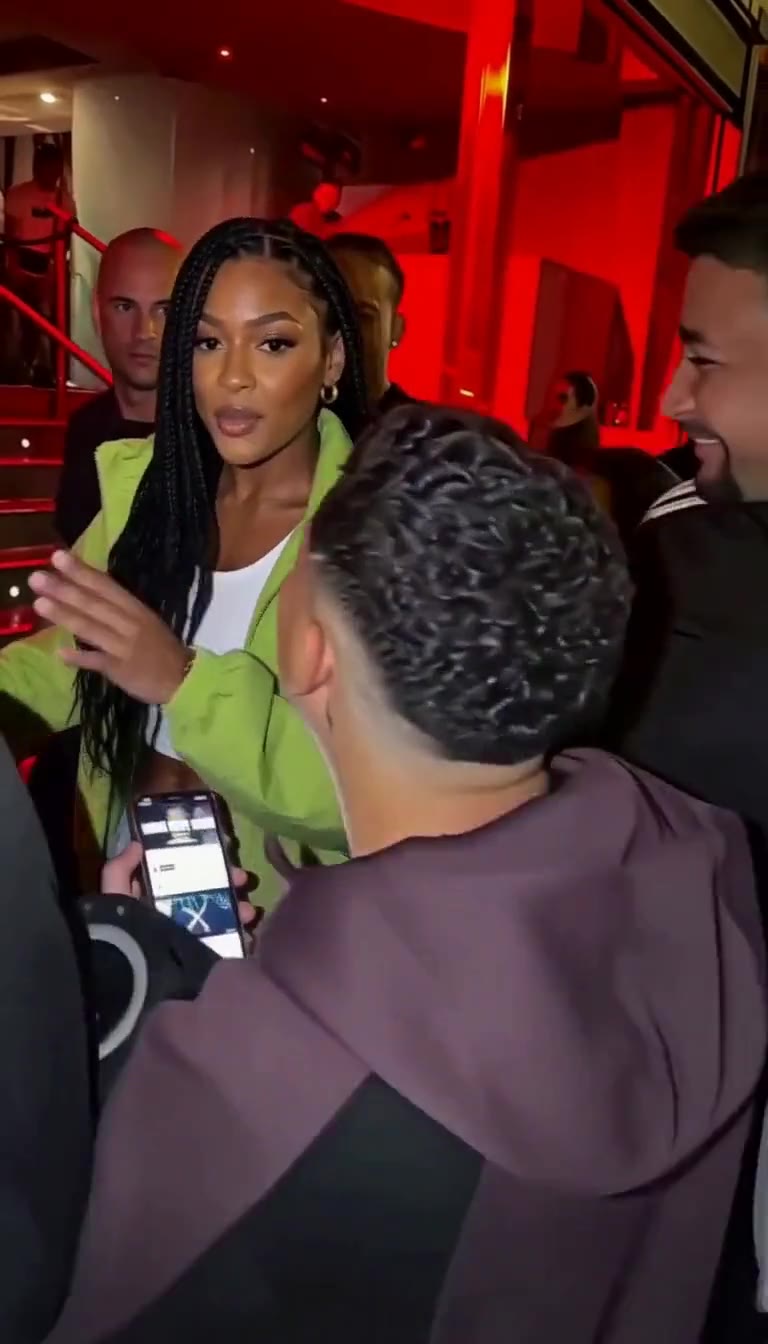 Vídeo de Bulin 47 com IAFaça o freestyle de Bulin 47 a partir de uma foto, pets bem-vindos.
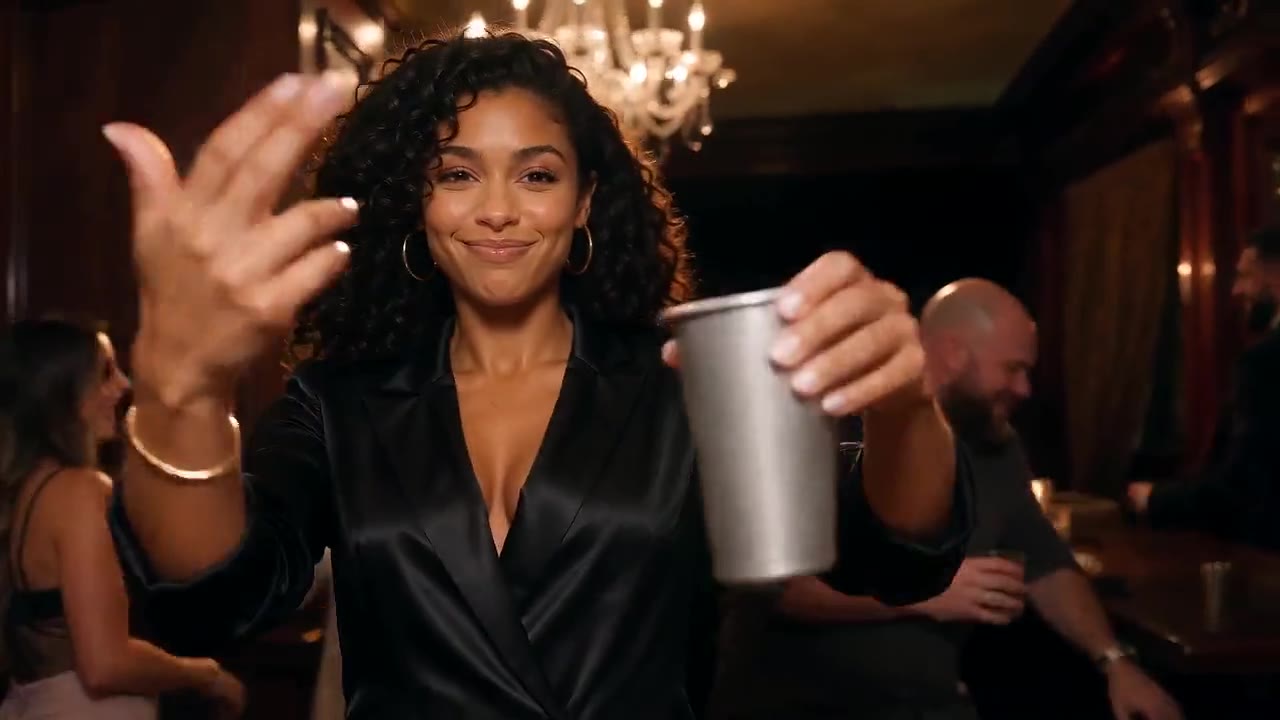 Vídeo de Burning Bridges com IAComande a festa dos lustres a partir de uma foto, pets bem-vindos.
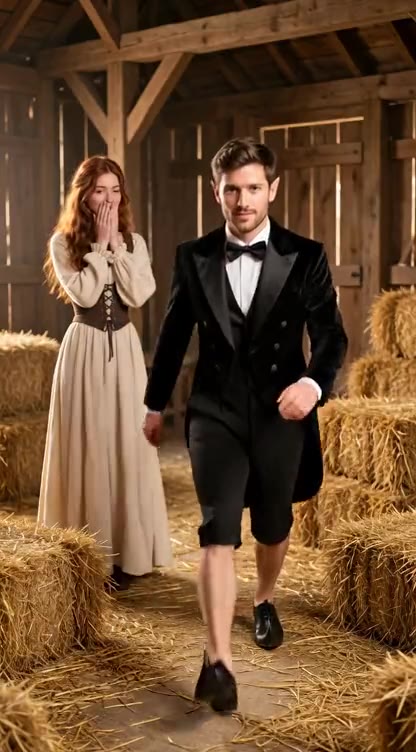 Vídeo de Rumpelstiltskin com IAColoque você ou seu pet na dança na ponta dos pés do conto de fadas.
 Imagem para VídeoAnime qualquer foto com seu próprio prompt e modelo.
AI Kiss Video Generator FAQ
Make Your AI Kiss Video
One couple photo, or two selfies, and a kiss clip ready to send.
Compare Plans