Burning Bridges AI Video Generator

Make the Burning Bridges AI trend from one photo: you or your pet take over a chandelier party with a silver shaker and the "where she at?" move.

  • Free to Try
  • Just 1 Photo
  • 9:16 or 16:9
  • No Card Required

Eligible new accounts may get 15 free credits, enough for one 6-second Lite clip.
The party
0 / 159

Lite is a quick 6-second take with one line of the song. For the full 15-second routine, pick Standard or HD.

Burning Bridges AI Video Examples

Made on this page, each from one photo and the same party template. Every clip is new, so the moves and timing vary a little.

How to Make a Burning Bridges AI Video

  1. 01

    Upload One Photo

    Use a clear, front-facing photo of yourself, a friend who agreed, or your pet. Chest-up and full-body shots both work; avoid group photos and sunglasses.

  2. 02

    Pick a Quality

    Choose Lite for a quick 6-second clip, or Standard and HD for the full 15-second routine. Lite and pet clips can be 9:16 for TikTok, Reels and Shorts or 16:9; Standard and HD with a person follow the original 16:9 party shot.

  3. 03

    Download and Post

    Create your clip, check the face and moves, then download the MP4. Standard and HD clips with a person already have the song on the beat, and Lite clips end on "where she at?"; for pet Standard and HD clips, add the Burning Bridges sound from your social app's library when you post.

What Your Burning Bridges AI Video Shows

One Photo, Your Face

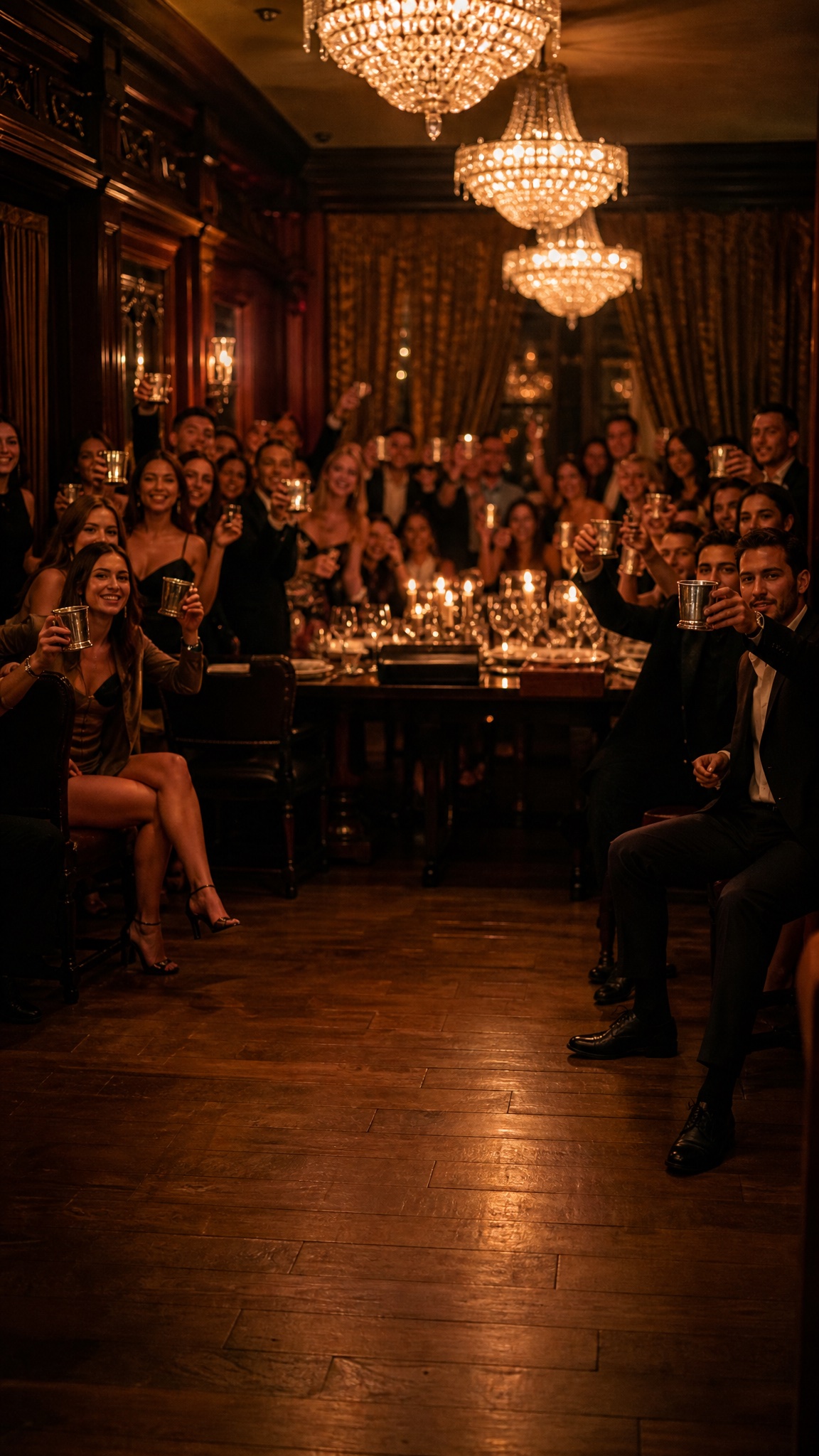
Upload one clear photo. The AI keeps your face, hair and outfit and puts you in the middle of a packed private dining room under crystal chandeliers.

The Full Party Routine

Flick your fingers at the lens, raise your silver cup or shaker, tug your collar and reach into the crowd's raised cups, the way the original party shot moves.

The "Where She At?" Move

The Burning Bridges AI trend ends on one hand held over the eyes while scanning the room. Every clip ends on it, and Lite fits it into 6 seconds.

Pets Can Run the Party

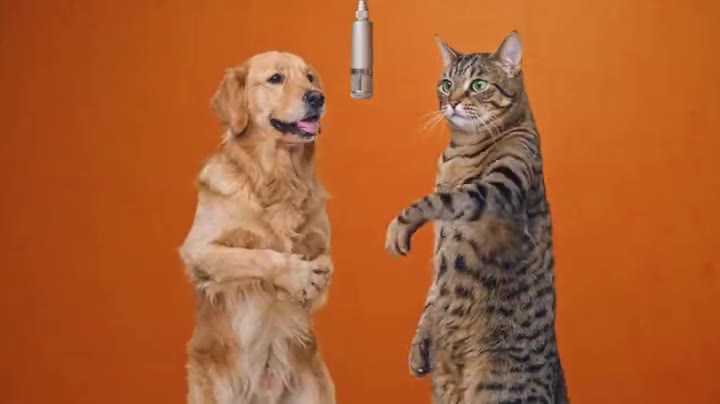
Switch to My pet and your dog or cat stands on its hind legs with the shaker. Pets keep real paws, so the eye move becomes a raised paw.

The Song, on the Beat

With a person, Standard and HD clips come with the matching 15 seconds of the Burning Bridges song, lined up with the moves and ending on "where she at?". Lite clips play that line over the hand-over-the-eyes move. Pet Standard and HD clips get a new AI hip-hop beat instead; add the sound from your social app's library when you post.

Three Quality Levels

Lite uses Grok at 480p for a 6-second clip. Standard and HD use Seedance 2.0 Mini at 480p and 720p for the full 15-second routine, and with a person they follow the moves and camera of the original party shot.

Mais de 100 mil criadores confiam

S

"Uso o ImagesArt.ai para transformar uma ideia de produto em um vídeo curto. Posso testar algumas versões e compartilhar a que prefiro sem organizar uma filmagem."

Sarah Chen
@sarahchen
A

"Com o ImagesArt.ai, transformo uma foto em um vídeo para as redes sociais. Descrevo o movimento, gero o clipe e ajusto a próxima versão."

Alex Martinez
@alexmartinez
E

"Uso quadros inicial e final no ImagesArt.ai para mostrar a transição do vídeo como imaginei. Fica mais fácil apresentar a ideia ao cliente."

Emma Wilson
@emmawilson
D

"Posso descrever uma cena no meu idioma e criar um vídeo com o ImagesArt.ai. É uma forma simples de testar ideias antes de editar."

David Kim
@davidkim
L

"No ImagesArt.ai, transformo uma descrição curta em um rascunho de vídeo e ajusto o movimento da câmera até a história funcionar."

Lisa Anderson
@lisanderson
M

"Testei a mesma ideia em alguns modelos de vídeo no ImagesArt.ai e escolhi o clipe que mais combinou com a campanha."

Michael Brown
@michaelbrown
R

"O ImagesArt.ai me ajuda a criar vídeos curtos de produtos para anúncios e redes sociais. Posso testar cenas diferentes antes de escolher uma."

Rachel Green
@rachelgreen
J

"Gosto de comparar modelos de vídeo no ImagesArt.ai. Um cria movimentos sutis; outro dá um visual mais cinematográfico."

James Taylor
@jamestaylor
O

"Com o ImagesArt.ai, transformo um quadro do storyboard em um vídeo curto. Minha equipe consegue ver o movimento em vez de só imaginá-lo."

Olivia Davis
@oliviadavis
R

"O processo de vídeo no ImagesArt.ai é simples: envio uma imagem, descrevo a ação e baixo o clipe."

Robert Lee
@robertlee
S

"O ImagesArt.ai facilita compartilhar ideias de vídeo. Consigo mostrar um rascunho em movimento mesmo sem muita experiência com edição."

Sophie White
@sophiewhite

Pricing

A 6-second Lite clip costs 14 credits, and eligible new accounts may receive 15 free credits. A 15-second Standard clip costs 72 credits with a person or 57 with a pet; HD costs 150 or 123 credits and needs Starter or a one-time credit pack.

Grátis

$0USD / mês

Créditos

  • 15 créditos no cadastro
  • Até 2 vídeos ou 5 imagens

Recursos

  • Vídeo em 480p
  • Vídeos sem marca d'água

Starter

$9.9USD / mês

Créditos

  • 450 créditos/mês
  • Até 75 vídeos ou 150 imagens

Recursos

  • Vídeo em 720p
  • Imagens em 4K
Recomendado

Pro

$19.9USD / mês

Créditos

  • 1350 créditos/mês
  • Até 225 vídeos ou 450 imagens

Recursos

  • Vídeo em 1080p e 4K
  • Imagens em 4K

Ultimate

$49.9USD / mês

Créditos

  • 3600 créditos/mês
  • Até 600 vídeos ou 1.200 imagens

Recursos

  • Vídeo em 1080p e 4K
  • Imagens em 4K

Burning Bridges AI Video Generator FAQ

It comes from the party scene in Drake's Burning Bridges music video: a packed room under crystal chandeliers, a silver cocktail shaker and a hand held over the eyes on "where she at?". The AI version, often shared as a Drake AI video meme, puts you, a friend or a pet in the middle of that party. This page makes a new clip in that style from your photo.

It can use the song, never Drake. Your clip never shows Drake or the original footage. With a person, Standard and HD borrow the moves and camera path of the original party shot through a depth map with no faces, then play the matching 15 seconds of the song so the moves land on the beat. Lite clips play the "where she at?" line over the hand-over-the-eyes move. Everything you see is generated from your photo, with a fictional crowd; pet Standard and HD clips come with an original AI beat instead. This page is not affiliated with Drake, OVO or Republic Records.

Upload one photo, pick Me or a friend or My pet, choose Lite, Standard or HD, then create and download your clip. The party room is filled in for you.

It is the line the trend is named after in clips online: one hand held flat above the eyes while looking around the room, as if searching for someone. Your clip ends on that move; pets do a raised-paw version.

Eligible new accounts may receive 15 free credits; one 6-second Lite clip costs 14 credits. Free credits are unavailable in some regions. Standard and HD need more credits, and HD requires Starter or a one-time credit pack.

Yes. Choose My pet and upload a clear photo of your dog, cat or other pet. It stands upright with its own face, fur and real paws, holds the shaker and does the same routine.

Lite uses Grok at 480p and makes a 6-second clip at the lowest cost. Standard uses Seedance 2.0 Mini at 480p for the full 15-second routine. HD uses the same model at 720p and requires Starter or a one-time credit pack. With a person, both follow the moves and camera of the original party shot in 16:9. The price updates before you generate.

Use your own photos or photos of adults who agreed to be in your clip. Do not upload celebrities, public figures, children or anyone without their consent.

The finished MP4 appears on the page and in My Assets, where you can download or delete it. Generation time varies with quality and length.

Make Your Burning Bridges AI Video

One photo, one chandelier party and a new clip ready to post.

Compare Plans