Free Chuttamalle AI Video Generator

Turn two photos into a Chuttamalle AI video: an original beach dance duet with AI music.

  • Free to Try
  • Just 2 Photos
  • 9:16 or 16:9
  • No Card Required

15 free credits on sign-up: one 4-second Lite clip.

0 / 256

Chuttamalle AI Video Examples

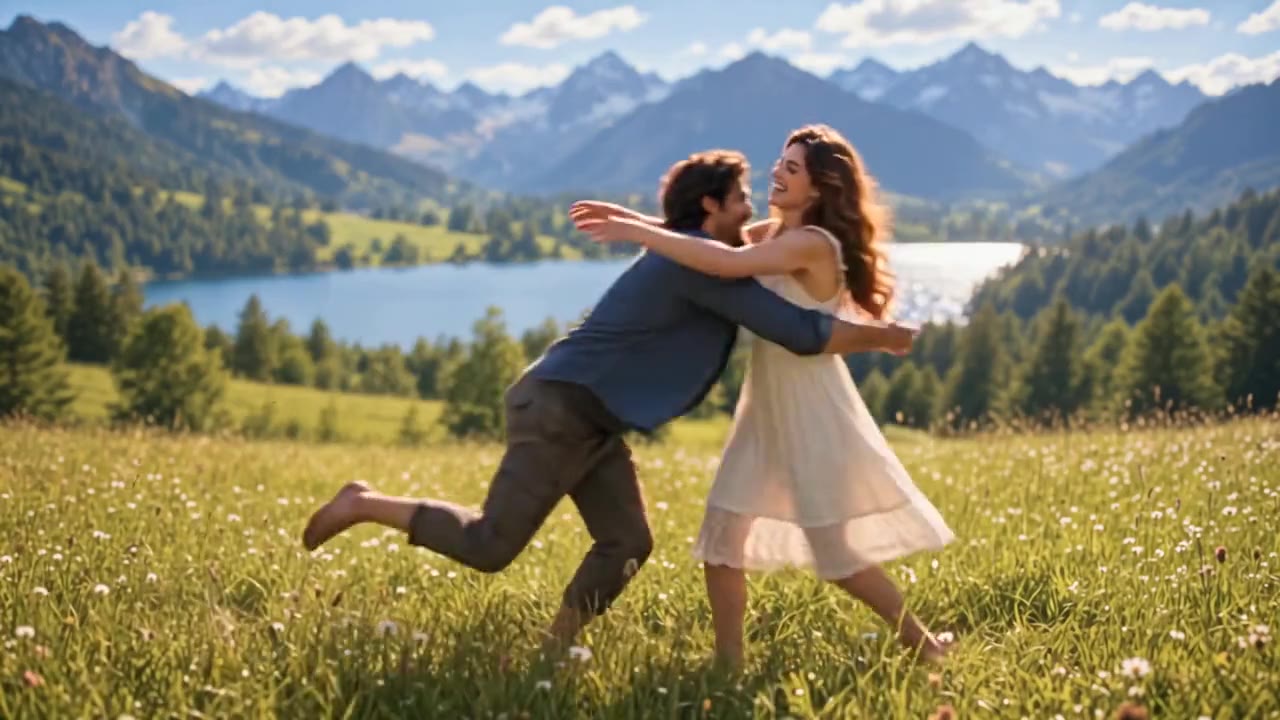
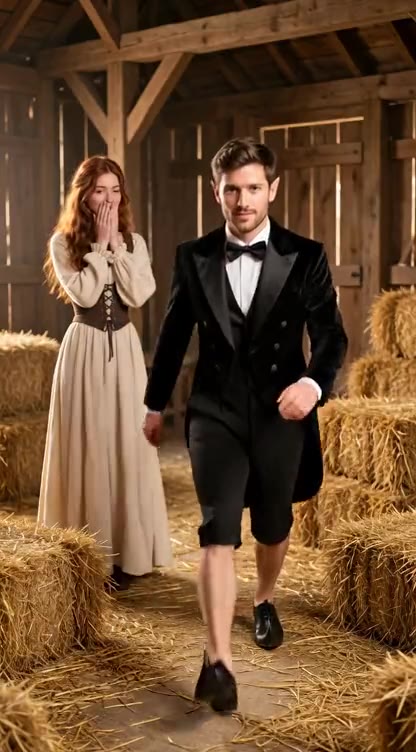
Each clip was made with this template from two AI-generated portraits of fictional people: 5 seconds, 9:16, one on Lite and two on Standard. Pick Try this example on any clip to load the same two photos.

How to Make a Chuttamalle AI Video

  1. 01

    Upload Two Photos

    One clear, front-facing photo per person, full body if you have it. The left photo dances on the left, the right photo on the right.

  2. 02

    Pick Quality and Length

    Choose Lite for 4 seconds, or Standard or HD for 5, 10 or 15 seconds, then vertical or wide. Add a director's note for outfits, setting or mood.

  3. 03

    Check and Download

    Hit Create and your clip is ready in a few minutes as an MP4 with AI music. Check both faces and the motion, then download and post.

What Your Chuttamalle AI Video Includes

Two Photos, Two Dancers

Upload one photo per person and both stay in frame for the whole clip, each on their own side. No face blending, no group photo needed.

An Original Dance, Not the Film Steps

The AI creates a new, graceful Indian film-style routine in the same romantic mood. It does not copy the choreography from Chuttamalle, the song in the 2024 Telugu film Devara: Part 1, and the moves change with every generation.

Original AI Music, Not the Song

Every clip comes with music generated for it. We do not provide the Chuttamalle song or any other copyrighted track.

Only Photos You Have Permission to Use

Use photos of yourself or of people who agreed to it. Photos of actors, celebrities or anyone who has not given consent are not allowed.

Vertical or Wide

Render 9:16 for Instagram Reels and YouTube Shorts, or 16:9 for YouTube and desktop. Lite makes a 4-second clip; Standard and HD let you pick 5, 10 or 15 seconds.

Three Quality Levels

Lite runs on Seedance 2.0 Mini at 480p for the cheapest clip. Standard and HD run on Seedance 2.0 Fast at 480p or 720p for a second take or a sharper clip. Every level has sound.

Mais de 100 mil criadores confiam

S

"Uso o ImagesArt.ai para transformar uma ideia de produto em um vídeo curto. Posso testar algumas versões e compartilhar a que prefiro sem organizar uma filmagem."

Sarah Chen
@sarahchen
A

"Com o ImagesArt.ai, transformo uma foto em um vídeo para as redes sociais. Descrevo o movimento, gero o clipe e ajusto a próxima versão."

Alex Martinez
@alexmartinez
E

"Uso quadros inicial e final no ImagesArt.ai para mostrar a transição do vídeo como imaginei. Fica mais fácil apresentar a ideia ao cliente."

Emma Wilson
@emmawilson
D

"Posso descrever uma cena no meu idioma e criar um vídeo com o ImagesArt.ai. É uma forma simples de testar ideias antes de editar."

David Kim
@davidkim
L

"No ImagesArt.ai, transformo uma descrição curta em um rascunho de vídeo e ajusto o movimento da câmera até a história funcionar."

Lisa Anderson
@lisanderson
M

"Testei a mesma ideia em alguns modelos de vídeo no ImagesArt.ai e escolhi o clipe que mais combinou com a campanha."

Michael Brown
@michaelbrown
R

"O ImagesArt.ai me ajuda a criar vídeos curtos de produtos para anúncios e redes sociais. Posso testar cenas diferentes antes de escolher uma."

Rachel Green
@rachelgreen
J

"Gosto de comparar modelos de vídeo no ImagesArt.ai. Um cria movimentos sutis; outro dá um visual mais cinematográfico."

James Taylor
@jamestaylor
O

"Com o ImagesArt.ai, transformo um quadro do storyboard em um vídeo curto. Minha equipe consegue ver o movimento em vez de só imaginá-lo."

Olivia Davis
@oliviadavis
R

"O processo de vídeo no ImagesArt.ai é simples: envio uma imagem, descrevo a ação e baixo o clipe."

Robert Lee
@robertlee
S

"O ImagesArt.ai facilita compartilhar ideias de vídeo. Consigo mostrar um rascunho em movimento mesmo sem muita experiência com edição."

Sophie White
@sophiewhite

Pricing

Uploading and setting up is free. A 4-second Lite clip costs 15 credits, exactly the 15 free credits you get on sign-up. A 5-second Standard clip costs 59 credits and a 10-second one 117.

Grátis

$0USD / mês

Créditos

  • 15 créditos no cadastro
  • Até 2 vídeos ou 5 imagens

Recursos

  • Vídeo em 480p
  • Vídeos sem marca d'água

Starter

$9.9USD / mês

Créditos

  • 450 créditos/mês
  • Até 75 vídeos ou 150 imagens

Recursos

  • Vídeo em 720p
  • Imagens em 4K
Recomendado

Pro

$19.9USD / mês

Créditos

  • 1350 créditos/mês
  • Até 225 vídeos ou 450 imagens

Recursos

  • Vídeo em 1080p e 4K
  • Imagens em 4K

Ultimate

$49.9USD / mês

Créditos

  • 3600 créditos/mês
  • Até 600 vídeos ou 1.200 imagens

Recursos

  • Vídeo em 1080p e 4K
  • Imagens em 4K

Chuttamalle AI Video Generator FAQ

Chuttamalle is a romantic song from the 2024 Telugu film Devara: Part 1. AI-edited clips of it have been going viral, some of which put real actors into videos without their consent. This page makes something different: an original dance duet of two people from photos you are allowed to use, set on a sunset beach in the same romantic mood.

Upload one clear photo per person, pick Lite (4 seconds) or Standard or HD (5, 10 or 15 seconds), 9:16 or 16:9, then hit Create. Your MP4 with original AI music is ready in one to five minutes.

No. Every clip comes with original AI-generated music, and we do not provide the song or any copyrighted recording. If you want the song on your post, add it inside an app whose music library licenses it, such as Instagram Reels.

No. The AI creates a new routine with a similar slow, graceful feel: swaying, mirrored hand gestures and a twirl each. The exact moves vary from one generation to the next, and it never recreates the film footage.

Yes, for your first clip. New accounts get 15 free credits and a 4-second Lite clip costs 15, so you can make one without a card. Free credits are not offered in every country. Longer clips and Standard or HD quality use more credits, and packs start at $6.90 for 180 credits.

A sharp, front-facing photo of one person per slot, face unobstructed, ideally full body so arms and feet are visible. Similar lighting in both photos helps. Avoid sunglasses, heavy filters and group shots.

No. Upload only photos of yourself or of people who have agreed to be in the video. Do not use photos of film stars, public figures or anyone who has not given consent, and do not present the result as real footage of them.

Lite runs on Seedance 2.0 Mini at 480p for a 4-second clip and is the cheapest. Standard runs on Seedance 2.0 Fast at 480p, a different model to try when you want another take of the same dance. HD is Seedance 2.0 Fast at 720p for the sharpest result and needs a Starter plan or higher. Every level includes sound.

The template prompt is fixed so the left and right positions, the original dance and the original-music rules stay intact. Use the director's note to add one change, such as traditional outfits, a moonlit beach or a slow-motion ending.

Faces, hair and outfits are taken from each photo, and each person stays on their own side. Clear front-facing photos give the most faithful result. Fast spins can soften a face for a moment, so check the clip before you post it.

Credits are only deducted when a video is delivered. If a generation fails or a photo is blocked by the content filter, nothing is taken from your balance. Try a clearer photo or a different quality level.

Usually one to five minutes depending on quality and length. You can leave the page: every video is saved in My Assets, where you can download it as an MP4 or delete it along with the photos you uploaded.

Make Your Chuttamalle AI Video Now

Two photos, one dance template, one click. Original music included, ready for Reels and Shorts.

Compare Plans