Image to image AI uses your photo as the starting point and generates a brand-new picture from it: the same person, pose and setting, in a completely different look. Here is one portrait run through six prompts on this page.
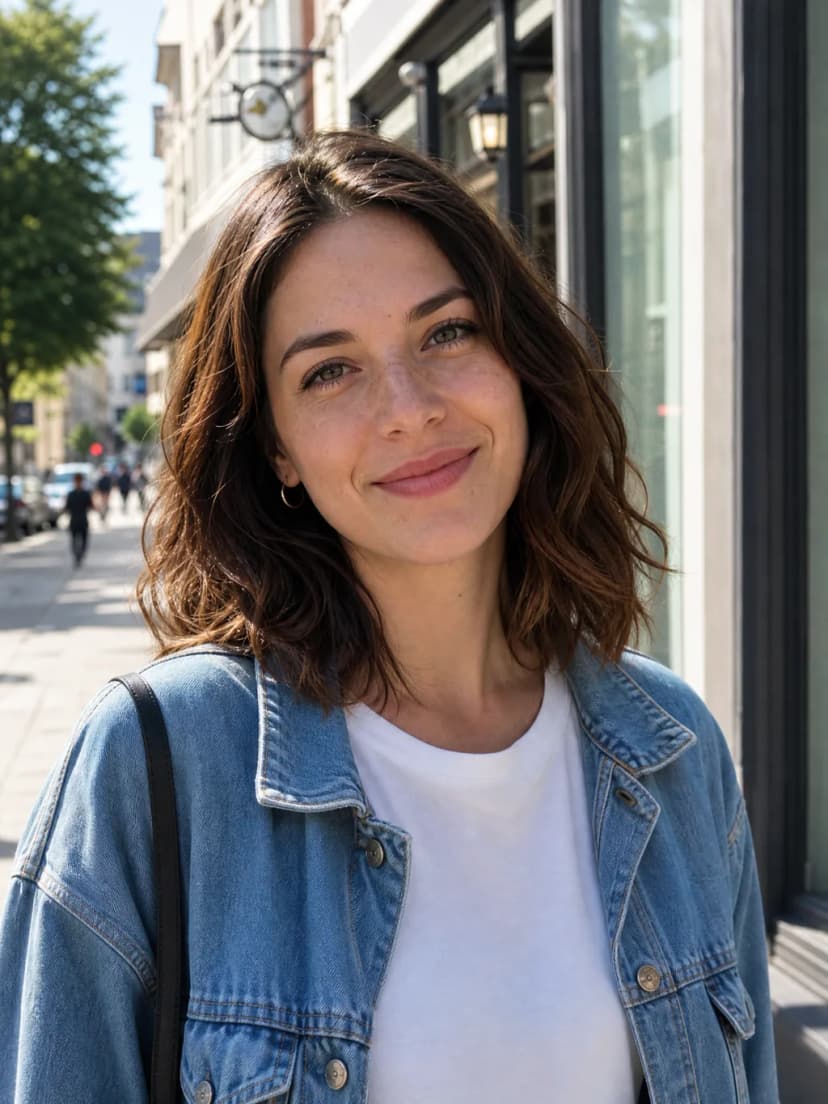
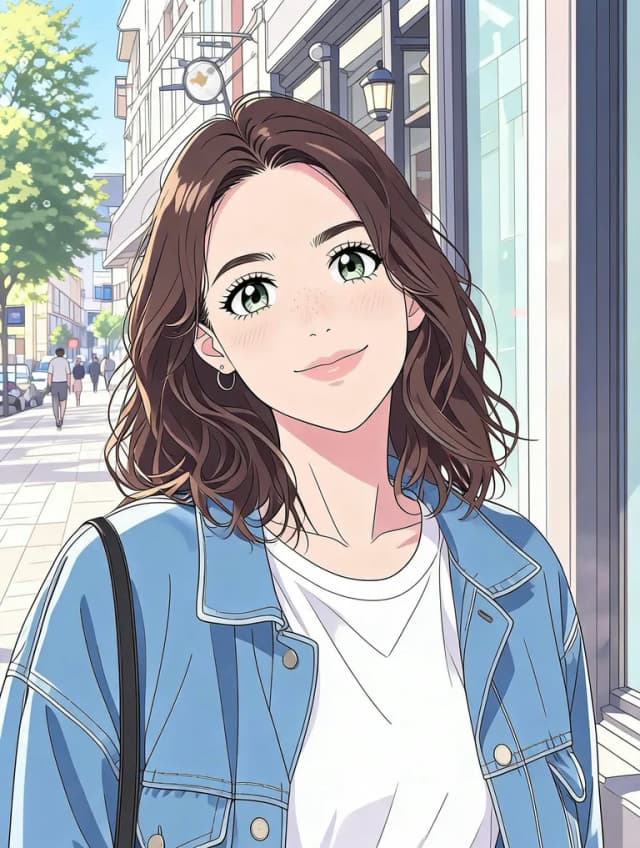
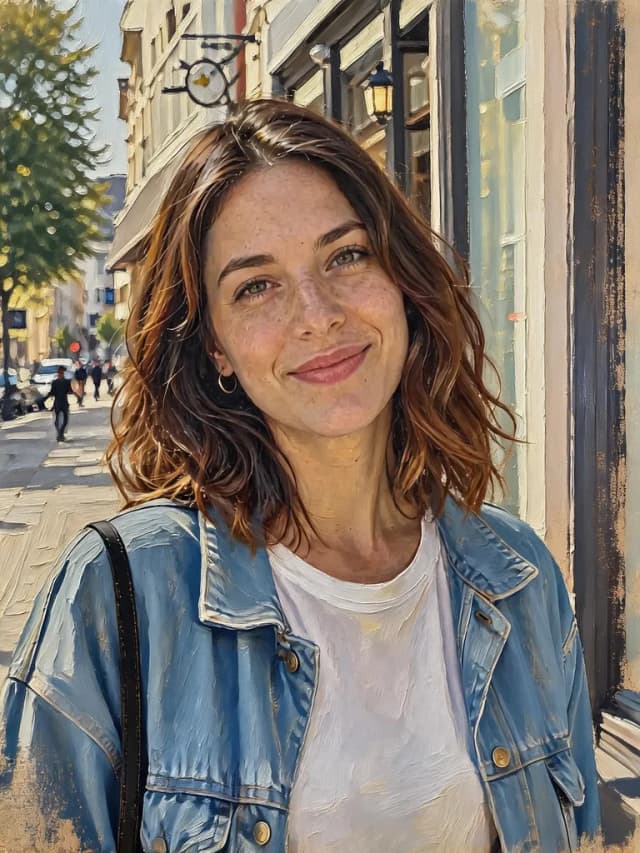
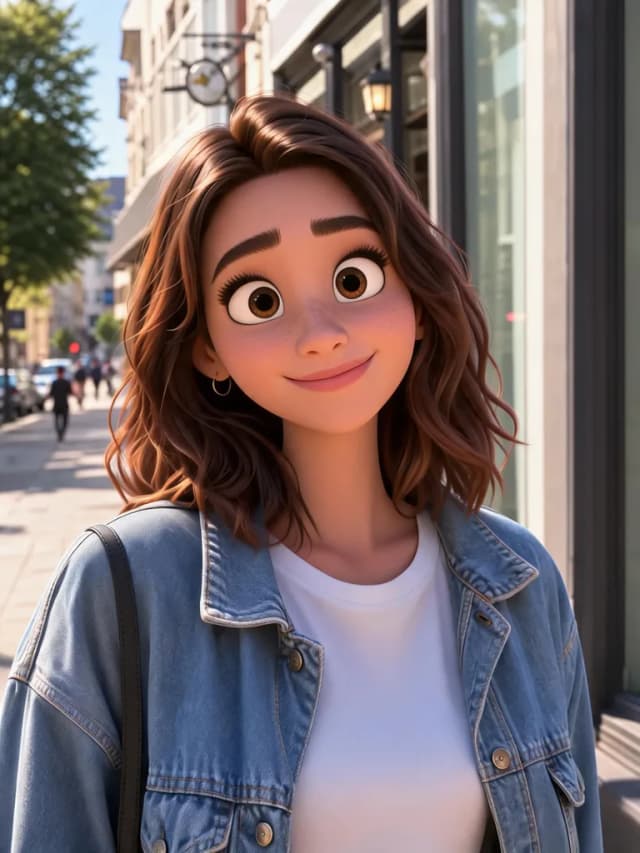
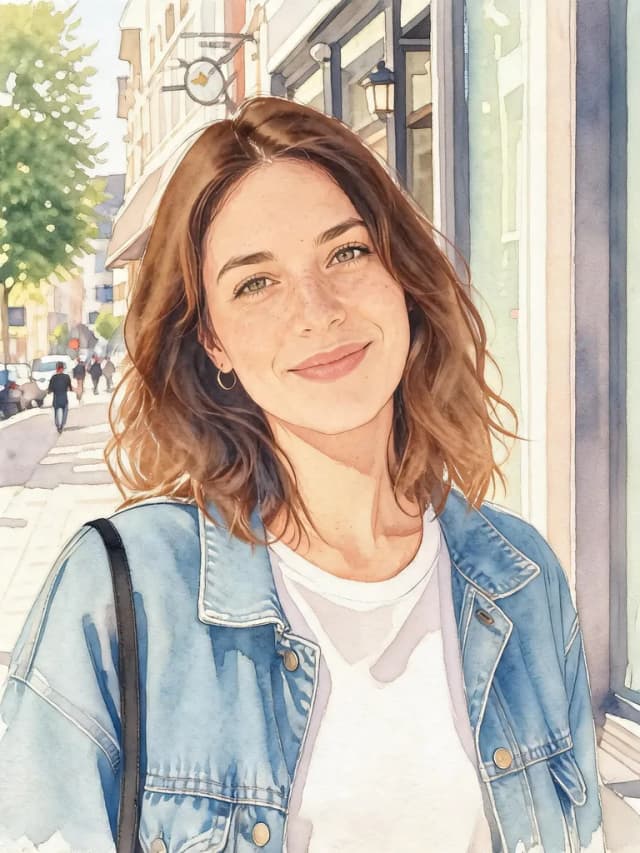
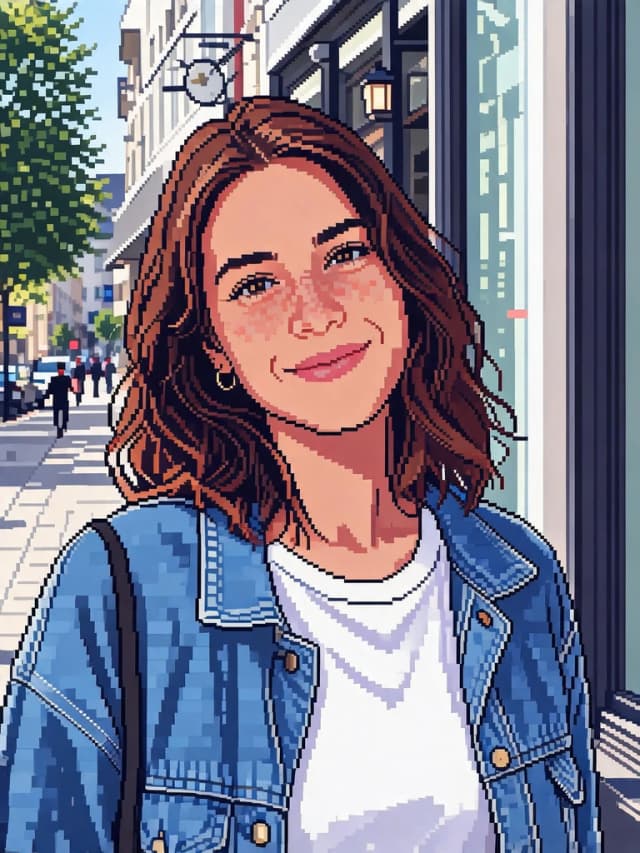
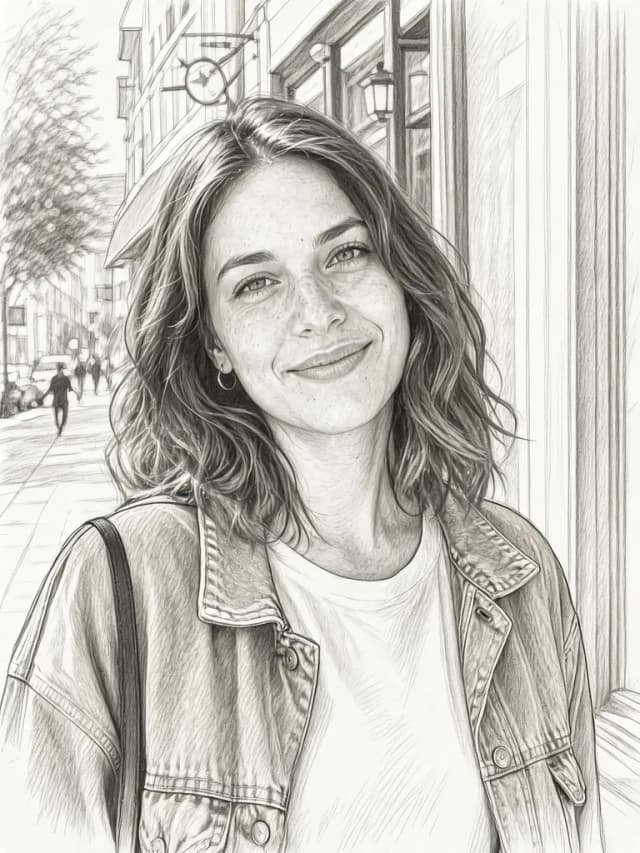
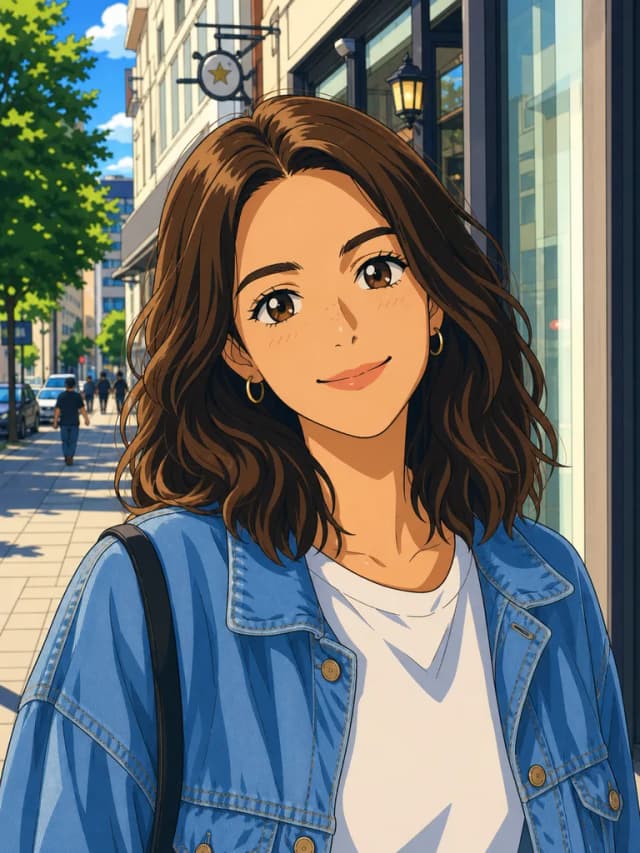
The same portrait and the same prompt, “Transform this photo into a classic Japanese anime style illustration”, run through five models. Every model has its own taste, so pick the look you like and switch models in the generator above.
Classic anime with big eyes and clean lines, at 2K for the same price. The default model.
1776 × 2352
Bold, saturated colors and a warmer skin tone, at the lowest price.
1008 × 1344
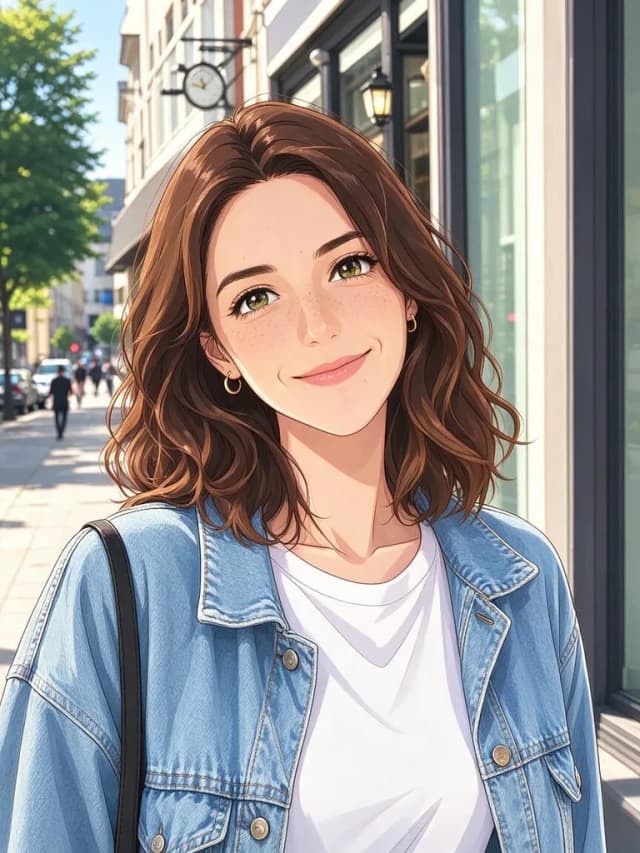
Soft anime shading that stays close to her real face, and the fastest result here.
864 × 1152
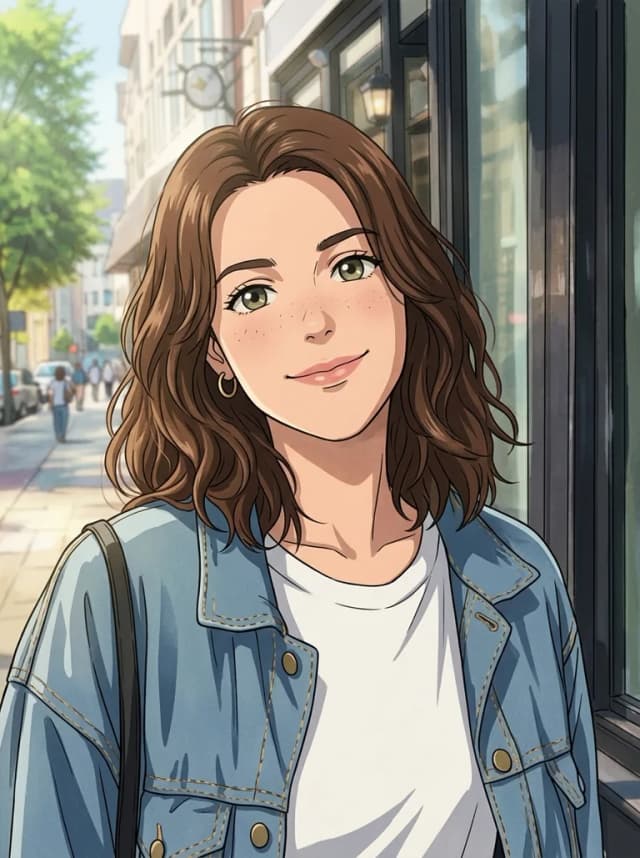
A muted, semi-realistic illustration that keeps details like her freckles.
896 × 1200
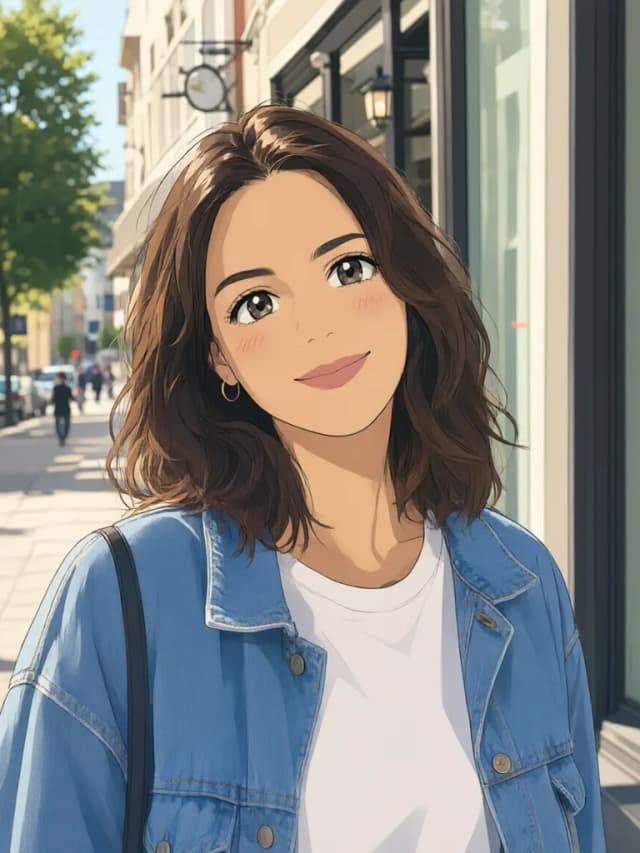
A soft, painterly anime look with gentle colors.
864 × 1152
Credits per image to image run at the default resolution (2K for V3.0, 1K for the others). Every run gives a slightly different result.
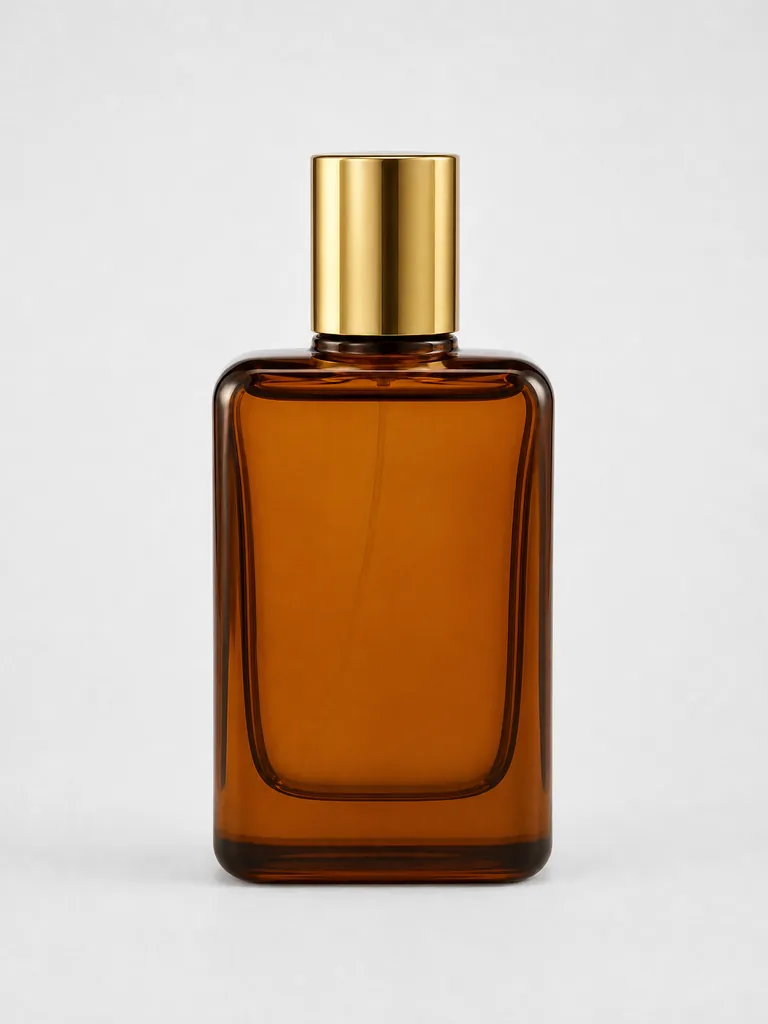 Before
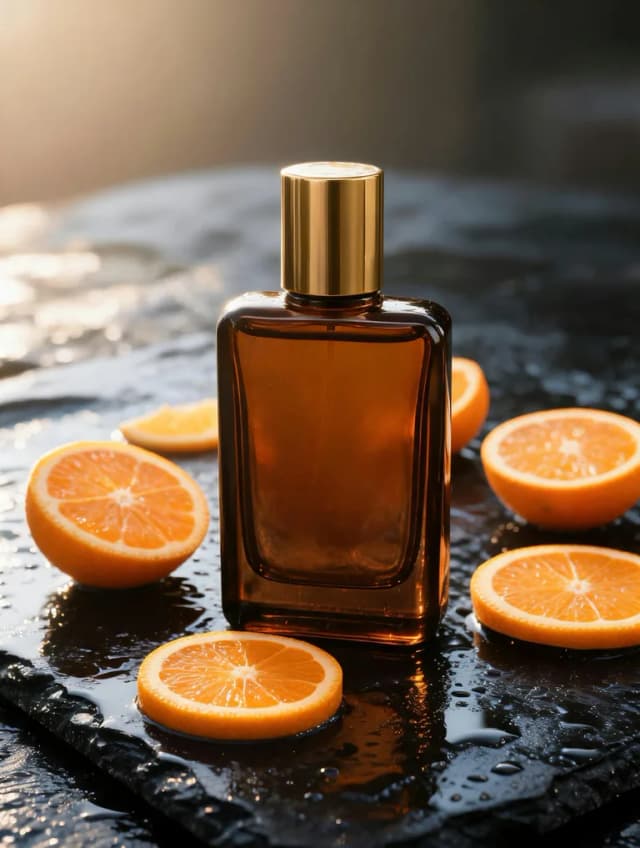 After
AfterDrop a plain product shot into a styled scene for ads, store listings and social posts, while the product itself stays the same.
“Place this perfume bottle on a wet black stone surface surrounded by fresh orange slices and soft morning light, luxury advertising photo, keep the bottle exactly the same”
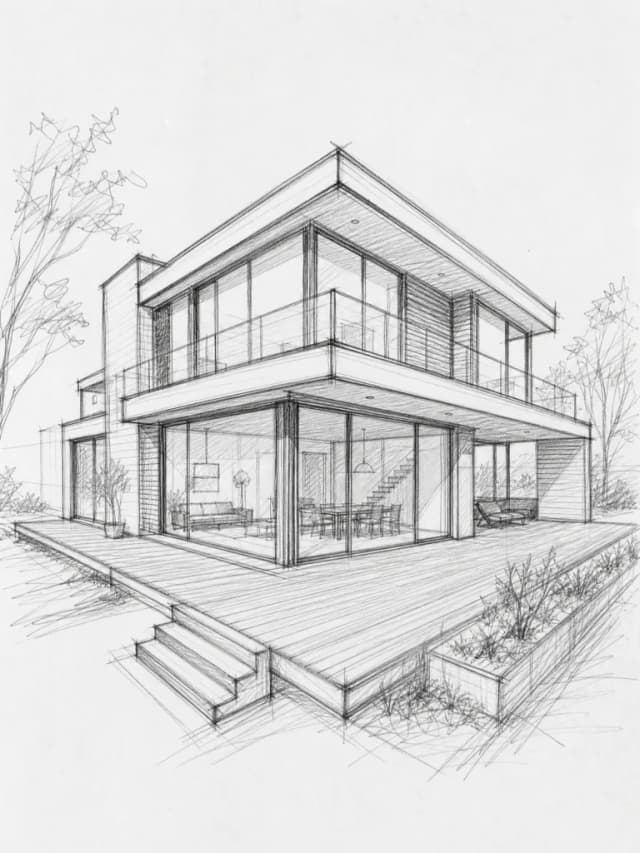 Before
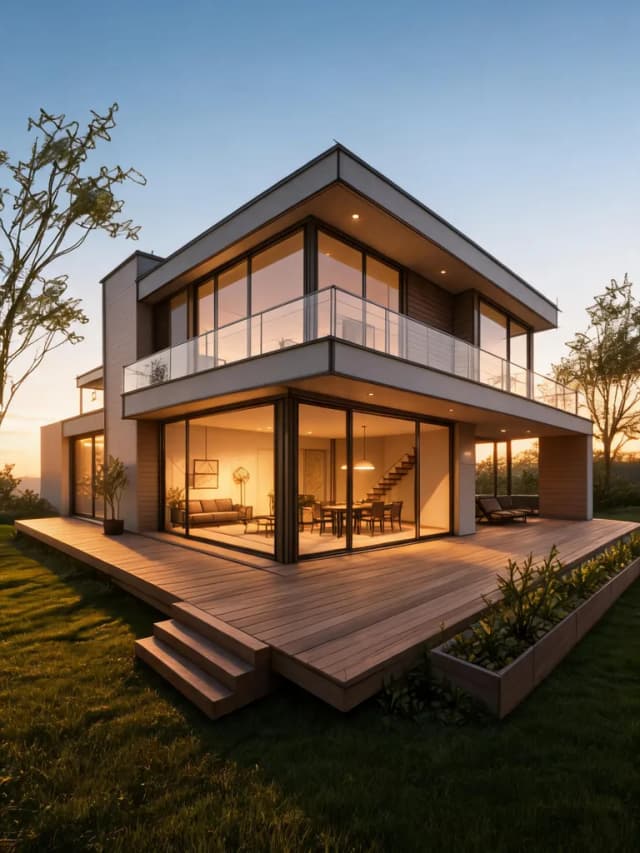 After
AfterTurn a rough pencil sketch into a photoreal render to pitch an idea before anything gets built.
“Turn this pencil sketch into a photorealistic architectural render of the same house at golden hour, with a green lawn, warm interior lights and a clear blue sky”
 Before
 After
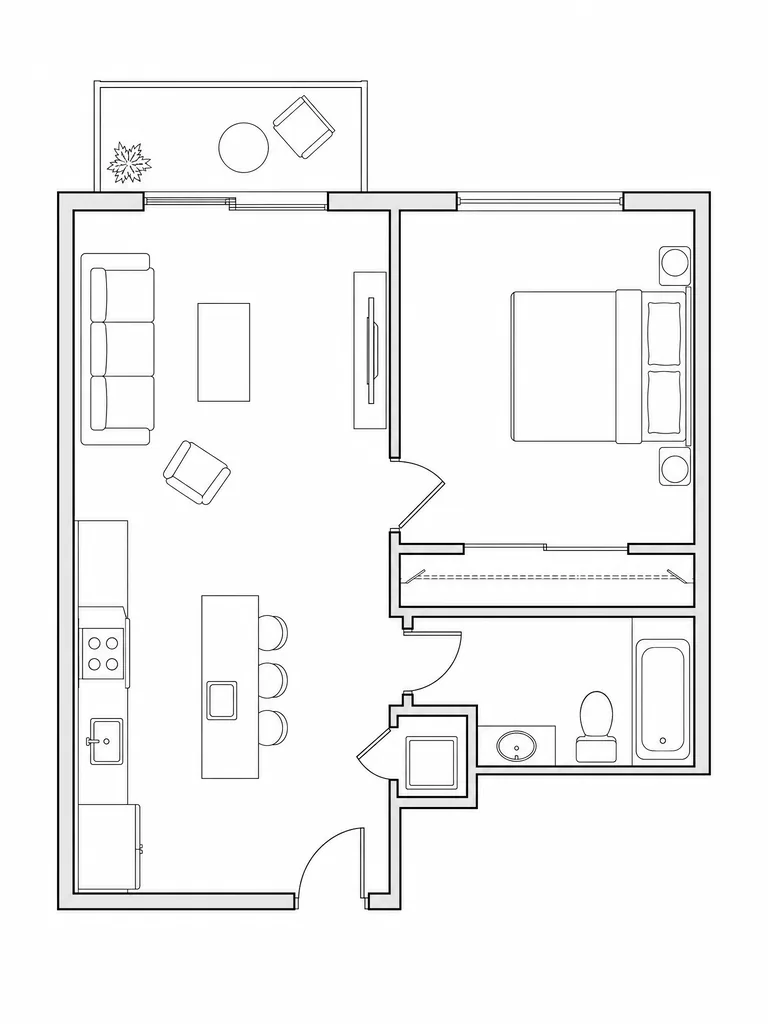
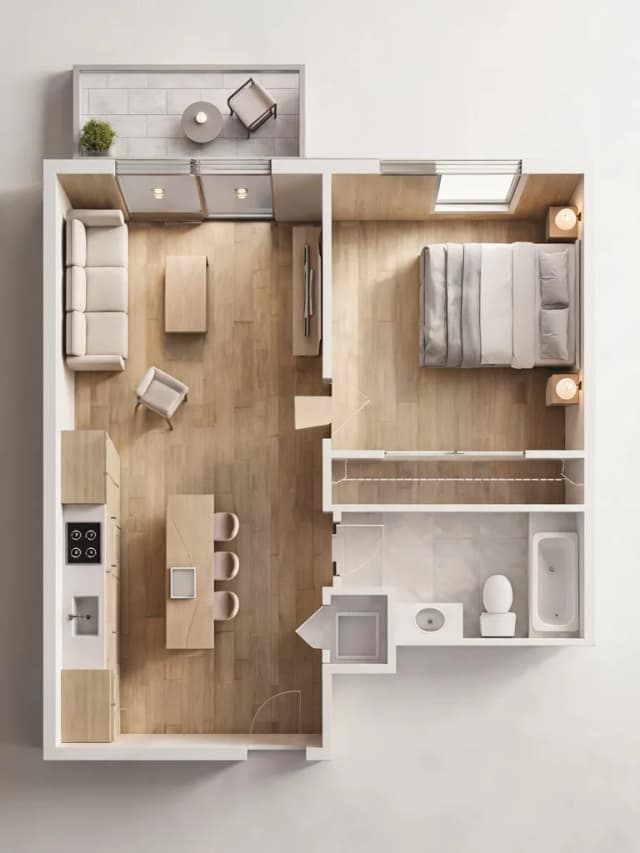
AfterShow what a flat 2D floor plan could look like as a furnished, sunlit room.
“Turn this floor plan into a realistic 3D top-down interior render with Scandinavian furniture, light oak floors and soft daylight, keep the same room layout”
 Before
 After
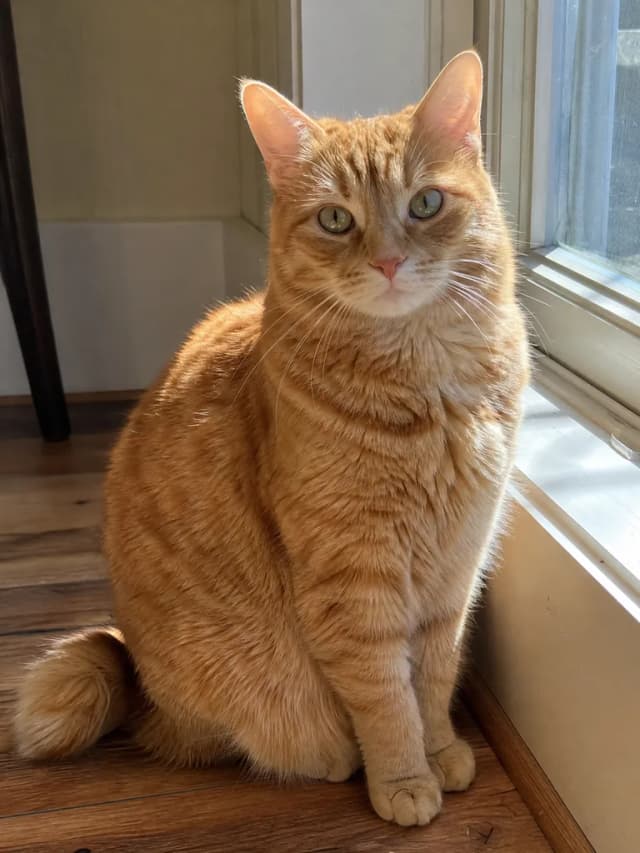
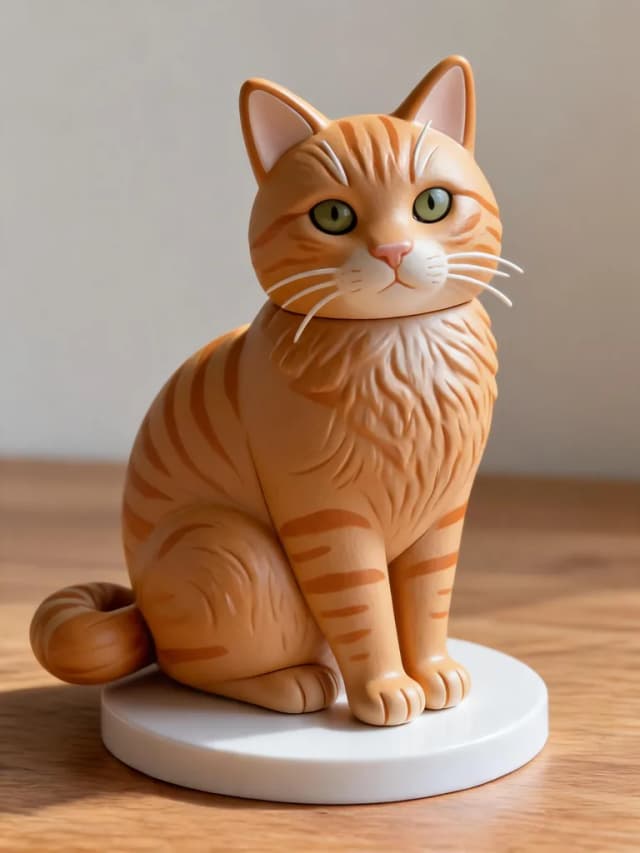
AfterMake a toy figure of your pet, your kid or your character for gifts, avatars and merch mockups.
“Turn this cat into a cute collectible vinyl toy figure standing on a round display base on a wooden desk, soft studio lighting, same fur colors and markings”
Three steps, no design skills needed.
Add 1 to 5 photos, sketches or product shots. One clear image is enough for a restyle.
Say what should change and what should stay, like “turn this into a watercolor painting, keep her face”.
Choose one of 8 AI models, set the aspect ratio and resolution, then hit Create and download your image.
Image to image AI creates a new picture from a picture you upload. You add one or more reference images plus a short prompt, and the model keeps what matters, like a face, a pose, a product or a layout, while it changes the style, the scene or the medium. On ImagesArt it all runs in your browser.
Text to image starts from words only, so every result is a surprise. Image to image starts from your photo, so the person, object or composition carries over into the new image. If you only have an idea and no picture yet, switch to the Text to Image tab in the same generator.
Not quite. Image to image makes a brand-new image based on your reference, like a new art style or a new scene. If you want to change one part of a photo and keep the rest, such as removing an object, swapping the background or changing clothes, use our AI image editor instead.
Yes, you can start for free. Eligible new accounts get 15 free credits after a quick sign-up, no credit card needed, and an image to image run costs from 3 credits (GPT Image 2) to 6 credits (V3.0) on the free models. Free images carry a small watermark; any paid plan or credit pack removes it.
Up to 5 reference images per run (Qwen Image 3 takes up to 3). Use one photo for a simple restyle, or combine several, such as a person and an outfit or a product and a backdrop, and say in the prompt how to use each one.
Start with V3.0, the default: clean results up to 4K at the same price for every resolution. GPT Image 2 is the cheapest and gives bold colors, Seedream 5.0 Flash is the fastest, Nano Banana 2.1 keeps fine details like freckles, and Qwen Image 3 has a soft, painterly look. The comparison above shows all five on the same portrait.
In most runs, yes. Use a clear, well-lit photo and add “keep the face and pose the same” to your prompt. Heavy styles such as pixel art or 3D cartoons simplify features on purpose, so try two or three runs and keep the best one.
Our image to image AI puts no restrictions on style or subject: any art style, any theme, prompts in any language and up to 5 reference photos. The only limits are legal ones: content that is illegal, involves minors, or violates our Terms of Service is blocked.
Yes, images you create can be used for personal and commercial projects. Just make sure you have the rights to the reference photos you upload, and check our Terms of Service for the details.
Up to 4K with V3.0, GPT Image 2 and Nano Banana 2.1, and up to 2K with Seedream and Qwen. V3.0, Seedream 5.0 Flash and Qwen Image 3 cost the same at every resolution they offer. GPT Image 2 and Nano Banana 2.1 cost more credits at 2K and 4K, and those higher tiers need a paid plan or credit pack.