Seedance 2.5 AI Video Generator
Run ByteDance Seedance 2.5 in your browser — text, image, start-to-end frames or reference images to video, up to 30 seconds in a single take, with sound and lip-sync generated in the same pass.
- Seedance 2.5 Online
- Up to 30 Seconds
- 480p to 1080p
- No Card Required
New accounts get 12 free credits. A 5-second Seedance 2.5 clip at 480p is 140 credits — the $6.90 pack (180 credits) covers one, or draft on Seedance 2.0 Mini for 19 and rerun the keeper on 2.5.
- AI generated content
- Commercial use ready
- Native audio on every clip
Seedance 2.5 Video Examples
Vlogs, fashion transitions and short story scenes from Seedance creators. Click Use template on any clip to load its prompt and input image into the generator.
Seedance 2.5, Explained
Seedance 2.5 is ByteDance Seed's follow-up to Seedance 2.0: one continuous take of any whole second from 4 to 30, with dialogue, ambience and effects generated in the same pass. Identity, wardrobe and props hold across the whole shot, it speaks natively in 11 languages, and you can hand it an actor filmed against a green screen and let it rebuild the world around the performance. On ImagesArt it runs without a ByteDance account or an API key.
What's new compared with Seedance 2.0
- 01
Twice the length. Seedance 2.0 stops at 15 seconds. Seedance 2.5 holds one take for 30, so a scene can set up, move and land without a cut.
- 02
Timestamps that stick. Write "0–8s: …, 8–15s: …" and the model keeps to it, which is what makes a long take directable instead of lucky.
- 03
Steadier people, more languages. Faces, outfits and props stay consistent to the last second, and spoken lines come out lip-synced in 11 languages, including English, Chinese, Spanish, Japanese and Korean.
Seedance 2.5 on ImagesArt today
Exactly what the generator at the top of this page offers.
- Length
- 4 to 30 seconds, any whole second
- Resolution
- 480p · 720p · 1080p
- Input
- Text, one photo, first and last frames, or up to 9 reference images
- Sound
- Native audio with lip-sync, included in the price
What Seedance 2.5 Does Well
Dialogue and Lip-Sync in 11 Languages
Write the line in quotes and name the language — English, Chinese, Spanish, Japanese, Korean and more — and the character says it natively with matching mouth movement, without stray subtitles. Speech, ambience and effects come out of the same generation, and audio costs no extra credits.
Pace the Shot with Timestamps
Write the prompt as a timed shot list — "0–3s: wide shot of the beach, 3–8s: close-up of the surfboard, 8–15s: …" — and Seedance 2.5 allocates the running time to match. You decide what happens in which second instead of hoping the model gets the rhythm right.
Lock the First and Last Frame
Upload the first and the last frame and Seedance fills every frame between them, so the clip lands exactly where you planned. With up to 30 seconds to work with, that covers slow reveals and long transformations, not just quick morphs.
Physics That Moves Like Footage
Fabric follows natural arcs, water and light behave, and bodies keep their weight and momentum through jumps, sprints and falls. Fast action holds together over a long take instead of melting after a few seconds.
A Full Scene in One Take
Set any length from 4 to 30 seconds and get one continuous generation — a chase, a walk-and-talk, a whole product spot — with the same face, outfit and lighting from the first frame to the last. Describe the camera the way a director would and it follows the move.
4–30 Seconds, 480p to 1080p
Pick any whole second from 4 to 30 and six aspect ratios — 16:9, 9:16, 1:1, 4:3, 3:4 and 21:9 — or auto to match your image. Draft short at 480p, then rerun the winner at full length in 720p or 1080p. Need 4K? Seedance 2.0 is in the same dropdown.
Make Your First Seedance 2.5 Video in Three Steps
- 01
Pick a mode and add your input
Choose Text/Image to Video, Start-End Frame or Reference. Upload JPG, PNG or WebP (up to 30 MB, up to 9 images in Reference mode) or just write the scene.
- 02
Write it as a timed shot list
Say what happens and when — "0–5s: …, 5–12s: …" — how the camera moves and what the mood is. Put dialogue in quotes for lip-synced speech, and name the sounds you want. Up to 1,000 characters.
- 03
Set the length, generate and download
Choose 4 to 30 seconds, a resolution and an aspect ratio, check the credit cost on the Create button, and generate. Longer clips take longer to render; the MP4 (no watermark, up to 4 variations per run) lands in your history when it is done.
The 30-Second Shape: Four Beats
A long take that works is usually four moves of 6 to 8 seconds each. Write one line per beat with its time range, and change one main thing per beat.
- 1
Set the scene
0–8sWhere we are, who is there, what the light and sound are doing. One establishing camera move, nothing dramatic yet.
- 2
Start the action
8–15sThe subject does the thing the clip is about — walks, picks up, turns, speaks the first line. Camera follows rather than leads.
- 3
Turn or reveal
15–23sThe change the viewer did not see coming: a new angle, a second character, the product lighting up, the weather shifting.
- 4
Land it
23–30sResolve the move and give the eye a place to rest — a wide shot, a held close-up, the last line of dialogue. End on a frame you would freeze on.
How to Write a Seedance 2.5 Prompt
Long takes need more structure than a one-line prompt. Four parts, all in the same box: here is one real prompt with each part marked.
- Subject and action
Open with who or what is on screen and what they do, in plain words. One main subject per shot keeps Seedance 2.5 focused.
- Timed beats
Write the clip as a timed shot list: "0–8s: …, 8–14s: …". The model allocates running time to match, so nothing gets rushed or padded. Give each beat one main change — a move, a line, a reveal.
- Camera
Use real camera words — tracking shot, crane up, whip pan, handheld, slow push-in — and say where the move starts and where it ends. One move per beat.
- Sound and dialogue
Name the music, ambience and effects. Put the exact line in quotes and say who speaks it and in which language; Seedance 2.5 generates the speech natively, with clean lip-sync and no burned-in subtitles.
Four templates to copy
Each one opens in the generator above with the mode, aspect ratio and length already picked. Swap in your own subject.
30-second product spot
0–5s: slow push-in on a matte black espresso machine on a marble counter, morning light through the window, soft acoustic guitar. 5–12s: close-up as a hand locks in the portafilter with a crisp metal click. 12–22s: overhead shot of espresso pouring into a white cup, steam rising, the guitar builds. 22–30s: the camera pulls back as a woman lifts the cup, smiles and says: "Worth getting up for." Single continuous take, no cuts.
Talking character
Handheld selfie-style shot of a young woman in a busy Seoul night market, neon signs behind her. She looks at the camera and says in Korean: "You have to try the tteokbokki here, trust me." Sizzling pans and crowd chatter in the background.
One long action take
A cyclist rides through a narrow old-town alley at dawn. 0–8s: the camera tracks beside her at street level. 8–14s: it cranes up over the rooftops as she reaches the harbor. 14–20s: the sun breaks over the water and she brakes at the end of the pier. Single continuous take, no cuts. Seagulls, distant church bells.
Photo to life
Use the uploaded photo as the opening frame and keep the woman, her outfit and the room exactly as they are. 0–5s: she looks up from her book toward the camera and smiles, a gentle push-in. 5–10s: a breeze lifts the curtain behind her and the afternoon light warms a shade. Sound: quiet room tone, pages turning, a soft breeze.
Three Things That Break Long Prompts
Piles of adjectives instead of actions
"Cinematic, breathtaking, ultra-realistic, award-winning" tells the model nothing about what happens. Spend the words on who does what, where the camera is and what we hear.
Too many beats for the length
Seven changes in 15 seconds gives each one two seconds — the result looks like a trailer cut by accident. Keep to roughly one beat per 6–8 seconds and let each one breathe.
Camera and action pulling in opposite directions
A whip pan during a quiet line, or a slow push-in during a sprint, reads as a mistake. Match the camera's energy to the moment, and give each beat a single move.
Seedance 2.5 vs 2.0 vs 2.0 Mini
All three run on ImagesArt with native audio and the same four input modes. They differ in clip length, top resolution and price per second.
| Seedance 2.5 | Seedance 2.0 | Seedance 2.0 Mini | |
|---|---|---|---|
| Clip length | 4–30 seconds, any whole second | 4–15 seconds | 4–15 seconds |
| Resolution | 480p · 720p · 1080p | 480p · 720p · 1080p · 4K | 480p · 720p |
| Aspect ratios | 16:9, 9:16, 1:1, 4:3, 3:4, 21:9 + auto | 16:9, 9:16, 1:1, 4:3, 3:4, 21:9 + auto | 16:9, 9:16, 1:1, 4:3, 3:4, 21:9 + auto |
| Native audio | Yes, with lip-sync in 11 languages | Yes, with lip-sync | Yes, with lip-sync |
| Text, image, start-end frame, reference images | Yes | Yes | Yes |
| Reference images | Up to 9 | Up to 9 | Up to 9 |
| Timestamp pacing | Yes — write a timed shot list | Shot labels, no per-second timing | Shot labels, no per-second timing |
| Billing | Per second | Per second | Per second |
| Credits per second (480p / 720p / 1080p) | 28 / 63 / 158 | 19 / 41 / 102 (4K: 208) | 3.8 / 8.2 / — |
| 5 seconds at 480p | 140 credits | 95 credits (Fast: 59) | 19 credits |
| Best for | Full 30-second spots, long dialogue scenes, one-take action, multilingual speech | Cheaper 4–15 second clips, 4K output, drafts on Mini and Fast | Quick tests at 480p or 720p for a few credits |
Pick Seedance 2.5 when…
The shot needs more than 15 seconds, timed beats or non-English dialogue
Pick Seedance 2.0 when…
You want 4K, or a 4–15 second clip at a lower per-second rate
Pick Seedance 2.0 Mini when…
You are still iterating on the prompt and want each try to cost almost nothing
Seedance 2.5 Price per Second
Billed per second of video, and the rate depends only on resolution. Sound is included. Here is every length the generator offers.
| Length | 480p | 720p | 1080p |
|---|---|---|---|
| Per second | 28 | 63 | 158 |
| 5 seconds | 140 | 315 | 790 |
| 10 seconds | 280 | 630 | 1,580 |
| 15 seconds | 420 | 945 | 2,370 |
| 20 seconds | 560 | 1,260 | 3,160 |
| 30 seconds | 840 | 1,890 | 4,740 |
How credits are calculated
Credits = seconds × the rate for your resolution: 28 at 480p, 63 at 720p, 158 at 1080p. Audio is included in every price, and the Create button shows the exact cost before you commit.
Work it out short, then rerun
Draft the shot at 5 seconds and 480p, or on Seedance 2.0 Mini for a few credits, then rerun the version you like at full length and resolution.
Failed renders are not charged
If a Seedance 2.5 render fails, nothing is deducted. You only pay for videos that land in your history.
Plans and Credit Packs
Buy a one-time credit pack or subscribe for monthly credits — both unlock higher resolutions. 480p is open to everyone, 720p comes with a Starter plan or any credit pack, and 1080p with Pro or a larger pack.
Free
Credits
- 12 credits on sign-up
- Up to 2 videos or 4 images
- 10 image-to-prompt & descriptions
Features
- Text-to-image, image-to-image & image-to-video
- All AI editing tools & effects
- 480p video
- 7-day storage
- Watermark-free downloads
- 4K images
- 720p, 1080p & 4K video
- Commercial license
Starter
Credits
- 450 credits/month
- Up to 75 videos or 150 images
- Unlimited image-to-prompt & descriptions
Features
- Text-to-image, image-to-image & image-to-video
- All AI editing tools & effects
- 720p video
- 1080p & 4K video
- 4K images
- Watermark-free downloads
- Commercial license
- Permanent storage
Pro
Credits
- 1350 credits/month
- Up to 225 videos or 450 images
- Unlimited image-to-prompt & descriptions
Features
- Text-to-image, image-to-image & image-to-video
- All AI editing tools & effects
- 1080p & 4K video
- 4K images
- Watermark-free downloads
- Commercial license
- Permanent storage
- Priority processing & support
Ultimate
Credits
- 3600 credits/month
- Up to 600 videos or 1,200 images
- Unlimited image-to-prompt & descriptions
Features
- Text-to-image, image-to-image & image-to-video
- All AI editing tools & effects
- 1080p & 4K video
- 4K images
- Watermark-free downloads
- Commercial license
- Permanent storage
- Priority processing & support
What to Make with Seedance 2.5
The 30-second ceiling and timed beats open up formats that 15-second models can only fake with an editor.
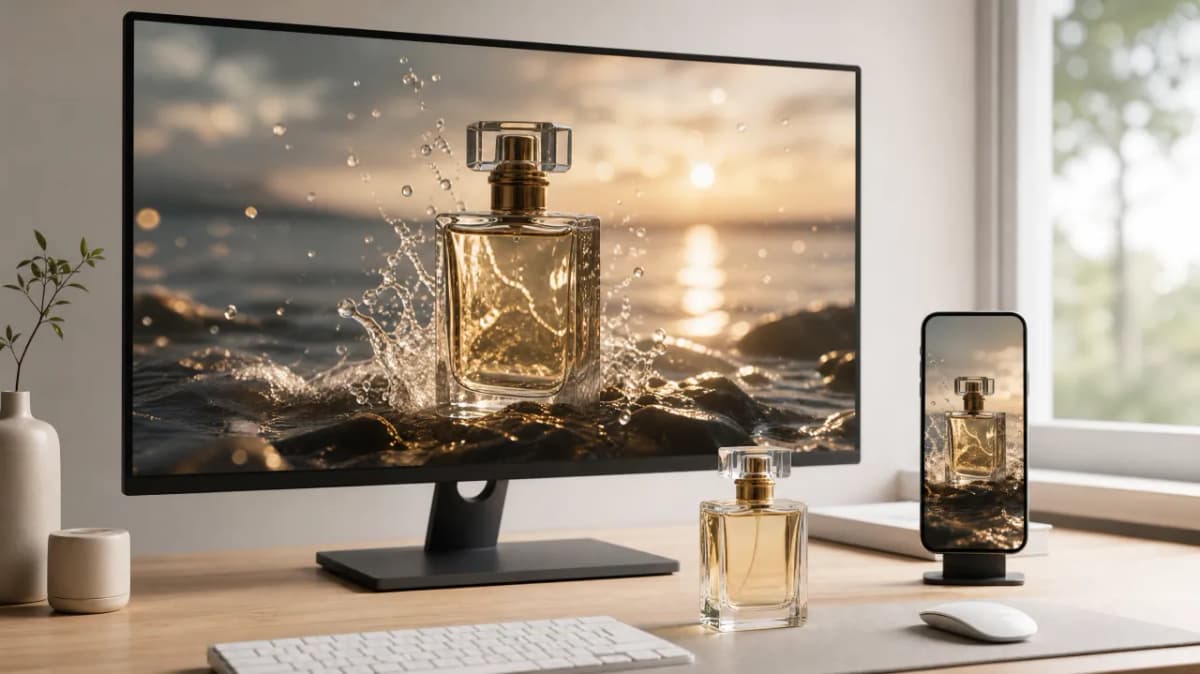
A complete 30-second ad
The classic TV spot length in one render: open on the product, show it in use, land the tagline. Generate the 16:9 master and a 9:16 cut from the same prompt without booking a shoot.
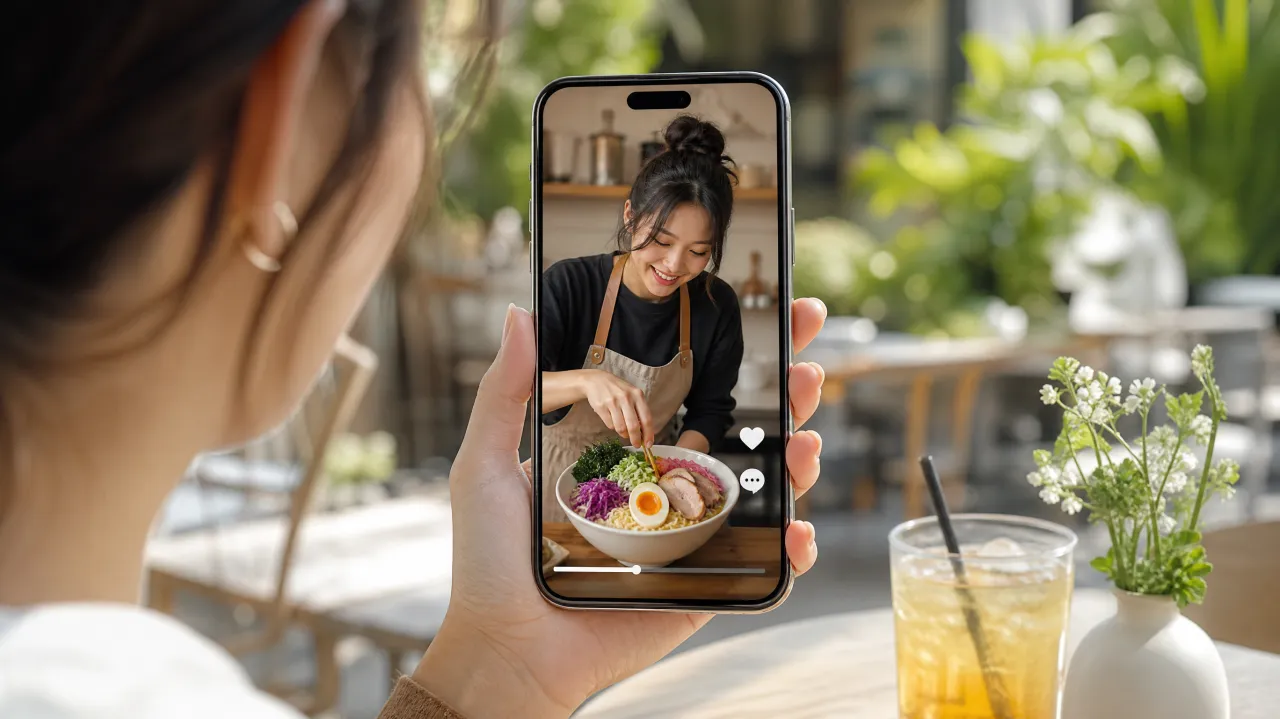
Vertical video for Reels, Shorts and TikTok
Set 9:16 and 10 to 30 seconds and you get a native short with its own sound — a talking creator, a walk-through, a recipe beat by beat — without stitching three clips together.
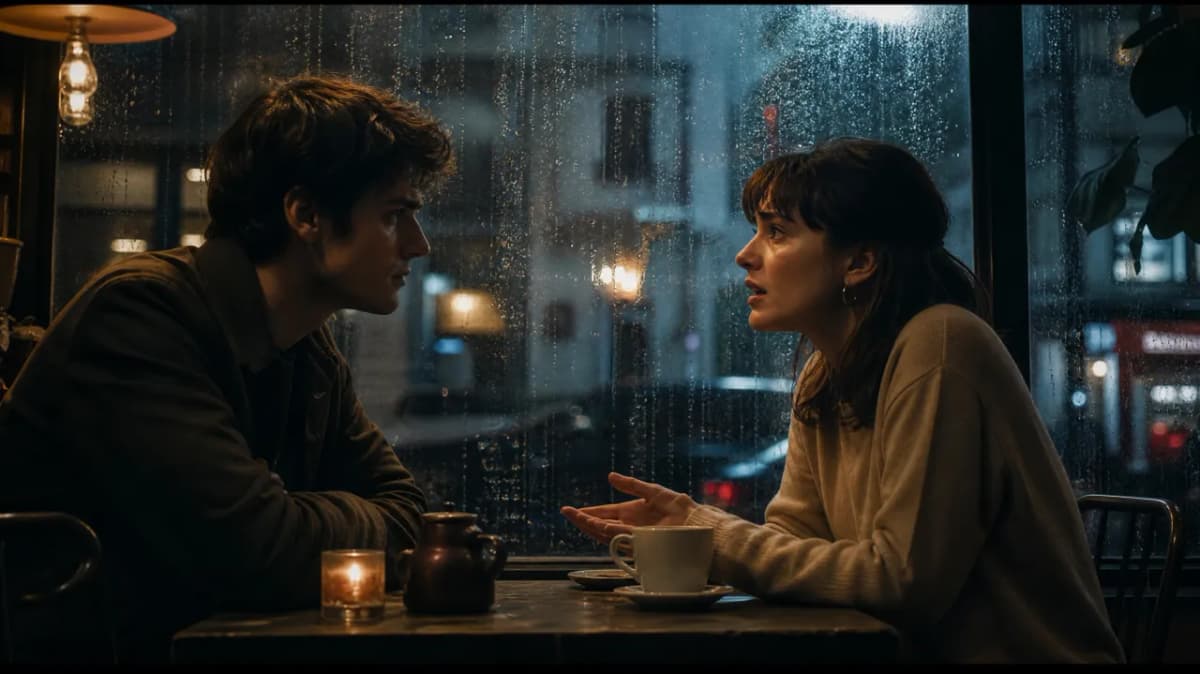
Short drama and dialogue scenes
Two characters, a few quoted lines, a reaction shot and a reveal, all in one continuous take. Faces, wardrobe and lighting stay put, so the scene reads as one shot, not a montage.
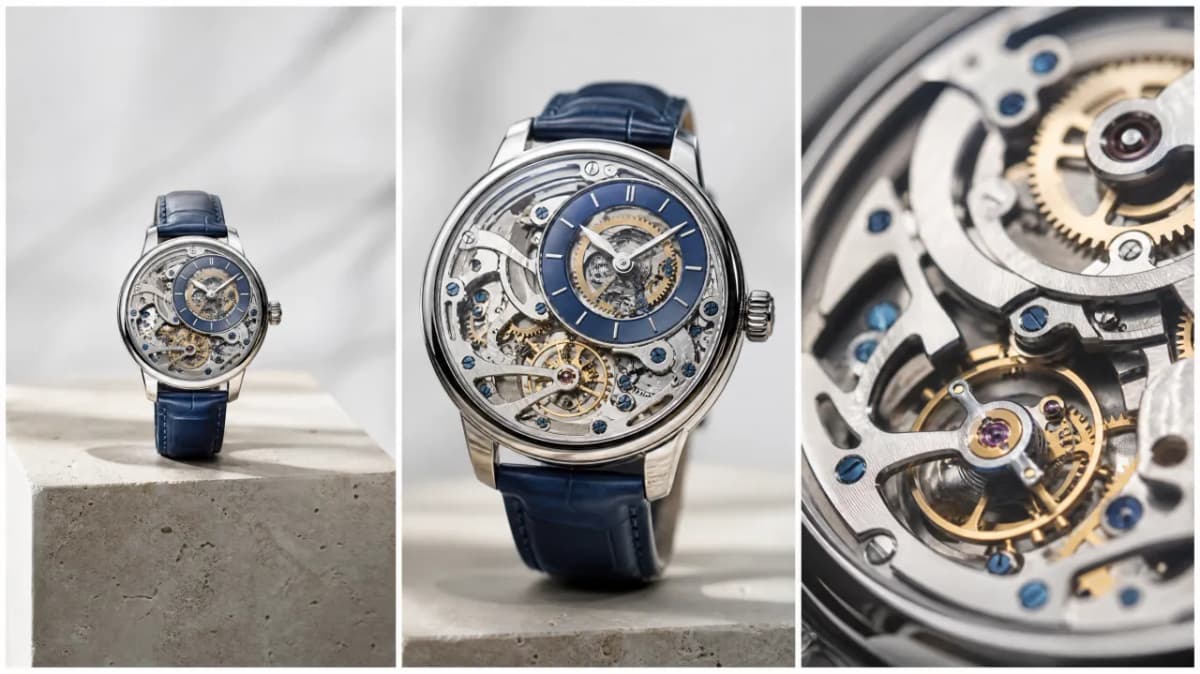
Product walk-arounds and explainers
Orbit the object, push in on the detail that matters, pull back for context — one camera move per beat — and let the voiceover say what the viewer is looking at as it appears.
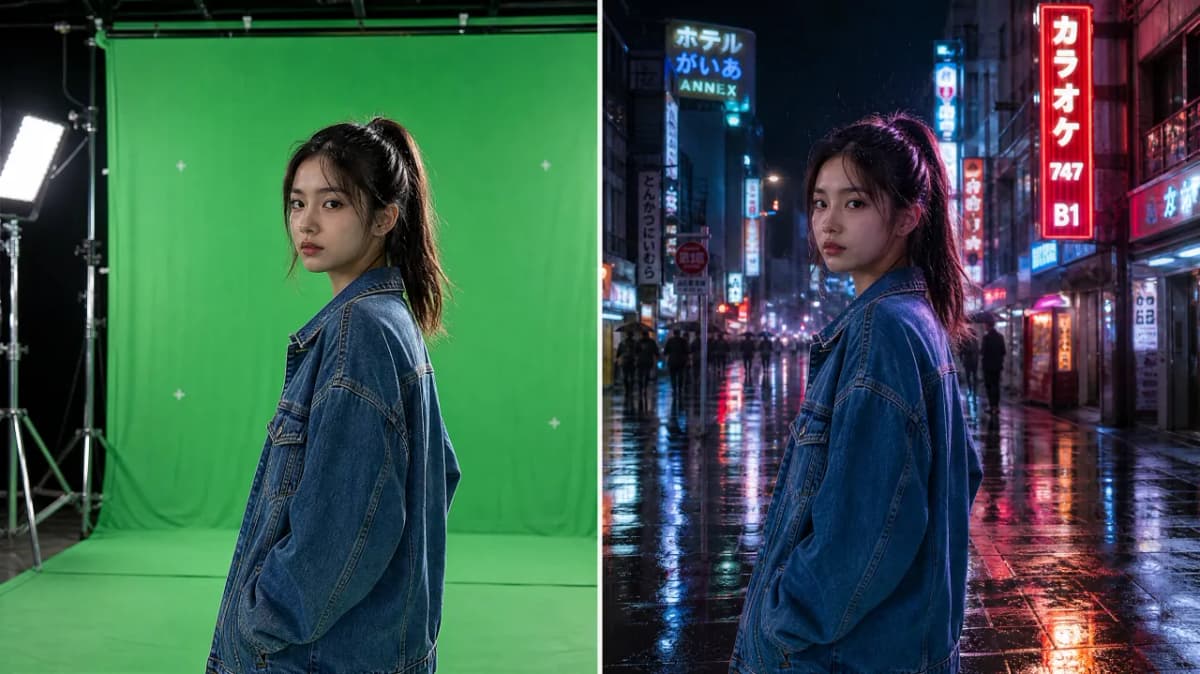
Green screen: new background, same take
Upload a clip of your actor shot against a green screen and describe where they should be instead. The performance and timing stay as filmed, while light, shadows, hair and clothing react to the new setting, so the subject looks like they were there rather than pasted on.
Want Seedance 2.0, Kling, Veo and Grok Too?
Run Seedance 2.5 next to Seedance 2.0, Veo 3.1, Kling 3.0, Grok Imagine and Gemini Omni Flash on one page with one credit balance — plus reference mode with up to 9 images.
Open the AI image to video generatorFrequently Asked Questions
Try Seedance 2.5 Now
Up to 30 seconds in one take, native audio and lip-sync, 480p to 1080p — right in your browser, no software to install.
Compare plans and credit packs