See a car photo become a takeoff scene. Check the body, wheels and movement throughout the clip before choosing your own photo.
Choose one sharp photo with the whole car visible. A front three-quarter or side view gives the generator a clear view of the body, paint and wheels. Avoid heavy shadows and cropped bumpers.
The liftoff movement is already set up. Pick Lite, Standard or Pro, then choose portrait for a vertical feed or landscape for a wider view. Every option makes an eight-second clip.
Check the credit cost and create your video. Review the car’s shape and movement in History, then download the MP4. A clearer input photo can help if small details change.
Your photo guides the body shape, paint and wheels. The scene places it on a runway and lifts it into the air; small details may change as the model creates the motion.
The movement and camera are set up for you. Upload a photo and generate without writing a flying car AI video prompt. A brief director’s note is optional.
Lite uses Seedance 2 Mini at 480p. Standard uses Seedance 2 Fast at 480p, while Pro uses the same Fast model at 720p. The credit cost appears before you generate.
Choose 9:16 for TikTok, Reels and Shorts or 16:9 for a wider scene. Both formats include generated audio and download as an MP4.
An eight-second video costs 30 credits with Lite, 94 with Standard or 198 with Pro. Choose a plan or credit pack with enough credits; Pro also requires access to HD video.
Credits
Features
Credits
Features
Credits
Features
Credits
Features
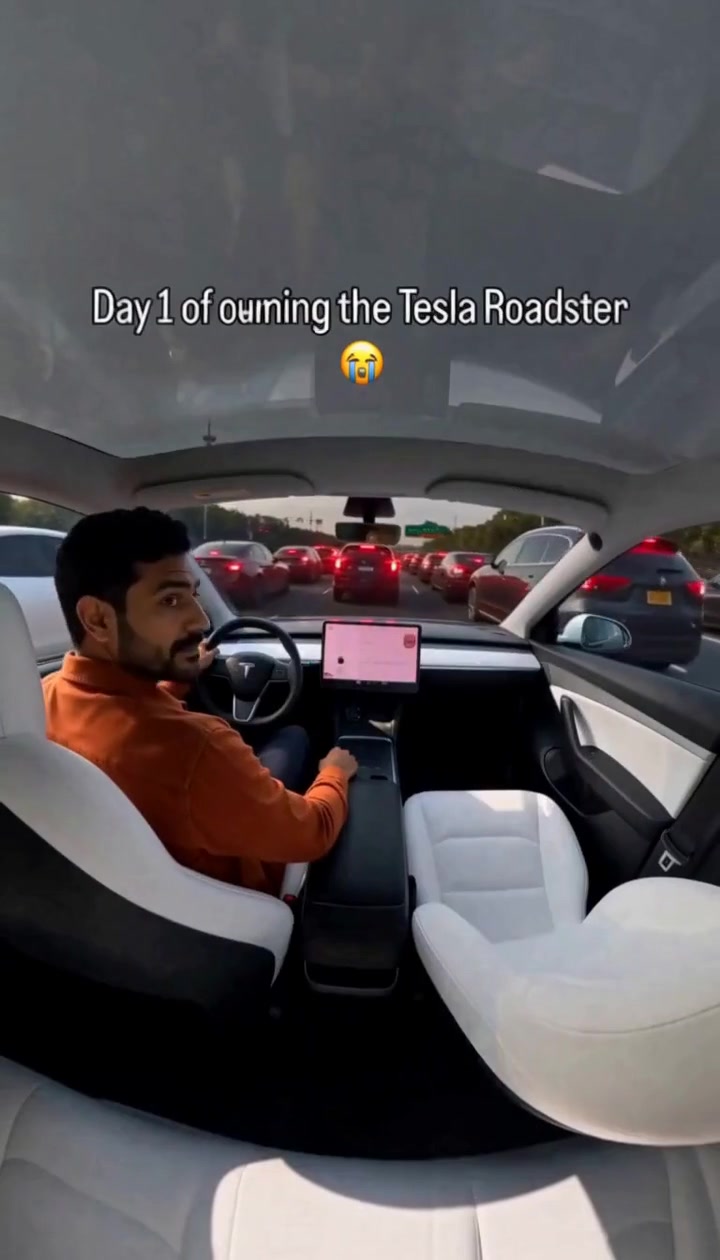 Tesla Roadster AI Video GeneratorPut yourself at the wheel of a flying Roadster with one photo.
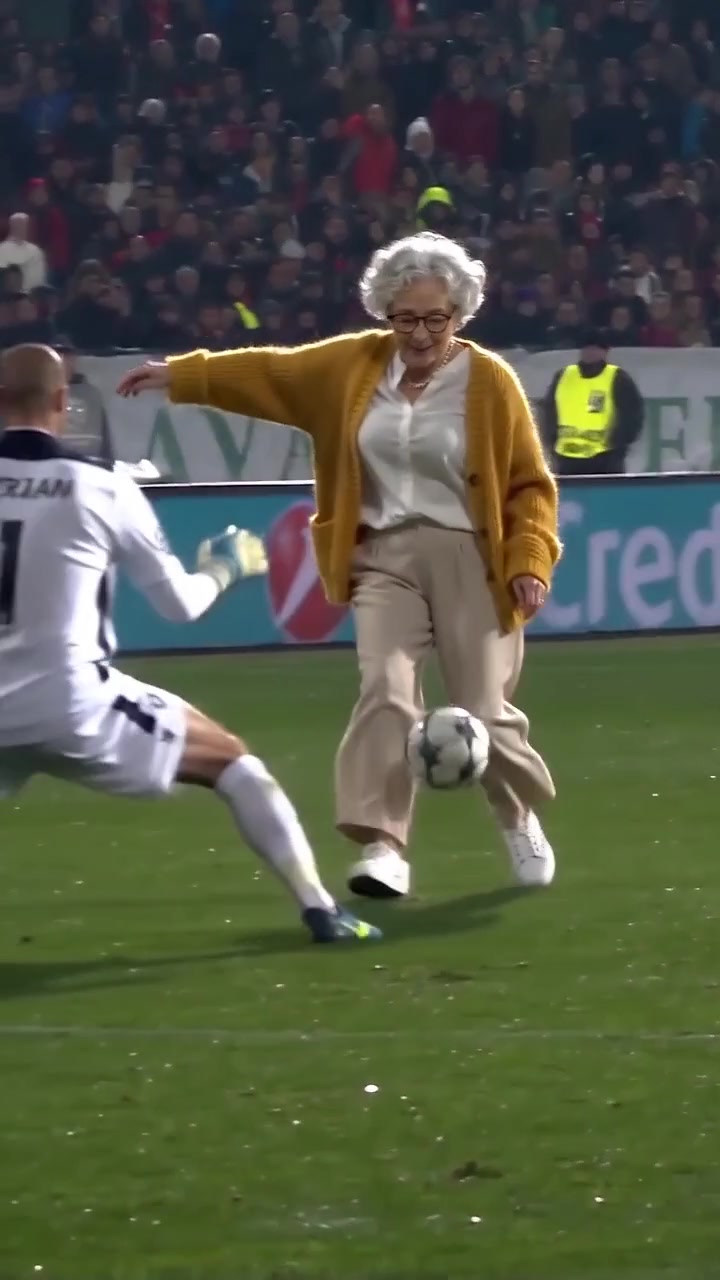 Ozil Goal AI VideoScore Özil's famous chip goal from one photo.
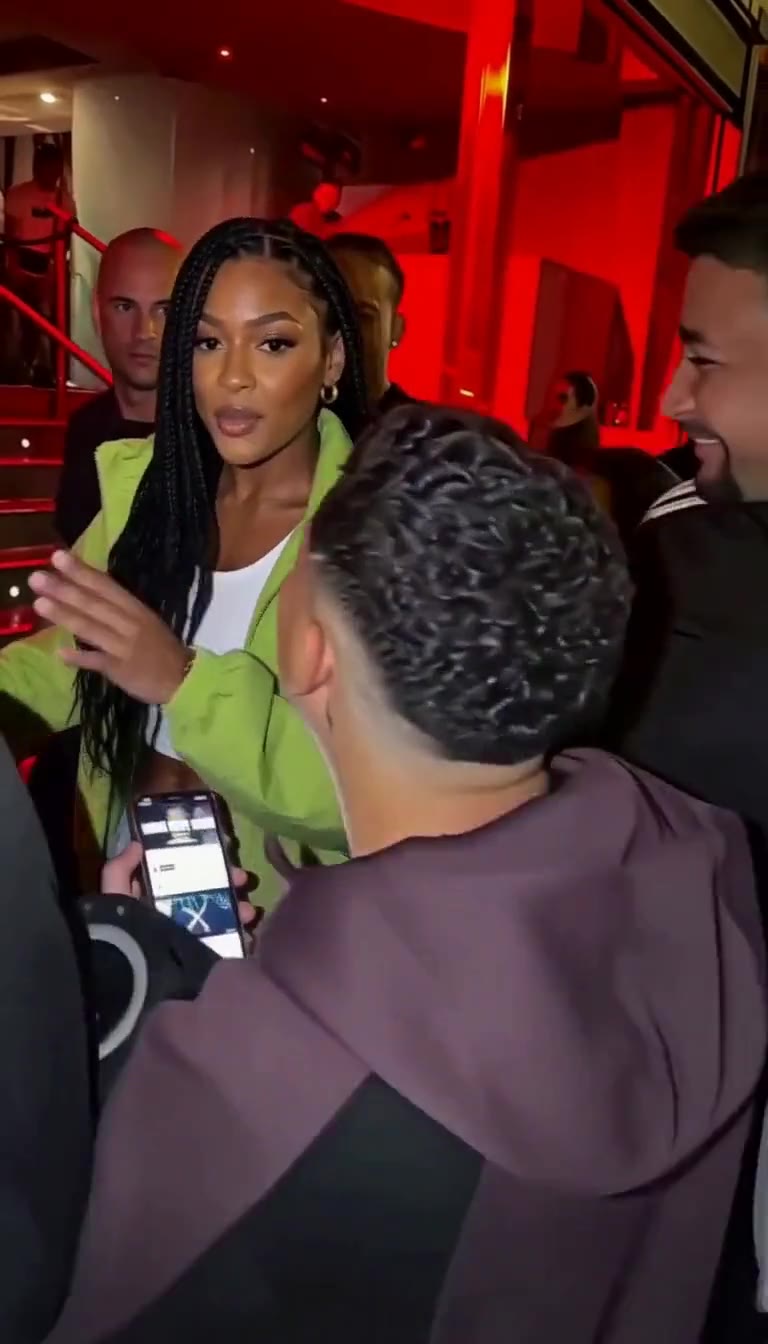 Bulin 47 AI VideoRap the Bulin 47 freestyle from one photo, pets welcome.
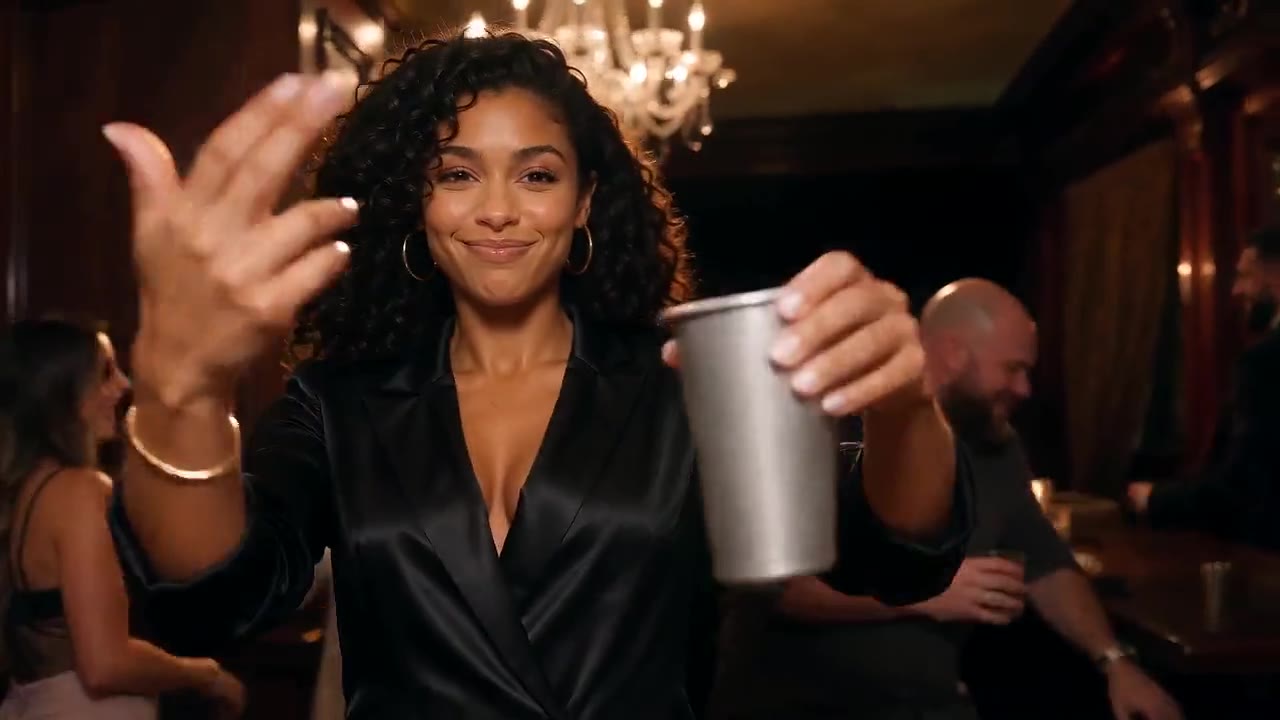 Burning Bridges AI VideoRun the chandelier party from one photo, pets welcome.
Want to put yourself in the driver’s seat? Try Tesla Roadster AI.
Upload a car photo, choose your quality and create an eight-second takeoff. Lite starts at 30 credits.
View Plans