

Economy · Text to Image · 1K · 4:3
Clean Product Photography
Economy created a polished 4:3 coffee canister shot with both lines of label text intact.
Create from a prompt or edit up to five reference images with GPT Image 2.6 Economy, Flare, or Sunburst. Start at 1K, choose a model, and see the upfront credit cap before you generate.
Three 1K images generated through this page, showing the different strengths of Economy, Flare, and Sunburst.
Economy · Text to Image · 1K · 4:3
Economy created a polished 4:3 coffee canister shot with both lines of label text intact.
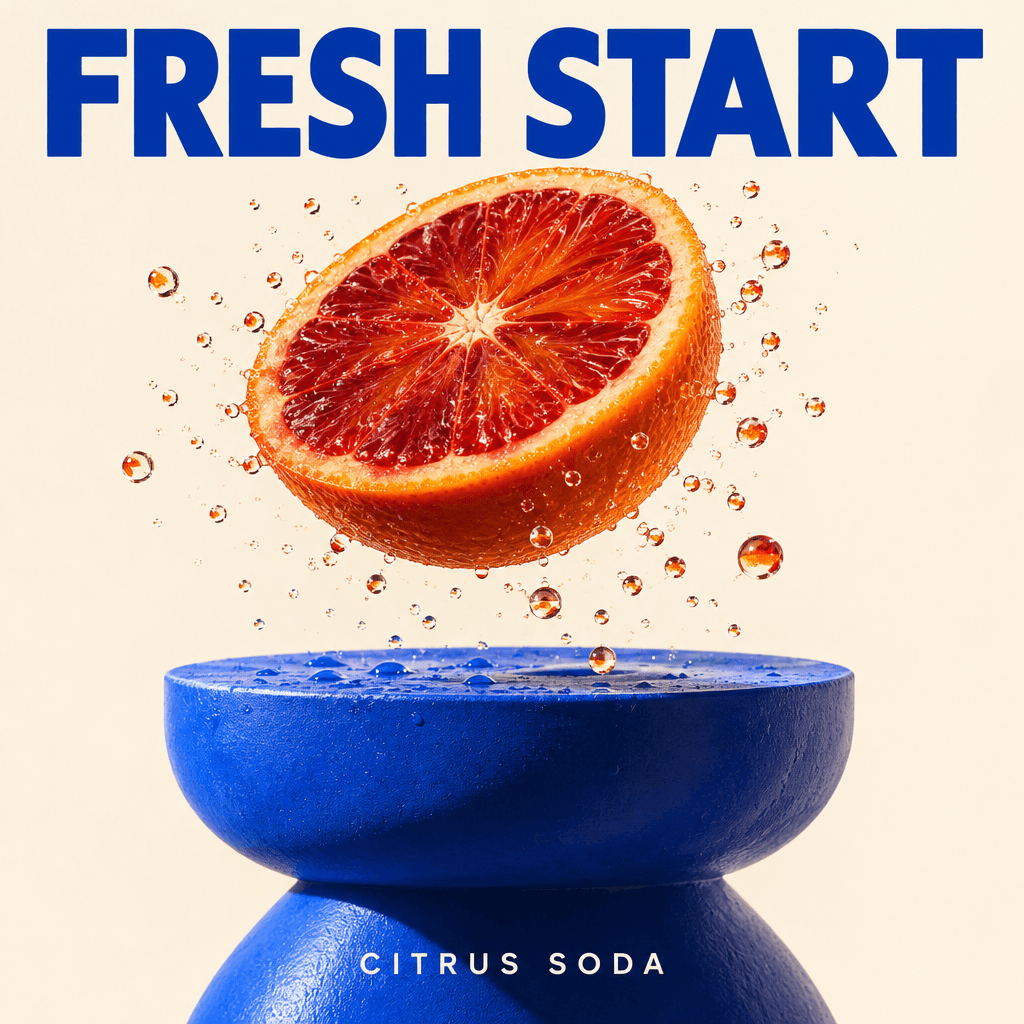
Flare · Text to Image · 1K · 1:1
Flare built a crisp square citrus poster with readable headline type and punchy commercial lighting.

Sunburst · Text to Image · 1K · 1:1
Sunburst rendered glass, metal, blossoms, and intricate sunrise shadows in a refined skincare image.
All three models support text-to-image and image-to-image workflows. Choose by price, speed, and how much detail the job needs.
The lowest-cost option for everyday drafts and social visuals. Economy is fixed at 1K and costs 5 credits per successful image.
The faster full model for prompt iteration, product concepts, and edits. Choose a 1K, 2K, or 4K setting; actual pixel dimensions vary with the aspect ratio and run.
The detail-focused model for dense layouts, polished assets, and precise edits. It offers the same 1K, 2K, and 4K settings as Flare.
Use one browser tool for first drafts, reference-based edits, and final-resolution output.
Start with a written prompt or upload reference images and describe the change you want.
Combine people, products, styles, or layouts from as many as five images in one edit.
Use Economy for predictable low cost, Flare for speed, or Sunburst for more demanding detail and edits.
Economy is 1K. Flare and Sunburst add 2K and 4K settings for larger final assets.
Set the aspect ratio, resolution, image count, and model without writing API code.
The displayed maximum is deducted when a run starts. Flare and Sunburst then refund unused credits after successful usage is measured.
Create a new image or edit a reference in three steps.
Pick Text to Image or Image to Image, then choose Economy, Flare, or Sunburst.
Describe the result clearly. For an edit, upload up to five references and say what should change or stay the same.
Review the upfront credit cap on the Create button, generate the image, and download the finished result.
The displayed maximum is deducted when a job starts. Economy stays fixed, while Flare and Sunburst refund the unused difference after successful settlement.
5 credits per image
A fixed price for text-to-image or image-to-image. Economy supports 1K only.
Up to 15 / 30 / 60 credits
The upfront cap for 1K, 2K, and 4K. Successful images settle from measured provider usage, and unused credits are refunded automatically.
Up to 15 / 30 / 60 credits
The same upfront caps as Flare. Reference-image jobs add 5 credits per reference and requested output to the displayed cap.
The displayed cap is deducted when you submit. Successful Flare and Sunburst jobs refund the unused difference to the original credit source with its original expiration date; failed jobs refund the full amount. If provider usage is not yet available, settlement waits instead of charging the maximum.
Choose Economy, Flare, or Sunburst, then turn a prompt or reference image into a finished visual.