Four real runs on this page, untouched. Press Explode to lift every layer off the background, and click an eye to hide or show a layer.
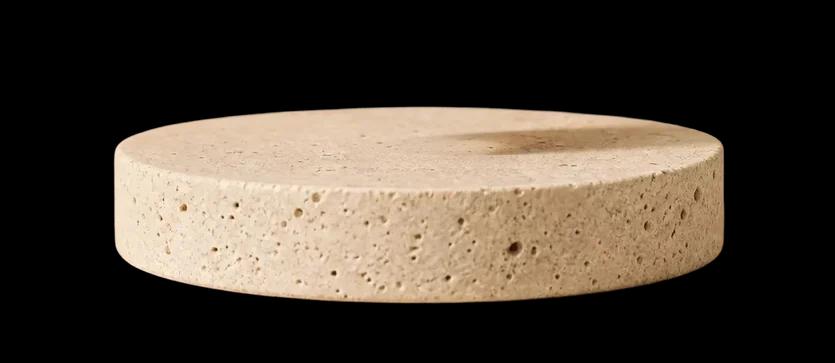
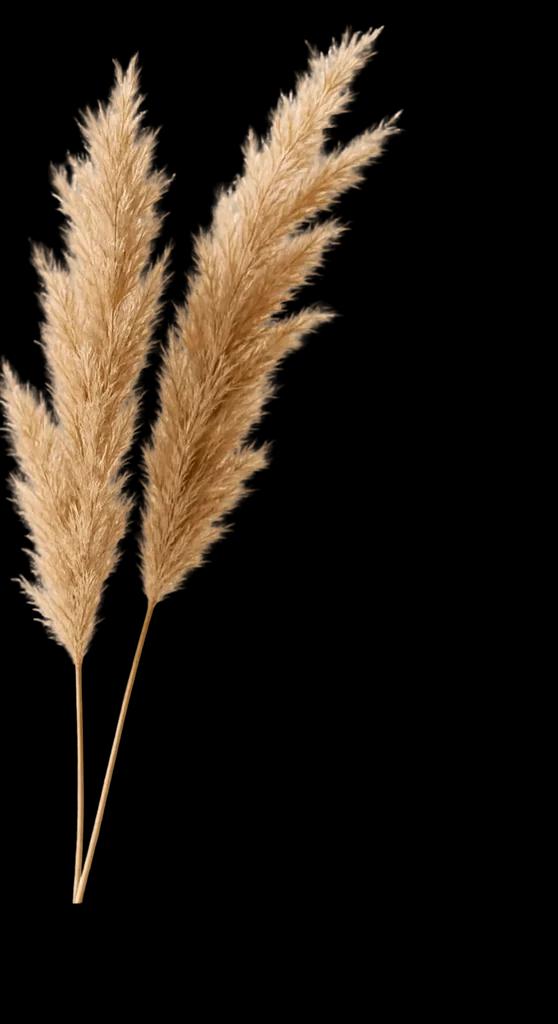
What came back4 + BG
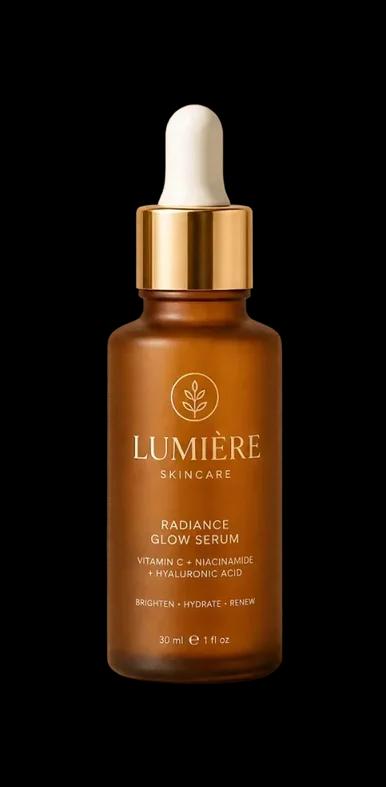
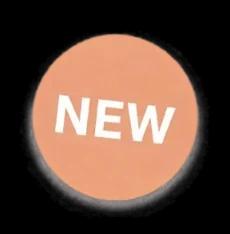
NEW stickerL4Serum bottleL3Dried pampas grassL2Stone pedestalL1Clean backgroundBGPrompt: the serum bottle, the dried grass, the NEW sticker, the stone pedestal
Image to layers AI takes one flat picture and gives you its parts back as separate files: a clean background and a transparent PNG for every person, object, logo or line of text.
A JPG or PNG is a single sheet of pixels. Once a poster or product shot is flattened, you can't move the headline or swap the product without masking it by hand. Our image to layers tool does that masking for you. It separates each element, fills in what was hidden behind it, and paints the gaps in the background so you can separate an image into layers in one go.
The first file is the scene with every separated element removed and the holes painted in.
Each element comes back as its own PNG, cropped to its edges, with covered parts filled in.
Download layers one by one, grab them all in a ZIP, or open one PSD with every layer already in place.
Keeps one subject and throws everything else away. Great for a single cutout.
Keeps everything. Every element you name becomes its own layer, and the background stays, repaired where the elements were.
It all runs in your browser. No plugin, no design software, no masking.
Drop a JPG, PNG or WebP into the tool at the top of this page. Posters, product shots, thumbnails and photos all work.
Type the elements you want as layers, like "the woman, the headline, the logo", or tap the quick-add chips. Leave it empty and the AI picks the main elements.
In about half a minute you get the clean background plus one PNG per element. Save single layers, or the whole set as a ZIP or a layered PSD.
Image to layers works on photos and on flat graphics alike.
Hair, clothes and the whole pose come out as one layer. In our park example the man, the dog and the bench all came back whole.
Bottles, boxes, furniture and props. Every layer is redrawn at about one megapixel, so small items come back sharper than they were in the source.
Headlines, badges and logos separate with the lettering intact, ready to move, recolor or replace.
The background is always its own layer. Name a sky, a sun or a tree to split the scenery further.
Text and logos stay true, but fine texture like grass, bark or fabric can differ slightly from the original pixels.
When an element is partly covered, the AI completes it. The result looks right, but it is not what was really behind it.
With no prompt the AI decides what counts as one element, and the count can change between runs. Name the parts when you need a fixed split.
The prompt is optional, but a short list of elements gets you exactly the layers you want.
List the parts as plain nouns, separated by commas. Each item becomes one layer.
Point at elements by what is visible, like "the red arrow" or "the NEW sticker". Colors and printed words help.
Not sure what to split? Run it without a prompt and see what the image holds.
Event poster
the headline text, the person with the keyboard, the LIVE badge, the moon
Product shot
the serum bottle, the dried grass, the NEW sticker, the stone pedestal
Video thumbnail
the woman, the big title text, the red arrow, the coffee mug
Every result is a set of standard PNG files, so any design tool can open it. With the PSD, Photoshop users skip the placing entirely.
Download a layered PSD and you get one Photoshop file: the clean background at the bottom and every element on its own named layer, exactly where it sat in your picture.
Each element keeps its original position and size, so the PSD opens looking just like your image.
Layers are named after what they hold, like "serum bottle" or "NEW sticker", so the one you need is easy to find.
The PSD opens in Photoshop, Photopea and GIMP. It is the fastest way to turn a JPG into a PSD with layers.
ZIP and PSD downloads come with any paid plan or credit pack. Every layer can still be saved one by one on the free plan.
Anywhere a flat image needs to become editable again, image to layers saves you the masking.
Split a winning ad once, then swap the headline, the product or the background to test new versions without a reshoot.
Fix a typo, move a logo or translate a headline on a design you only have as a JPG.
Pull the product off a lifestyle shot and place it on a new scene with the AI Image Editor.
Separated layers are the starting point for parallax and motion. Bring the result to Image to Video to make it move.
Masking by hand with the Pen tool is precise but slow. Here is how they compare on a poster with four elements.
| Manual masking | Image to layers AI | |
|---|---|---|
| Time | 30 to 90 minutes | About 30 seconds |
| Hidden areas | Lost: you only have what was visible | Covered parts are filled in |
| Holes in the background | Content-aware fill and cloning by hand | Painted in automatically |
| Exact original pixels | Yes | No, each layer is redrawn |
| Cost | A software subscription plus your time | From 18 credits per image |
If you need the exact original pixels, for example a product photo that must match its packaging, mask by hand. Image to layers redraws each layer, which is ideal for edits and redesigns.
What the image to layers tool accepts, what it returns and what it costs.
1 image
JPG, PNG or WebP, one image per run. Sharper sources give cleaner layers.
4, 8 or 16 layers
A background PNG plus one transparent PNG per element, up to the layer limit you pick. Download singly, as a ZIP or as a PSD.
4 credits per layer
Plus 2 credits for your upload. You pay only for the layers that come back: a background and 4 layers costs 22 credits.
7 credits per layer
Sharper layers for print and large edits, on any paid plan or credit pack. Same 2-credit upload fee.
A run holds credits for the layer limit you pick (18 for 4 layers at 1K) and refunds the layers that don't come back. Credits are returned in full if a run fails.
Upload a picture, name the parts, and get a clean background plus every element as its own layer.