Top AI Models in 2026: 10 Tools Compared for Creators
ImagesArt.ai
11/9/2026
You have a product photo, a short brief, and about a week before someone asks for a 10-second ad concept. The still looks fine on the product page, and it doesn't move. Filming isn't booked. That's the test for the top AI models a small team can reach: one asset in, a clip or a pitch frame out, without a shoot.
I'm not sorting them by a single public score. A model that looks strong on a general test can still bend a label, drift a face, or invent a color your brand doesn't use. Stanford's 2025 AI Index reported that the cost of querying a system with GPT-3.5-equivalent MMLU performance fell from $20 per million tokens in November 2022 to $0.07 per million tokens by October 2024, a reduction of more than 280 times. Cheaper runs are why you can test more than one generator on the same shot.
If you want a broader software map first, find AI tools for video creation, then use the cuts below. Each pick is tied to a job, with the credit behavior and the resolution limit I'd check before a full render.
The pass I trust is dull. Write one action, attach the same photo, and generate at the lowest resolution the tool allows. Only then pay for a longer or sharper version. Watch the first two seconds, the product edges, and whether the end still matches the start.
Table of Contents
- 1. ImagesArt AI Video Generator
- 2. Google Flow
- 3. Runway
- 4. Adobe Firefly
- 5. Kling AI
- 6. Luma Dream Machine
- 7. Pika
- 8. Midjourney
- 9. Ideogram
- 10. ChatGPT Images
- How the ten tools compare on focus, free access, and pricing model
- Pick Two Tools, Test One Shot, Then Scale
1. ImagesArt AI Video Generator
For a small team building a product ad without a booked shoot, ImagesArt AI puts video generation and image editing in one account. Start with a written scene, a product photo, or two frames that define a transition.
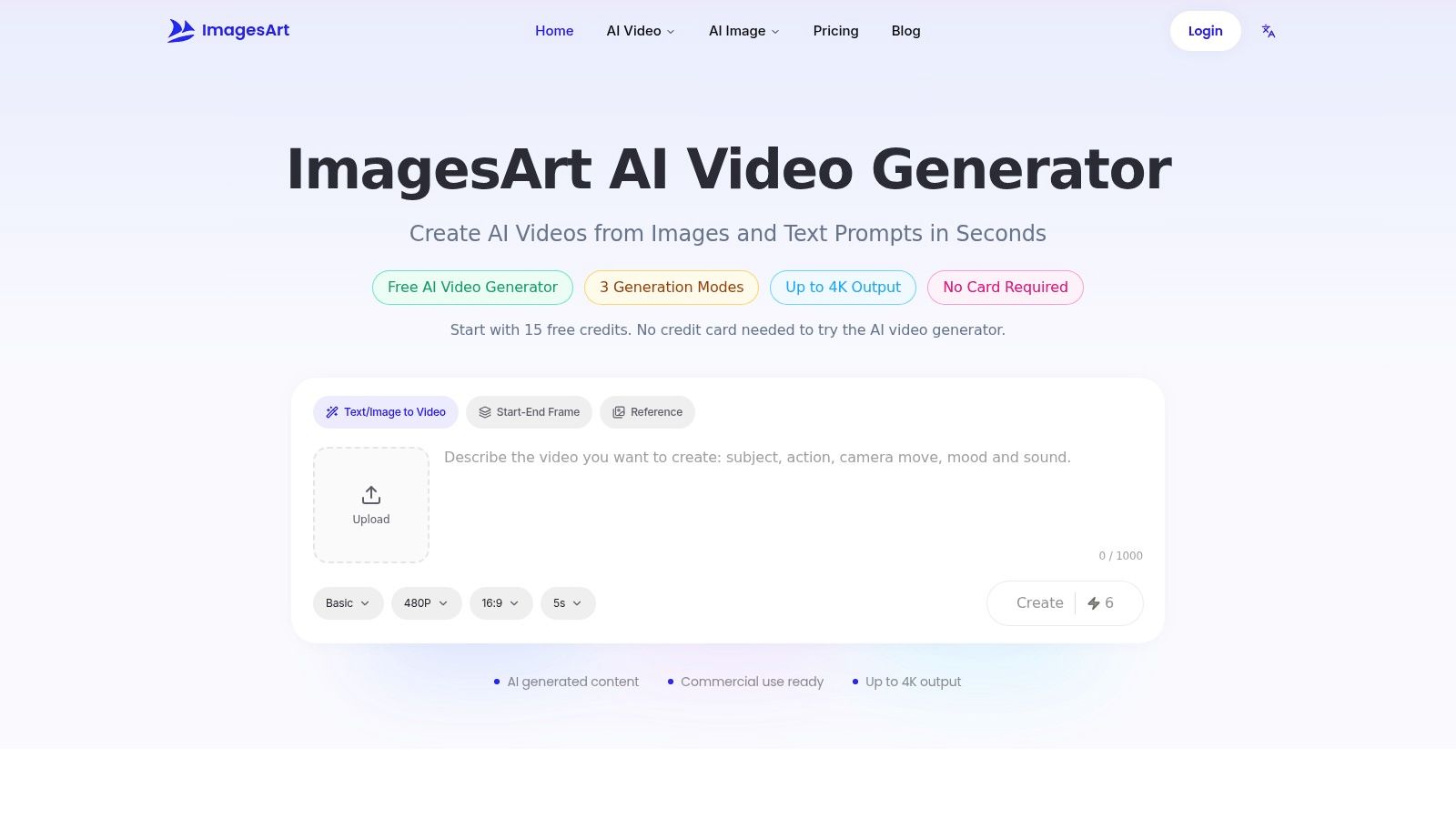
The platform brings Seedance, Kling, Veo, Grok Imagine, MiniMax, and Wan into one workspace. Text-to-video and image-to-video cover a single shot; Start-End Frame mode guides a transition between two images. Reference mode accepts up to seven images to guide a scene featuring a person, product, or place. Clips run from 1 to 15 seconds, with resolutions up to 4K depending on model and plan. Generated audio is available on supported outputs.
Image generation and editing share the account and asset library. That makes it practical to prepare a still, remove its background, or adjust the image before animating it. For a broader comparison focused on cost, see AI video software ranked by value.
New accounts receive 15 credits without a credit card. Free video is limited to 480p; higher resolutions require an eligible paid plan. ImagesArt AI routes generation requests to third-party models rather than hosting its own foundation models. The generate button shows the credit cost before submission. Costs vary by model, resolution, and duration, so compare short passes before committing credits to a final render.
Run the 10-second product test
TikTok's ad policy sets a general video length range of 5 to 60 seconds for ads, so a 10-second concept fits comfortably within it.
- Choose one visible action: Try “9:16, matte black bottle on a wood table, slow push-in, label sharp, soft window light, no extra text.”
- Start with a low-cost pass: Set the clip near 10 seconds at 480p, then check the credit cost shown before generating.
- Fix product drift before raising resolution: If the label bends, try another model or add a reference image. Use Start-End Frame mode for a before-and-after reveal.
- Finish the ad outside the generator: Export in the aspect ratio your placement needs, then add captions in an editor. Keep offer text out of the generated image.
Use the free 15 credits to compare two models at 480p before spending on a sharper render. Commercial use is permitted under the platform's terms; review those terms before a campaign goes live.
2. Google Flow
A product ad with three beats needs more than a single generated clip. Google Flow puts generation and scene-building tools in one workspace, so you can build around a starting frame instead of treating each shot as a separate job.
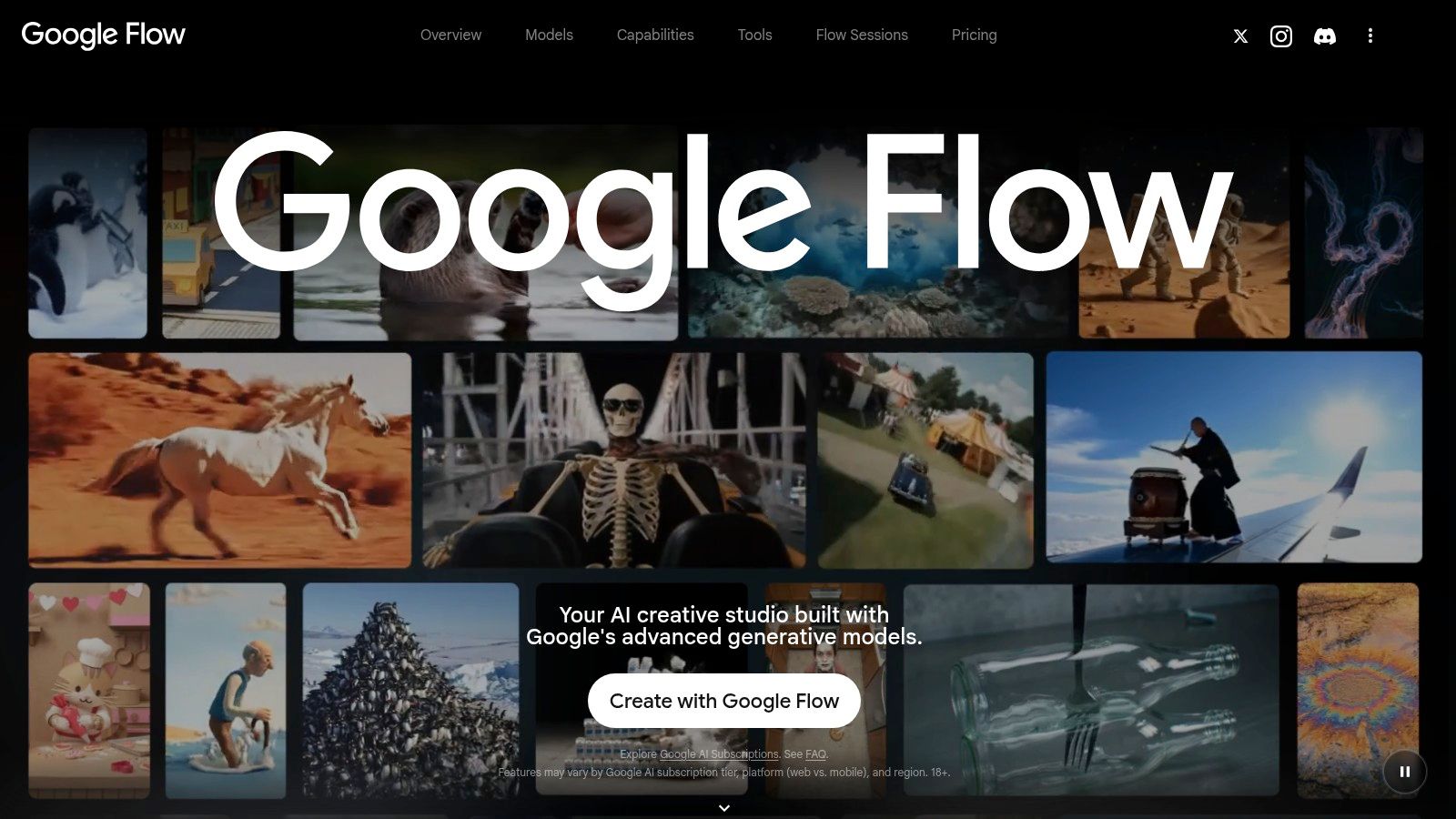
Google Flow generates video with Google's Veo models from text or frames, and accepts reference images as ingredients. Extension, editing, and scene-building help connect short beats. Check the credit cost and available features in the tool before production, since access can vary by market and plan.
For a small team, the trade-off is workflow breadth against a finite credit balance. Keep the first passes short and use them to check the action and framing. Save paid credits for a take that already holds the product and can carry into the edit.
If you are choosing between model families before settling on a workspace, this guide to AI model types explains the distinctions. Test the selected workflow with your own reference image before committing the rest of the budget.
3. Runway
Runway earns the slot when you already have footage, or when the job is extend, upscale, and repair rather than invent the whole ad from a sentence. Runway starts from text, images, or existing video, then refines inside one workflow. Several Runway and partner models let you compare a smeared logo against a cleaner take without a new subscription.
The free plan is a one-time allocation of 125 credits, not a monthly refill. Credit use changes with the model and the settings, and some models or edits need a paid plan. Treat that free pool like a closed budget.
In a 2025 Applause survey of more than 4,400 developers, QA professionals, and consumers, 65% reported encountering generative-AI problems within the previous three months, and 38% said models misunderstood prompts. That's the reason I don't spend the one-time credits on a hero render.
- Write one sentence of action: "Hand sets the box down, lid opens, product stays centered."
- Generate short: Keep the first pass brief so a bad read costs little.
- Extend only the clean take: Upscale after the product edges survive a replay.
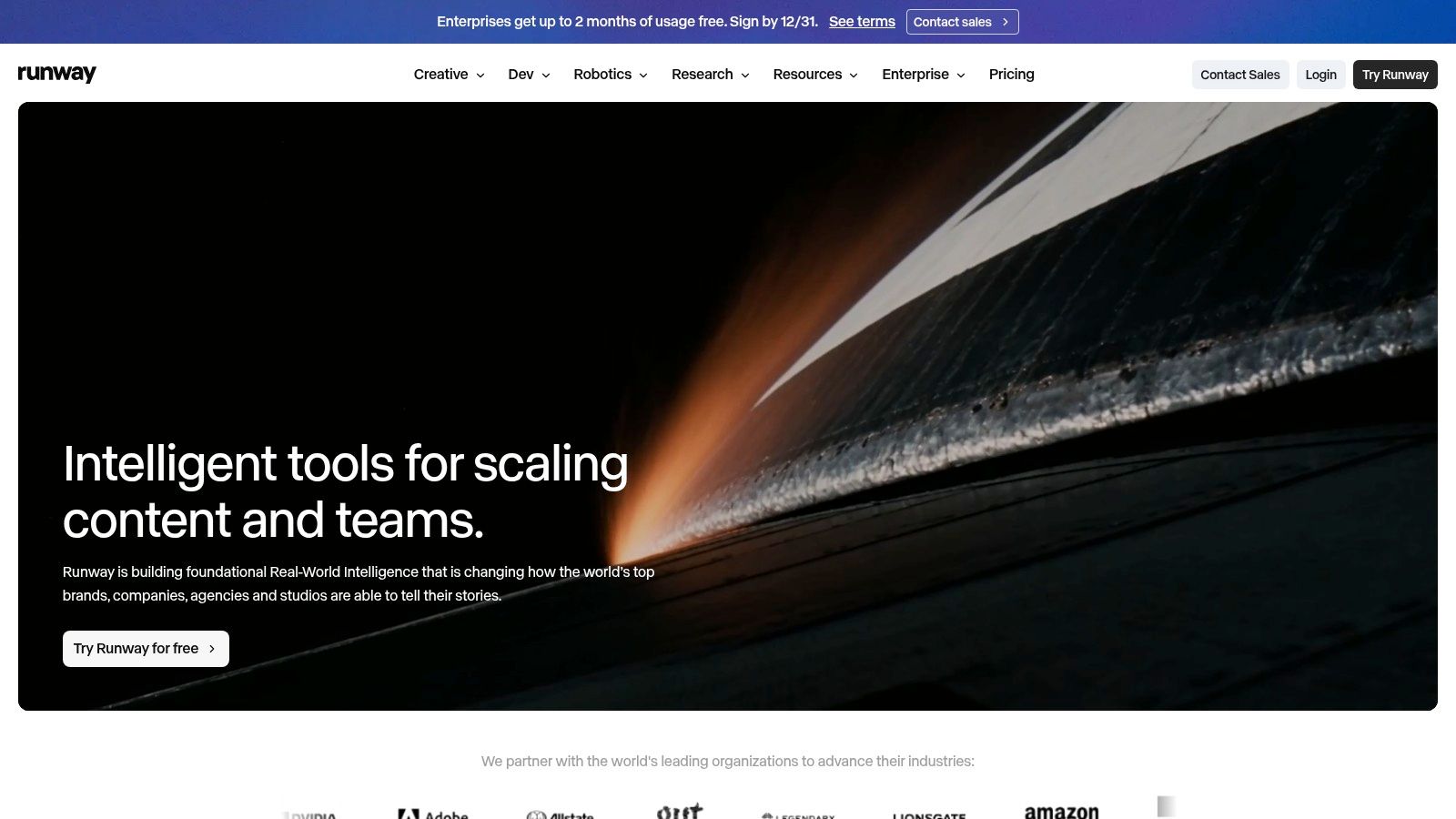
When the job is altering a clip you already exported, a video-to-video workflow is cleaner than regenerating the shot from text. The homepage layout shows how much of the product is an editor, not only a prompt box.
4. Adobe Firefly
Firefly is the pick when the art team already lives in Adobe and legal doesn't want a new vendor for a one-off test. Deloitte reported that 67% of organizations were increasing generative-AI investment, while regulatory compliance, risk management, and governance were among the leading deployment barriers. A separate 2025 global survey in that same release found that 29% of organizations identified both confidence in accuracy and budget constraints as significant challenges.
Adobe Firefly covers image, video, and audio-related generation, connects to Adobe apps, and on some plans includes partner models. Tiers come with monthly generative-credit allowances. Video and other premium features spend those credits, and the amount depends on the feature and the plan. The grid is heavier than a simple per-clip charge, so I storyboard one concept before anyone commits a month.
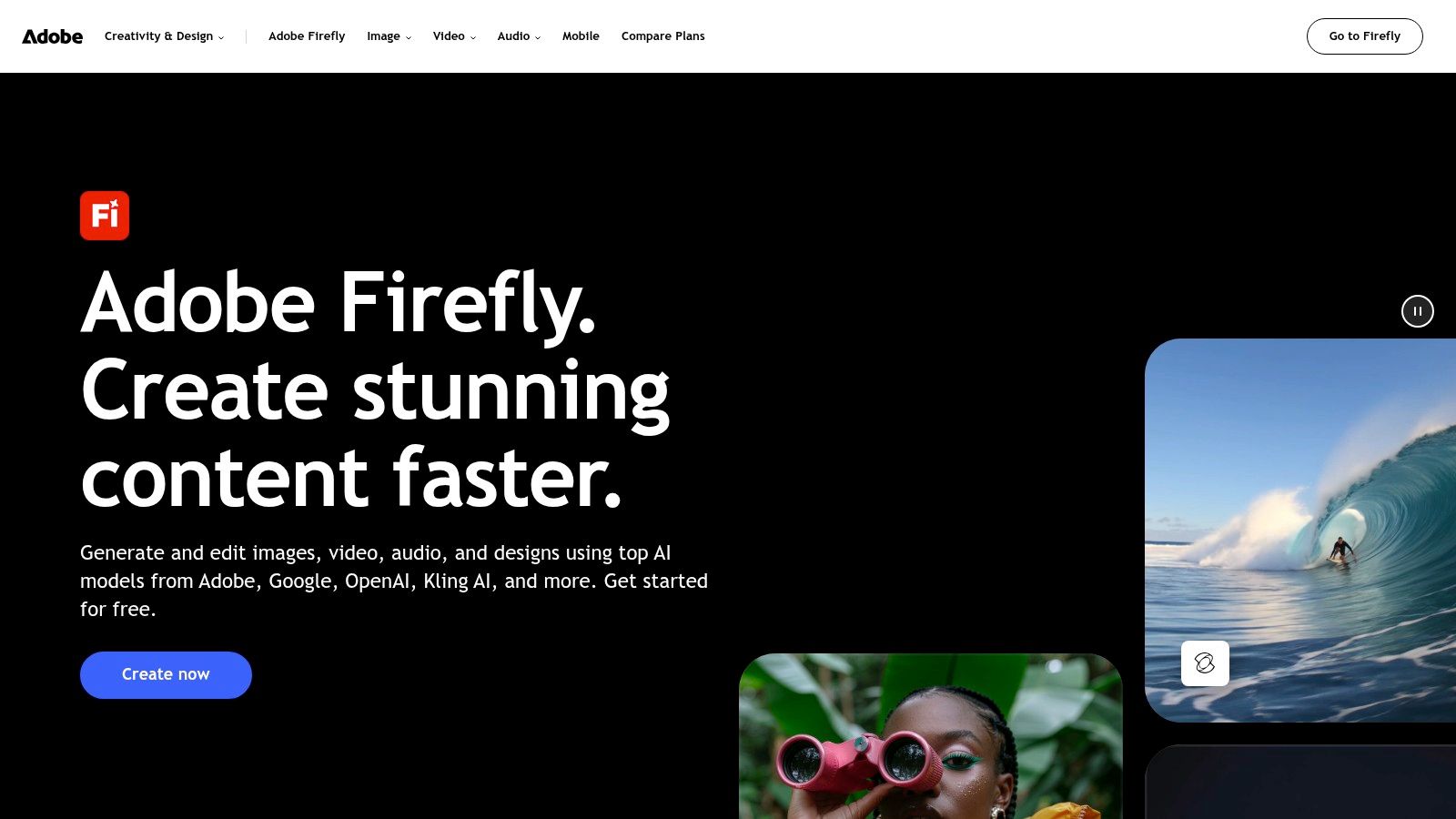
What works is a still or a short motion test that finishes inside Photoshop or Premiere, where the team already reviews type and color. What doesn't work is treating the credit allowance as unlimited exploration. Estimate the video generations for one board, run them, and stop. If the output misses the brief, rewrite the prompt before you burn another batch.
5. Kling AI
Kling is the motion desk. Use it when a product demo needs guided movement, a reference lock, or lip sync, not when you only need a pretty pan.
TikTok's advertising policy sets a general minimum of 5 seconds and a maximum of 60 seconds, and it requires standard 9:16, 1:1, or 16:9 sizing, legible ad text, and high-resolution video. That constraint rewards one action. A bottle turn, a package open, or a before-and-after will survive review better than three claims squeezed into one clip.
Kling AI generates from text, images, and references, and it adds motion control, lip sync, image enhancement, and restyling. You pick resolution and duration in the generation screen. Credits depend on the model and the settings. Some higher-resolution options need a subscription, and the menu changes, so check it on the day of the shoot.
Generate three short treatments of the same action. Keep the one where the product stays recognizable, then add large, high-contrast captions in the editor. Don't ask the model to render the legal line. If identity slips, add the reference images before you pay for a longer duration.
6. Luma Dream Machine
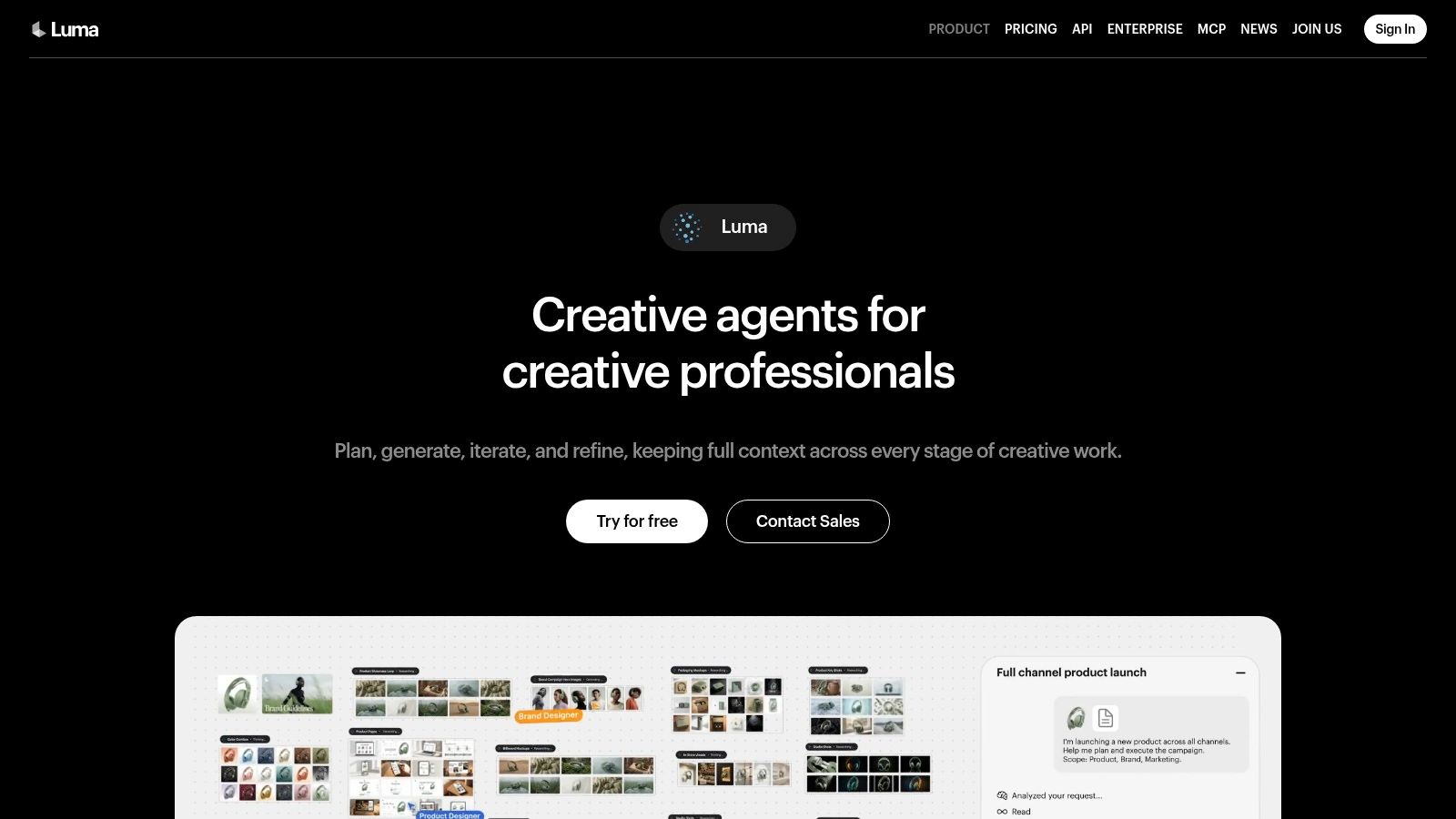
A short product spot often needs the same object to hold its shape across several shots. Luma Dream Machine supports character references, keyframes, video generation and modification, plus Draft Mode for quick exploration. Its credit cost varies by model, duration, resolution and output type, so check the settings before building a batch around one treatment. Higher-fidelity and HDR options can use substantially more credits.
Luma Dream Machine can suit a small team that needs to explore motion before committing to a polished pass. Draft Mode trades output quality for faster, lower-cost iteration. References and keyframes help guide continuity, though they do not remove the need to review each shot.
- Draft the idea: Try a vertical push-in in Draft Mode. Judge whether the movement supports the ad concept before refining detail.
- Guide continuity: Add a character or product reference and set an end-pose keyframe. Check that the subject remains recognizable.
- Repair a drifting shot: Use video modification to adjust the existing clip rather than restarting with a new text prompt.
- Price the final pass: Compare credit costs across the model, duration, resolution and output settings. Use HDR only when the delivery calls for it.
Draft Mode helps screen concepts before a higher-cost pass. Review continuity and framing first; sharper output will not fix a shot whose motion already feels wrong.
7. Pika
Pika is for social variations and stylized effects, not for a conventional edit bay. Pika does text-to-video and image-to-video, plus Pikascenes, Pikadditions, Pikaswaps, and Pikatwists. Plans are credit-based, and different generation types cost different amounts. The pricing page also advertises access to multiple models. Free usage is limited and doesn't include a commercial license, according to that pricing page. If the clip is for a paid ad, move to a paid tier before you export.
Instagram's Reels page says Reels can contain multiple clips and can be created or edited for videos up to 20 minutes, with text, effects, and audio. Pika won't assemble that timeline for you. It makes the short shots.
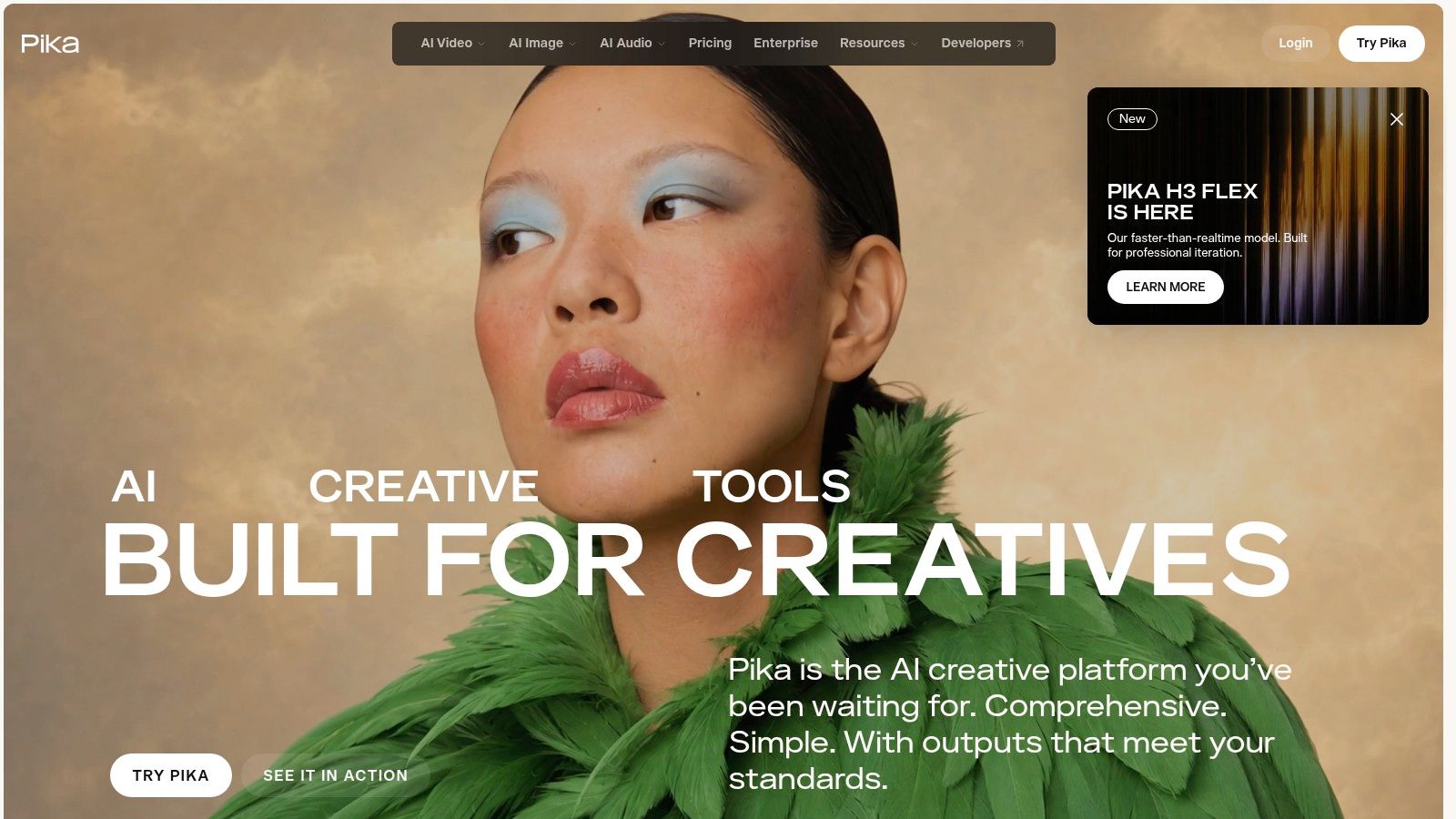
Generate a slow push, a detail, and a final product frame as separate clips. Cut them together in Reels with your own type and audio.
Credit cost depends on the operation, the model, the duration, and the resolution. A twist effect on a catalog photo can be the right social test. It is a weak choice when the client needs frame-accurate product footage and a normal timeline.
8. Midjourney
Midjourney is the stills bench. It doesn't replace a video platform, and I don't pretend it does. You use it when the campaign needs a distinctive frame, a style reference, or a concept board before anyone spends video credits.
Wyzowl's 2025 video-marketing research reports that 89% of businesses used video as part of their marketing strategy. That number shows video is normal in the plan. It doesn't say an AI clip will beat a filmed one. Make three still directions, animate only the one a person on the team would post, and judge the video with watch time, completion, clicks, or conversions.
Midjourney is a subscription service with tiers that differ in Fast GPU time. Eligible plans include Relax Mode for image generation. Stealth Mode, for private image and video work, sits on Pro and Mega, not on every tier. Subscriptions renew automatically unless you cancel. If a freelancer's test month is done, cancel before the renewal date.
Prompt habits matter more here than on a one-click video tool. This guide to writing Midjourney prompts is the checklist I use before a style pass. For a wider stills comparison, see AI art generators compared.
9. Ideogram
Ideogram is the poster and offer-card tool. Pick it when the asset has to show readable words, not when you need a moving demo. Ideogram generates images from text and edits them, including instruction-based edits, upscaling, and image description. Some services are priced per image, which is useful when you need ten headline variants and don't want another subscription. Advanced or higher-resolution operations can carry separate costs, and the limit depends on the feature.
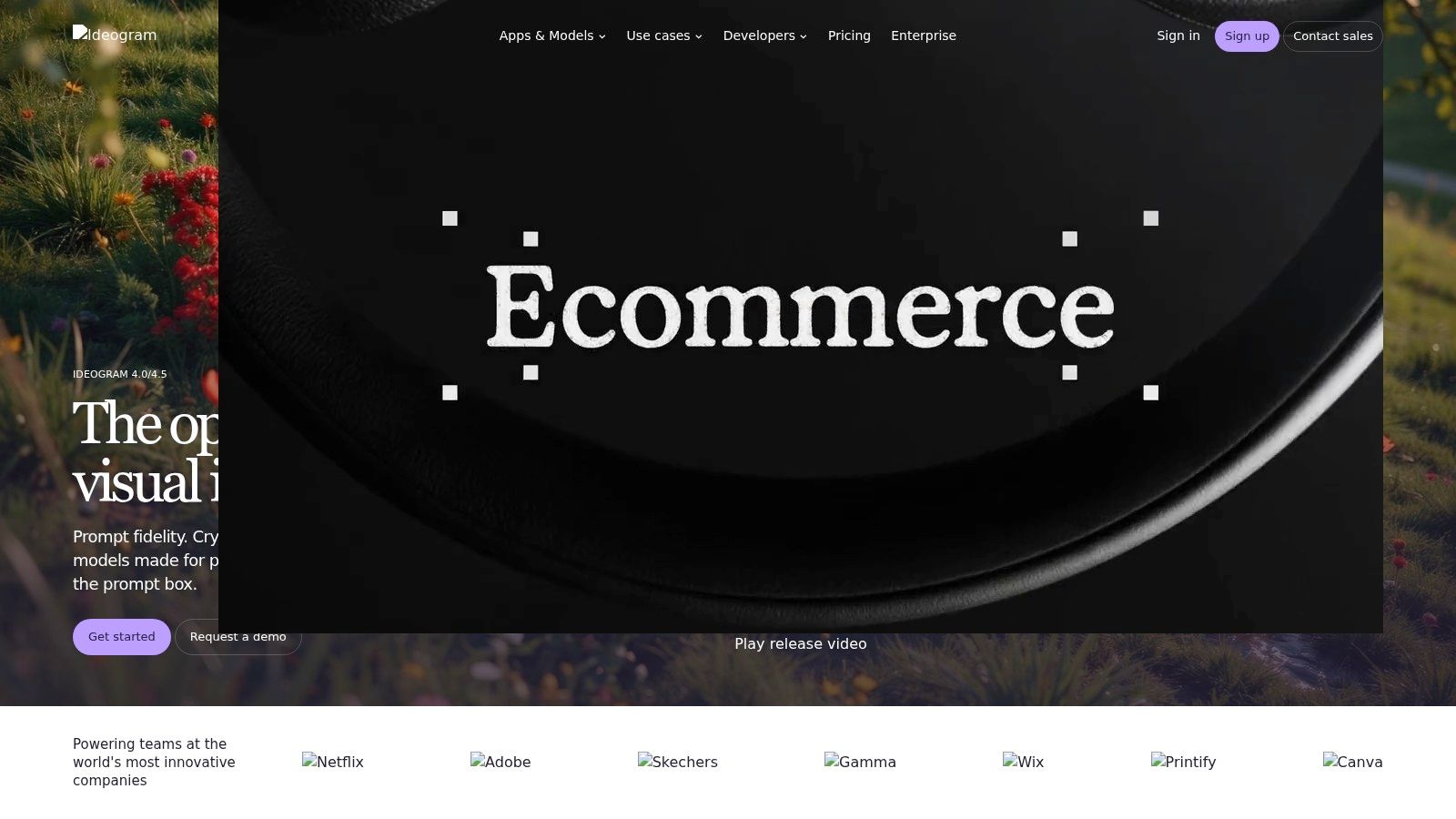
- One line of type: Put the offer in the prompt as a short phrase, then check every letter before you export.
- Edit in words: Ask for a background swap or a tighter crop instead of regenerating the whole layout.
- Upscale the winner: Pay the extra step only after the spelling is right.
- Leave motion to a video tool: A sharp poster can become the end frame of a clip. It isn't the clip.
What fails is a paragraph of fine print inside the image. Keep the legal line in your layout app, where you can set the size and the contrast yourself.
10. ChatGPT Images
ChatGPT Images is the conversational stills pass. You describe a change in ordinary language, look at the result, and say what to fix. It isn't a video generator, and I don't route ad motion through it.
ChatGPT generates and edits images from natural-language prompts. You can keep reference images and call them back in later chats. Access and usage limits depend on the plan. Commercial terms also depend on the plan, so read the current details before a client file leaves your desk.
A workable loop for a product still looks like this. Upload the catalog photo and ask for a clean gray background, the same bottle, and no new graphics. Then ask for a tighter crop, then for a second version with warmer light. Stop when the label matches the actual product. If the bottle shape drifts, start over from the photo instead of stacking more adjectives.
Limits are the trade-off. A busy plan can hit the image cap in the middle of a variant set, and there is no timeline, no duration setting, and no export for a 9:16 ad. Use it for concept frames and supporting assets. Hand the approved still to a video tool when the job becomes motion.
How the ten tools compare on focus, free access, and pricing model
Free access differs in form: some tools offer credits, others limit access by plan. For a small production team, compare the free allowance with the task you need to test, then check how usage is charged.
| Item | Primary focus | Free access | Pricing model |
|---|---|---|---|
| ImagesArt AI Video Generator (Recommended) | Multi-model video generation, plus image tools | 15 introductory credits; free video limited to 480p | Credit-based; costs vary by model and settings, with paid plans |
| Google Flow | Video generation, editing, and scene building with Veo | Daily credits available | Credits; additional credits through paid Google AI plans |
| Runway | Video generation, editing, and refinement | One-time allocation of 125 credits | Credit-based; paid plans unlock some models and features |
| Adobe Firefly | Image, video, and audio generation in Adobe workflows | Free tier with monthly generative credits | Tiered plans with monthly generative credits |
| Kling AI | Video and image creation with reference and motion tools | Free daily credits | Credits and subscriptions; costs vary by model and settings |
| Luma Dream Machine | Video generation and modification with references and keyframes | Free plan with limited monthly generations | Credit-based; costs vary by model and output settings |
| Pika | Short-form video generation and creative effects | Limited free access | Credit-based plans and paid tiers |
| Midjourney | Image generation for concepts and source artwork | Free trial access | Subscription tiers with different usage allowances |
| Ideogram | Image generation and editing, especially text-led designs | Free plan with limited generations | Subscription options and per-image pricing for some services |
| ChatGPT Images | Conversational image generation and editing | Depends on ChatGPT plan | Access and usage limits depend on the ChatGPT plan |
Treat these entries as a first-pass screen, not a full production budget. Credit charges and free limits affect how many attempts you can make; resolution and model access can also determine whether a test is useful for a client deliverable.
Pick Two Tools, Test One Shot, Then Scale
Choose the two models that match the job in front of you. A 10-second product ad and a type-heavy poster are not the same task, and a chat leaderboard won't settle it. A March 2026 LMSYS Chatbot Arena snapshot logged 5,430,034 votes across 323 models, with Claude Opus 4.6 at 1504 Elo, Gemini 3.1 Pro Preview at 1500, and GPT-5.2 Chat at 1481. Those ranks are crowd preference on text answers. They move, and they don't measure a label staying sharp for nine seconds.
Run the same prompt and the same reference set through both tools at the lowest resolution. Compare motion, identity, and the credit cost of one successful clip. Keep the model that fails less often on your assets. Drop the one that only looks good in a demo.
Stanford's 2026 AI Index describes generative AI reaching an estimated 53% population adoption within three years of mass-market introduction, faster than personal computers and the internet, with adoption varying by country and strongly correlated with GDP per capita. That figure is population adoption, not paid use and not proof that a viewer will watch your ad. Build a short free test, a mobile-friendly 9:16 cut, and a credit budget a smaller market can spend.
Treat every output as a draft. Results can be inaccurate, incomplete, biased, or misleading, and they aren't professional advice on claims, health, or the law. A human should watch the clip at full size, check the product against the actual photo, and reject anything that invents a feature. Confirm commercial terms on the plan you used before the file goes into a campaign, a client pitch, or a paid social buy.
Then scale the winner only. Make the 9–15 second version, add your own captions, and export the aspect ratio the placement asks for. If the second model was cheaper but the product warped, the cheap clip still isn't the one you ship.
ImagesArt AI is built for this exact production cut: short clips from a text prompt, a product photo, or up to seven reference images, with several video models in one credit-based workspace and 15 free credits to run the low-resolution test. Start with one 10-second ad concept, compare two models on the same shot, and keep the pass that holds the product. Visit ImagesArt AI when you're ready to generate that first clip.