Background Remover High Quality Free: 10 Tools Compared
ImagesArt.ai
11/24/2026
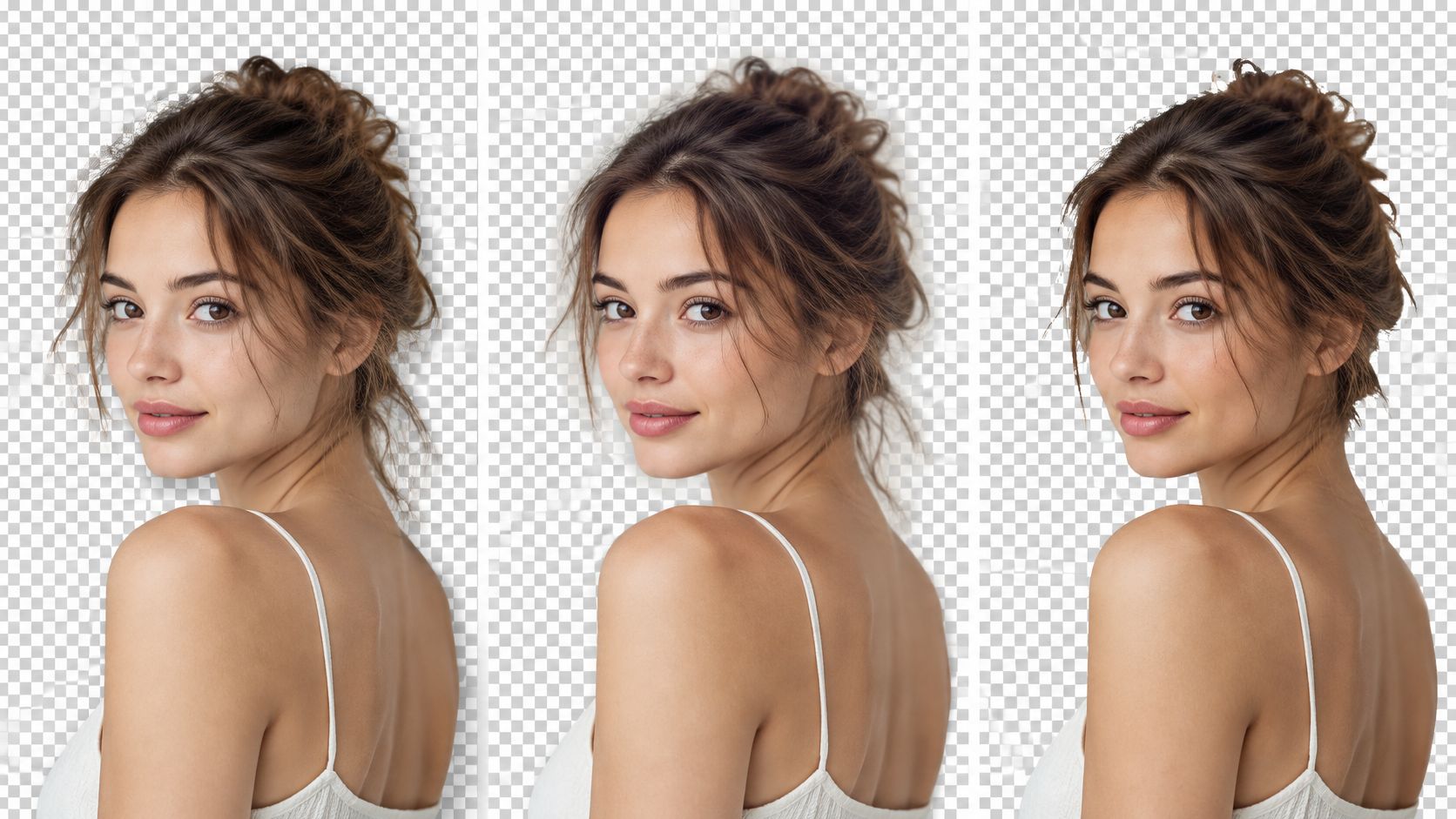
You're preparing a product ad featuring a model holding a bottle. There's a loose strand of hair across her shoulder and a soft shadow beneath the product. Run the photo through several free background removers, and you can get very different files: one clips the hair, another leaves a pale fringe, and another looks clean until you discover the download is too small.
The difference isn't usually the promise of AI-powered removal. It's how the tool handles fine edges, what the free export contains, and what happens when you click Download. A transparent preview doesn't guarantee a full-resolution PNG, and a large upload allowance doesn't establish the size you'll receive.
Background removal involves separating foreground from background, including difficult boundaries around hair and intricate objects. The DIS5K segmentation benchmark focuses on precisely these challenging subjects, which helps explain why a clean product outline isn't enough to establish performance on every image.
If your search started with “background remover high quality free,” prioritize a usable downloaded file, not the most convincing demonstration. The comparisons below distinguish published features from details you should verify yourself. They aren't a claim that every tool has been independently tested on the same photograph.
Start with the options that fit your workload, then compare them using your hardest image before committing a catalog or campaign.
Table of Contents
- 1. Free AI Background Remover | Remove Backgrounds Online
- 2. Fotor
- 3. Adobe Express
- 4. Pixlr
- 5. Clipdrop
- 6. Photoroom
- 7. Pixelcut
- 8. Erase.bg
- 9. Cutout.Pro
- 10. Erase BG
- Free background removers at a glance
- Choose a Free Background Remover by Testing Your Hardest Image
1. Free AI Background Remover | Remove Backgrounds Online
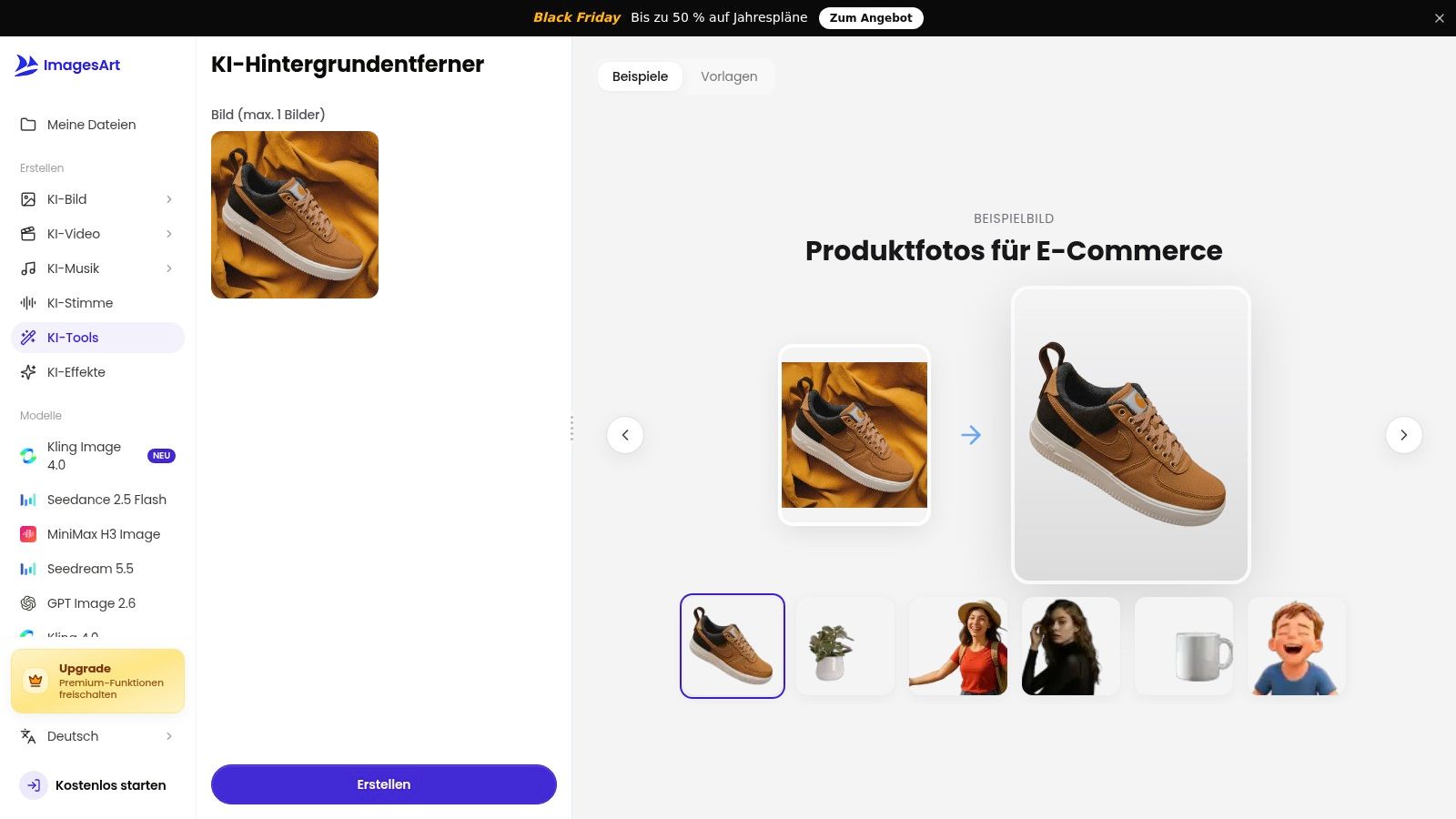
Fine detail is the main reason to consider the ImagesArt AI background remover. Its page presents AI subject isolation designed to retain hair, fur, sheer fabric, and soft shadows, rather than treating every boundary as a hard outline. It's positioned for personal and commercial projects, including portraits, product photographs, and creative assets.
Those are useful priorities, but they're not a guarantee for every photograph. A pale sleeve against a pale wall or flyaway hair crossing patterned wallpaper still deserves close inspection. Preserving a shadow also helps only when that shadow suits the destination background.
What to verify before downloading
The tool page doesn't specify a complete set of export formats, resolution limits, or batch-processing allowances. Don't assume broader platform output settings establish the background remover's exact download specifications.
- Inspect fine edges: Compare the original against the cutout around hair, fur, and fabric openings.
- Test the shadow: Place the subject over your intended background and decide whether the retained shadow looks natural.
- Check the saved file: Confirm transparency, pixel dimensions, and any download conditions before preparing more assets.
For a practical starting workflow, follow the AI background-removal guide, then evaluate the downloaded asset rather than stopping at the preview. Keep the untouched photograph so you can restart without working from an already damaged edge.
Best fit: creators who want to try detail-conscious automatic isolation within a broader image-editing workspace. The trade-off is specification clarity: the page describes the intended edge handling more clearly than it defines every delivery limit.
2. Fotor
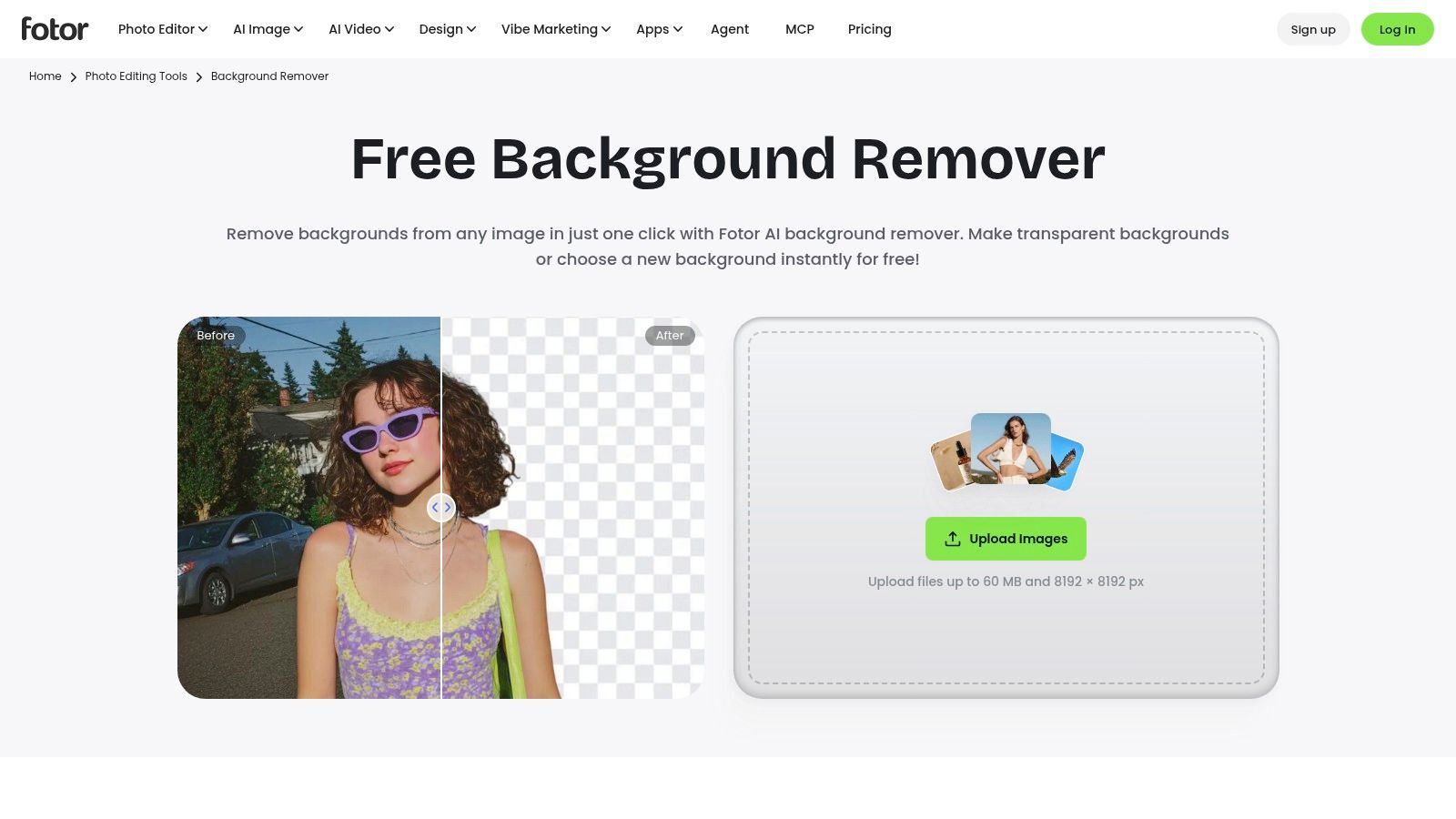
Fotor is a sensible starting point when you want automatic removal plus a way to repair the selection. Its restore-and-remove controls matter when an otherwise useful cutout loses a bag handle, a sleeve edge, or a small patch of hair.
According to Fotor's background-remover page, it accepts JPG, PNG, HEIC, and WebP files up to 60 MB and 8192 × 8192 pixels, and advertises free HD downloads without a watermark or sign-up. It also supports transparent PNG export and background replacement.
Large uploads aren't an export guarantee
The published input ceiling is helpful for large source photographs, but you should still inspect the dimensions of the downloaded file. The page doesn't clearly establish a recurring free daily or monthly download allowance.
For a product listing, upload the original photograph, remove the background, and use Restore to recover missing components. Then use Remove on leftover background inside handles or between straps, rather than repeatedly rerunning the automatic result.
Practical rule: Repair missing product structure before polishing the outer edge. A smooth outline won't compensate for a missing strap.
Fotor's strength is the combination of a low-friction entry point and manual correction. Its limitation is that HD alone doesn't answer every production question, particularly if you need predictable export dimensions and repeatable catalog capacity.
3. Adobe Express
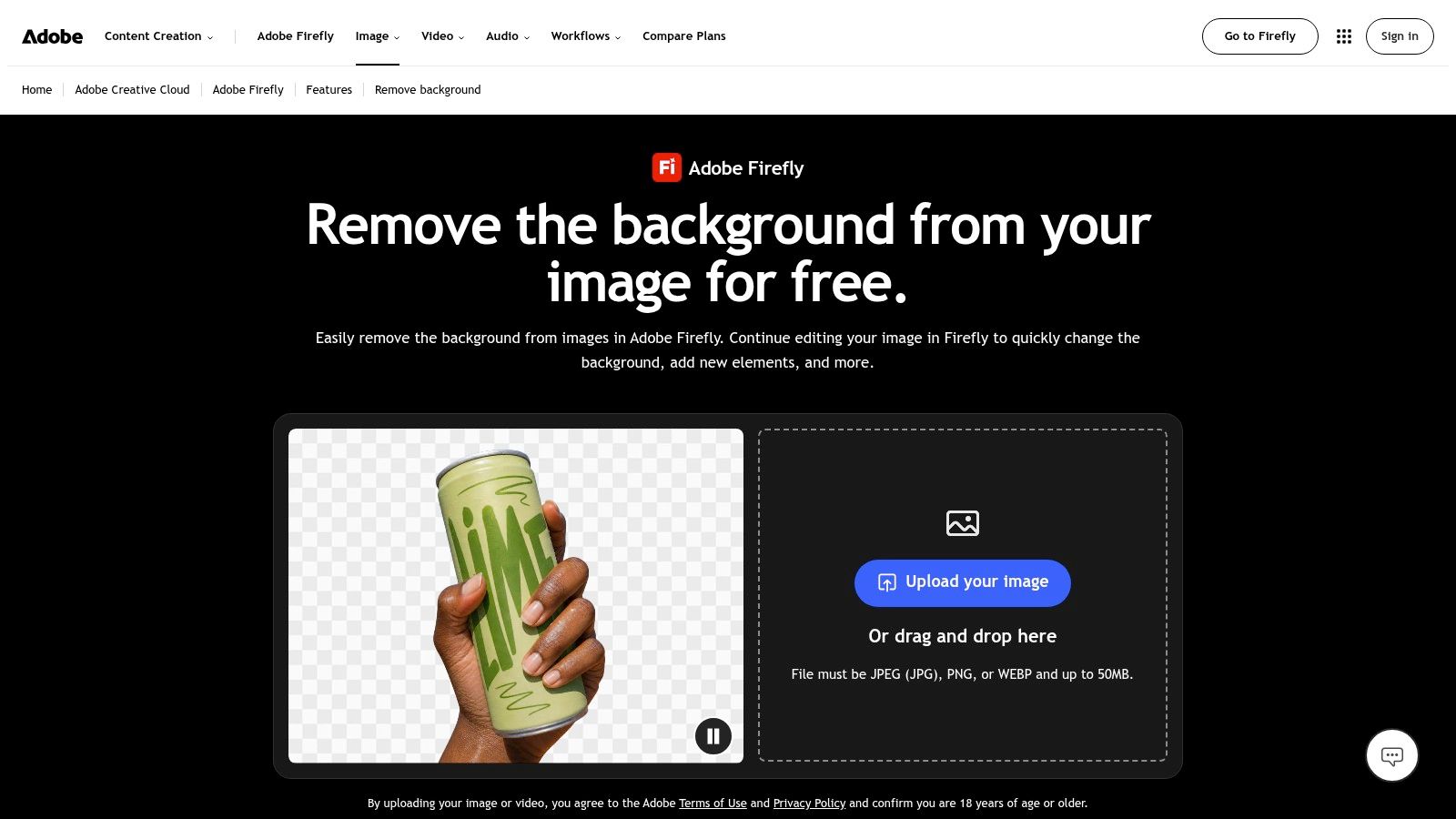
A cutout often isn't the final deliverable. If you're building a sale announcement, presentation slide, or Reels cover, Adobe Express can keep removal and layout work together.
The Adobe Express background remover accepts JPG, PNG, and WebP uploads up to 40 MB, removes the background automatically, and provides transparent PNG output. Its browser and mobile workflows also let you add backgrounds, graphics, and shapes.
That makes it convenient for straightforward subjects that need to move directly into a finished graphic. It's less compelling when the main job is detailed mask repair rather than layout.
- Edge handling: Check flyaway hair and soft fabric before adding decorative elements that could hide defects.
- Export checks: Confirm the PNG's dimensions and transparency in the downloaded file.
- Access checks: A free plan is available, but don't assume every asset or editing feature is included; verify account requirements at download.
Say you're making a promotional portrait graphic. Remove the background, place the person over the campaign color, add the headline, and preview the composition at mobile size.
If the edge looks wrong, fix the cutout before continuing. Adding text and shapes around a defective mask makes the design more finished, not the isolation more accurate.
4. Pixlr
For repeated product photographs, batch handling may matter more than shaving a few clicks off an individual removal. Pixlr's background remover supports multiple-image processing and ZIP downloads, with transparent, black, or white background options.
Pixlr presents its basic remover as free and supports people, cars, objects, and animals. Its wider online editing suite provides a place for follow-up adjustments, including cutout fine-tuning.
Test consistency before batching
A batch feature doesn't establish that every image will receive an equally usable mask. A smooth ceramic mug, a furry accessory, and reflective packaging present different edge problems.
- Start with varied subjects: Include your cleanest product and your most difficult material.
- Inspect the download: Verify transparent output and usable dimensions before submitting the rest.
- Record the limits: The page doesn't spell out every export or usage restriction, so check what your session permits.
For a catalog, inspect openings as carefully as outer contours. Background left inside a handle can be less obvious in a preview than a clipped exterior edge.
Pixlr's advantage is organizational: processing together and downloading together can simplify repetitive work. Its trade-off is that batch convenience doesn't replace individual quality control.
If your next deliverable involves moving footage rather than a still image, consult the free video background-removal guide. A clean still cutout doesn't establish how a separate video-removal workflow will handle movement.
5. Clipdrop
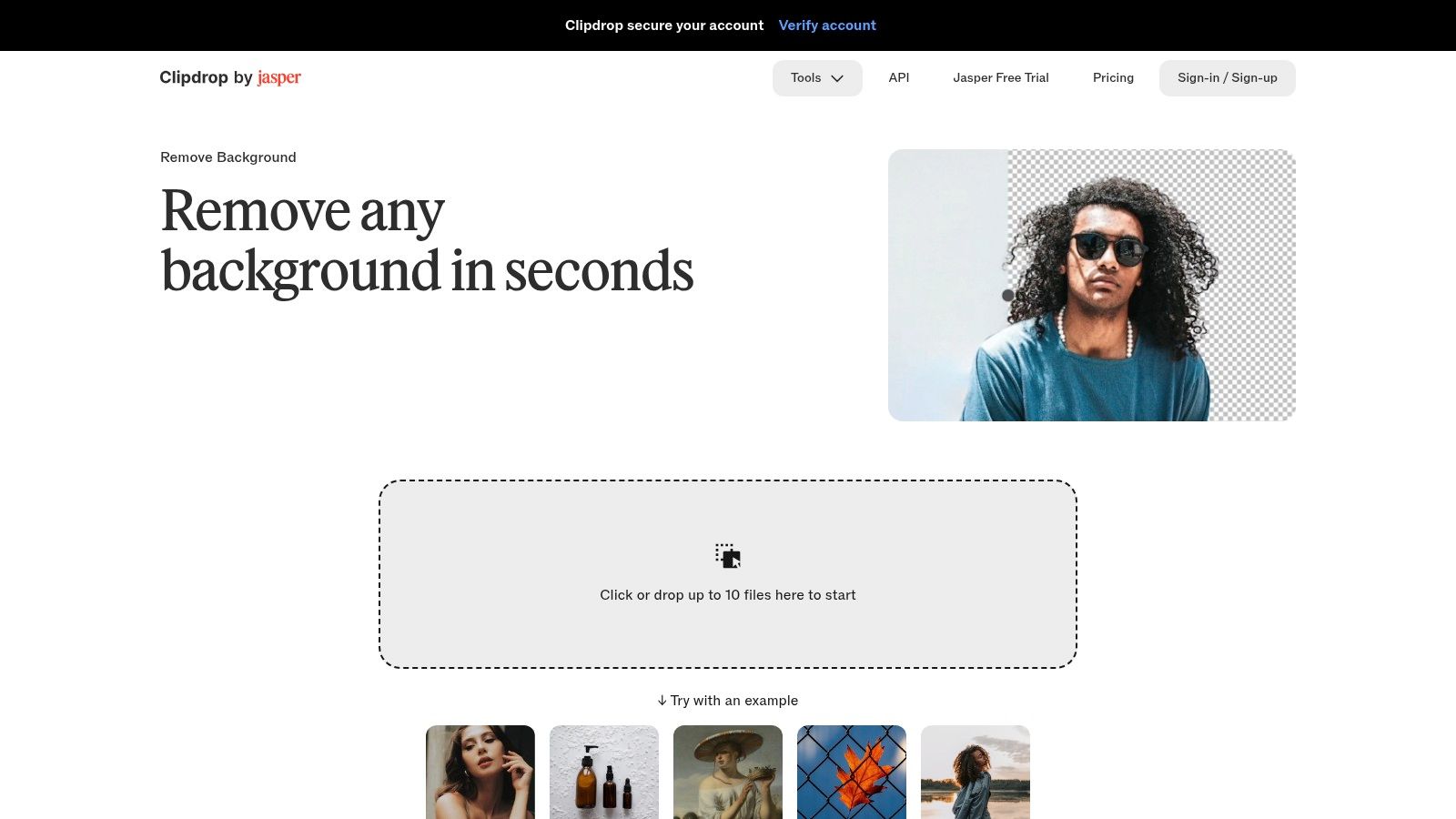
Clipdrop makes its free allowance easier to assess than tools that advertise free access. The Clipdrop background-removal service lists 20 background removals per 24 hours, while higher-resolution removal belongs to its paid offering.
That's a practical arrangement for occasional social graphics, but less attractive when you need a large catalog processed immediately. The service also includes cleanup, relighting, and upscaling tools, which may help when removal is only part of the edit.
Separate edge quality from image enhancement
Don't upscale a flawed mask and assume the edge problem has been solved. First check whether thin details survived and whether the old background remains around the subject.
A useful workflow is to remove the background, inspect the cutout, and confirm the free download's dimensions. Only then decide whether cleanup or relighting would improve the finished composition.
A sharper halo is still a halo. Check the mask before enhancing the image.
The published allowance helps you plan access, but it doesn't answer every delivery question. Verify the free file's actual resolution, transparency, watermark status, and any account step before counting it as a finished asset.
Best fit: occasional edits that benefit from several image tools in one service. For print layouts or large product imagery, establish the export ceiling first rather than discovering it after completing the edit.
6. Photoroom
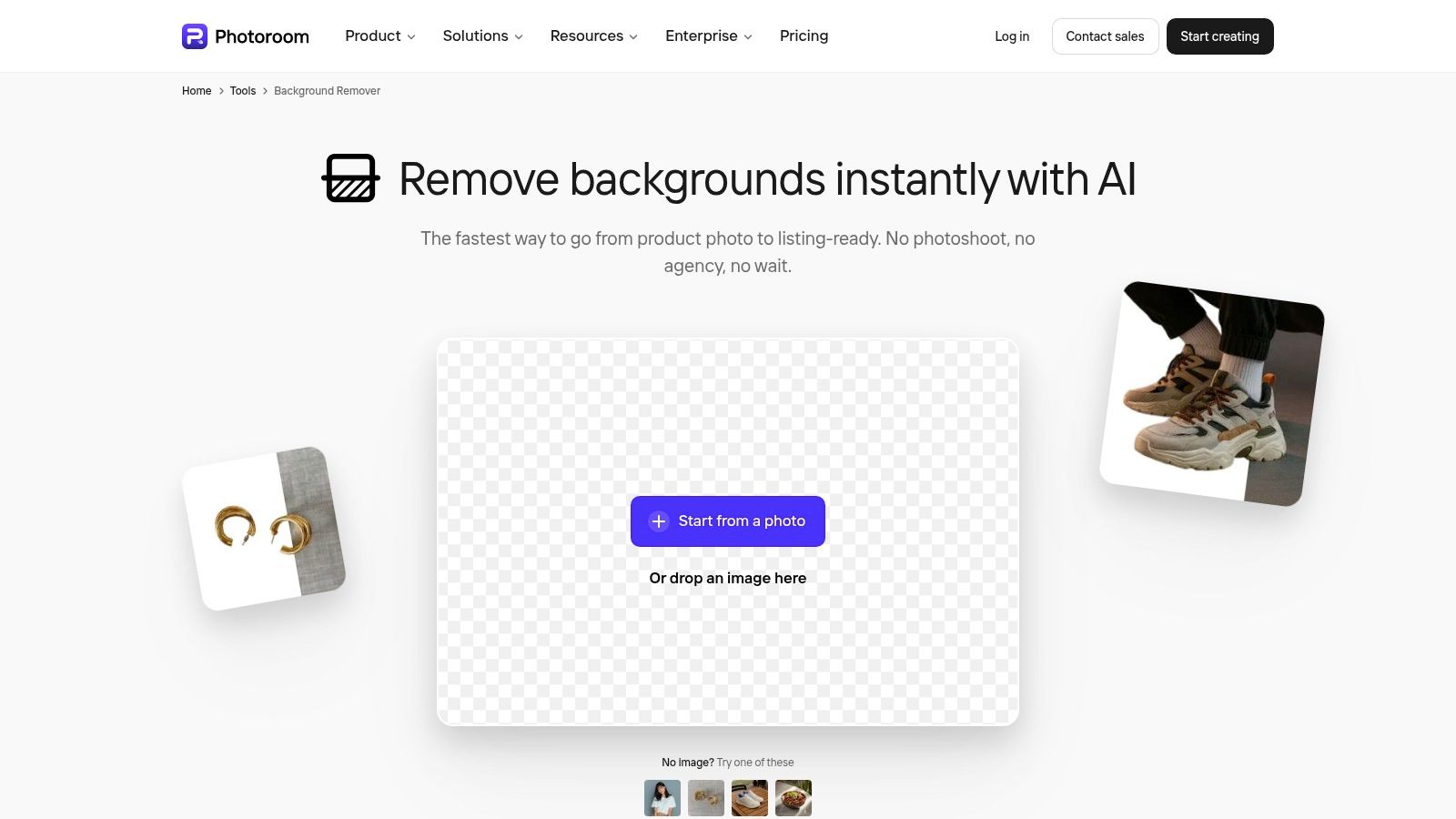
A seller usually needs more than an isolated object. The product must sit naturally, fit the listing layout, and remain consistent with neighboring images.
Photoroom's background remover connects removal with transparent or white backgrounds, replacement backgrounds, shadows, and retouching. Web and mobile workflows support individual edits, while batch and API options address larger business workflows.
That product focus is useful, but the presence of a feature doesn't mean it's included in free access. Export limits and advanced tools can change whether the workflow is practical for recurring work.
- Edges: Inspect transparent packaging, reflective surfaces, and thin product components.
- Exports: Confirm dimensions and transparency in the saved file, not just the editor preview.
- Permissions and access: Check free-plan download restrictions and commercial-use terms before using assets in listings or client campaigns.
For a grounded product image, remove the background first, inspect the base of the object, and then add or adjust the shadow. Don't preserve a dirty floor reflection merely because it looks like part of the original lighting.
The broader background-remover comparison guide can help narrow alternative workflows. Photoroom is worth shortlisting when you need a listing-ready composition, provided its free permissions and export conditions fit the actual job.
7. Pixelcut
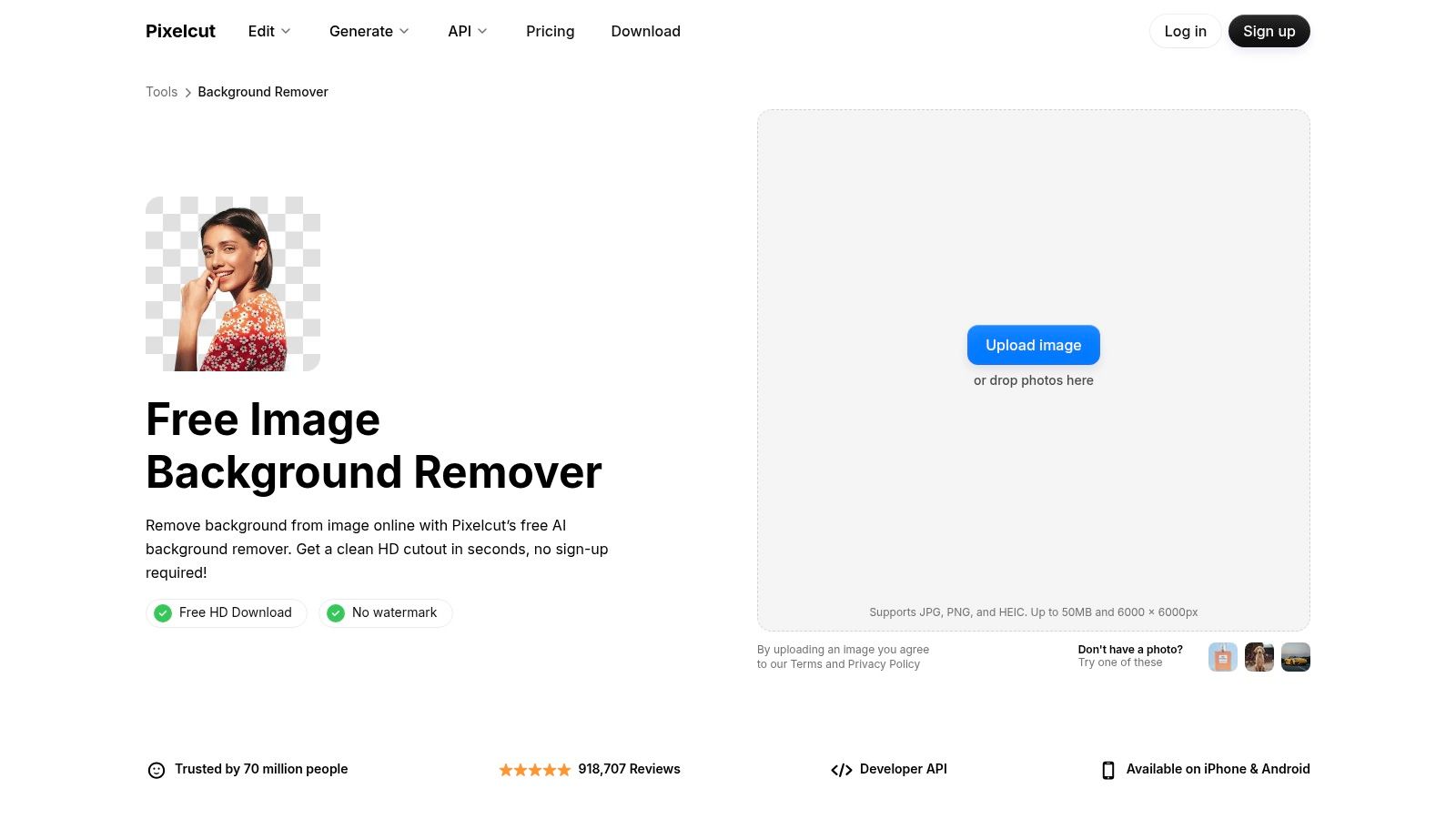
Pixelcut's main attraction is a low-friction start. Its online background-remover page advertises free use with no sign-up and no watermark, alongside mobile apps and broader photo and video editing tools.
That's appealing when you need a quick portrait or product cutout while working on a phone. However, the website doesn't clearly publish a precise free-use allowance or a complete export allowance, so don't turn the advertised entry experience into an assumption about every download size.
Try the intended download immediately
Upload a representative photograph and proceed all the way to saving the file before spending time on additional edits. If a full-size export introduces an account step, record that distinction rather than treating the preview experience as the entire workflow.
For fine detail, check both what disappeared and what remained. A cutout can look tidy because the tool removed difficult strands, cords, or narrow supports that you needed.
- Good fit: quick individual assets for social layouts and mobile-first editing.
- Main uncertainty: the precise relationship between free access, export size, and download conditions.
- Next step: open the saved image in your design application and compare it against the original.
I'd shortlist Pixelcut for convenience, then keep it only if the downloaded file meets the same quality standard as the less immediate options.
8. Erase.bg
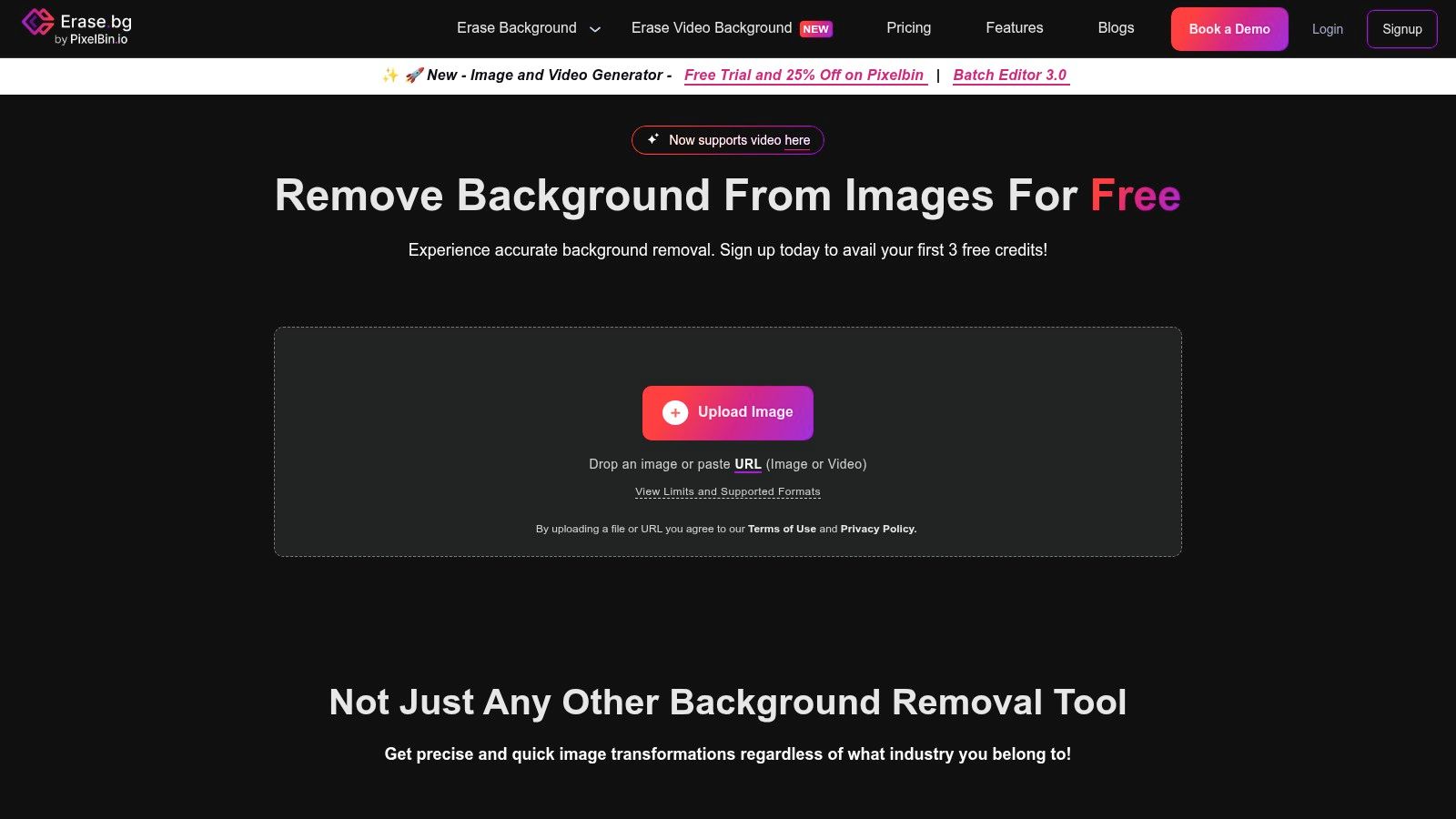
A limited allowance can still be useful when the terms are clear. Erase.bg lists three free credits and three free downloads after sign-up, making it easier to judge whether the introductory access covers your immediate task.
It accepts JPG, PNG, WebP, and HEIC, and offers background editing, bulk processing, API access, and enterprise-oriented workflows. Those broader capabilities shouldn't be mistaken for an unrestricted free production pipeline.
For a small set of important assets, use the free allocation deliberately. Choose the difficult photograph first rather than spending the allowance on an easy object with an obvious outline.
- Check material boundaries: Look closely at translucent packaging and reflective product edges.
- Verify delivery: Confirm the downloaded file's format, dimensions, and transparency.
- Plan ongoing work: Treat the free allocation as limited testing capacity, not a recurring catalog budget.
Sign-up is part of the free-download process, which makes Erase.bg less immediate than a guest-access remover. In exchange, the stated allowance is clearer than an undefined promise of free use.
Best fit: a small number of cutouts where creating an account is acceptable. If the result needs extensive repairs, compare another tool before spending the remaining allowance on similar photographs.
9. Cutout.Pro
Inspecting and repairing a cutout before spending a download credit is a useful distinction. Cutout.Pro's photo background remover provides previews, erase-and-restore brushes, and five free full-resolution download credits after account creation.
Its batch, desktop, and API options also provide routes toward larger workflows. Ongoing full-resolution use, however, requires paid credits or another paid option once the introductory allocation is exhausted.
Use the preview as a repair stage
Start by checking structural details: straps, handles, cables, and gaps between components. Restore anything the automatic mask wrongly removed, then erase leftover background before polishing the outer boundary.
Brush controls are useful, but a coarse correction can make hair look painted or create a hard edge on sheer fabric. If the subject requires extensive reconstruction, another automatic result may be a better starting point.
Credit-saving advice: Finish reviewing the mask before committing to a full-resolution download.
Confirm the final export's format, transparency, dimensions, and watermark behavior rather than assuming the preview establishes all of them. The credit allowance describes access, not a guarantee that every subject will produce a usable result.
Cutout.Pro suits users who value manual correction before download. The trade-off is ongoing credit management, particularly when a campaign requires frequent revisions or multiple versions of the same image.
10. Erase BG
Don't confuse Erase BG at erasebg.org with Erase.bg. They're separate services with different free-access conditions.
Erase BG lists free, watermark-free cutouts up to 800 pixels without sign-up, while its paid plan adds full-resolution output and GIF-related features. That makes the free tier more relevant to small web graphics or profile images than to a reusable high-resolution product master.
The resolution ceiling gives you a concrete decision point. If the asset must support tight crops, detailed listing views, or print, determine whether the free download is large enough before judging the tool on convenience.
- Fine detail: Check whether hair and narrow features remain legible at the delivered size.
- File properties: Verify transparency and the exact saved dimensions.
- Access: Guest use reduces account friction, but it doesn't remove the output-size restriction.
For a small social graphic, remove the background and place the cutout in the actual layout without enlarging it unnecessarily. Inspect the result at its intended display size as well as close up.
Best fit: quick, modest-size assets when avoiding sign-up matters. Choose another option when you need a large master that can survive repeated resizing and cropping across campaign formats.
Free background removers at a glance
| Item | Free output limit | Sign-up needed | Batch processing | Best for |
|---|---|---|---|---|
| Free AI Background Remover | Remove Backgrounds Online | Free; specific limit not stated | Not specified | Not specified | Fine-edge cutouts and natural-looking shadows |
| Fotor | Free HD downloads; allowance not stated | No | Not specified | High-resolution cutouts with manual refinement |
| Adobe Express | Free plan; limits not specified | Not specified | Not specified | Turning cutouts into finished designs |
| Pixlr | Basic remover is free; limits not stated | Not specified | Yes | Processing multiple images and downloading a ZIP |
| Clipdrop | 20 removals per 24 hours | Not specified | Not specified | Occasional edits with quick image tools |
| Photoroom | Selected free features; export limits may apply | Not specified | Yes; business workflows | Product photos and e-commerce listings |
| Pixelcut | Free; allowance not stated | No | Not specified | Quick cutouts without a watermark |
| Erase.bg | 3 free credits and downloads | Yes | Yes | A small number of HD cutouts |
| Cutout.Pro | 5 free HD download credits | Yes | Yes | Refined cutouts and larger workflows |
| Erase BG | Free cutouts up to 800 pixels | No | Not specified | Small web graphics and profile images |
Choose a Free Background Remover by Testing Your Hardest Image
The best free option is the one that delivers a clean file for your actual workload. A portrait, a catalog batch, and a finished social graphic don't demand the same workflow, even when they begin with the same Remove Background button.
Use a photograph with fine hair, sheer fabric, fur, or narrow product details to compare your shortlist. Don't choose only a solid object against a contrasting wall, because that won't expose the failures most likely to require manual repair.
Run a short, repeatable acceptance test
- Use the same source: Upload the untouched photograph to each shortlisted tool so you're comparing removal rather than different inputs.
- Inspect at 100 percent: Follow the edges and check internal openings, missing strands, background leakage, and shadows.
- Change the background: Place each result over white, a dark color, and your intended campaign color.
- Check the export: Record format, pixel dimensions, watermark status, sign-up steps, and any download allowance.
- Test the destination: Preview the asset in the listing, Reels cover, ad, or product-demo layout where it will appear.
For transparent delivery, PNG is a dependable choice: Mozilla's image-format documentation explains its lossless compression and full alpha transparency. A PNG extension alone doesn't prove that the background was removed, so confirm that the new background shows through.
Keep a large, clean master rather than relying on a small preview for every placement. Google's image guidance recommends high-resolution images where possible, which supports preparing separate crops from a usable source rather than repeatedly enlarging a reduced download.
Match the winner to the job. For a portrait, prioritize hair and skin boundaries; for a catalog, prioritize consistency, batch access, and predictable allowances; for a social post, include the time needed to finish the layout.
We offer 15 free credits on sign-up with no credit card required, so you can test our background remover alongside the alternatives using that same difficult image. Confirm the displayed credit cost and download specifications before proceeding.
If the next step is fabrication rather than publishing, consult Sculpty on CNC-ready vector conversion. A transparent raster cutout isn't the same deliverable as a clean vector outline.
Choose on the saved result, not the preview. Intact details, usable resolution, genuine transparency, and acceptable access conditions are what make a free cutout worth keeping.
ImagesArt AI combines background removal with image editing and multi-model image and video generation in one account. Visit ImagesArt AI to try your hardest product photo or portrait, inspect the downloaded cutout, and build your next social graphic or product-demo concept from a cleaner starting asset.